

In this article
- Can AI build a website?
- What do Wix, Framer, Lovable and Hostinger do as AI website builders?
- What does an AI website builder do well?
- Where does a website you build with AI break?
- How do we use AI when building a website?
- When do you choose an AI website builder and when custom work?
- How do you start if you want to build a website with AI?
- Frequently asked questions
You can build a website with AI in an afternoon. A website that still works in two years takes longer. The whole story of this article sits between those two sentences.
You type what your company does, and a few minutes later there is a site with colours, text and photos. That is genuinely impressive. Still, I also see what happens next: nobody finds the site, the contact form never arrives anywhere and after six months nobody remembers how it works. We use AI when we build too, so this is not an article against AI tools. It is an honest comparison of four builders, with what they do well, where they break and when you are better off choosing custom work.
Can AI build a website?
Yes. If you build a website with AI, an AI website builder creates a complete site with pages, layout, text and images from a short description. For a first version or a simple landing page that works well. The hard part comes afterwards: content that is correct, findability, integrations with your systems and long-term maintenance.
An AI website builder is a service that generates a website from a text prompt, which you then adjust further with new prompts or by hand.
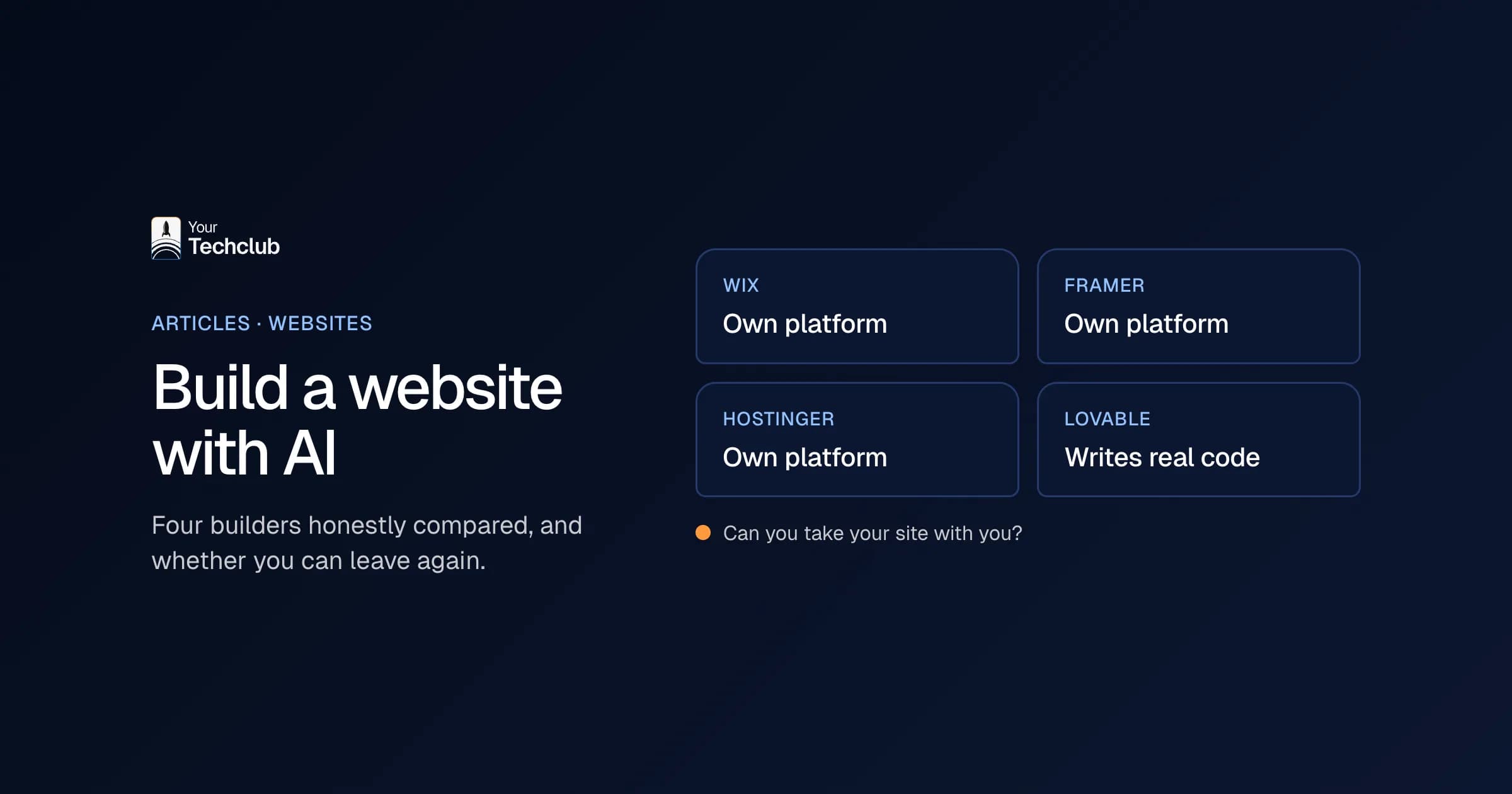
There are roughly two kinds. The first lives inside an existing website builder, such as Wix, Framer and Hostinger: your site runs on their platform and you edit it in their editor. The second kind, such as Lovable, writes real code for a web application. That is more powerful, but then someone also has to understand that code.
What do Wix, Framer, Lovable and Hostinger do as AI website builders?
All four build a site from a text prompt. The difference is in what you are allowed to do, and can do, afterwards. Wix and Hostinger are all-in-one with hosting and SEO settings. Framer is strong in design. Lovable builds code that you can sync with GitHub. A Wix site cannot be hosted somewhere else.
Here is what the makers say themselves, checked on their own pages (accessed October 2026):
| Builder | What the AI does (according to the maker) | Strong in (our view) | Watch out for | Can you leave? |
|---|---|---|---|---|
| Wix | AI assistant builds a complete site through a conversation and then adjusts text, layout and settings | All-in-one, easy to start | Site has to run on Wix's servers | No: according to Wix the architecture does not support external hosting; you can take your domain with you |
| Framer | AI agents create pages, layouts, CMS content and SEO settings as editable layers | Design and animation, marketing sites | Integrations with your own systems limited to what Framer supports | Not checked |
| Lovable | Writes the code of a web application based on your description | Prototypes and apps with real code | Someone has to understand, secure and update the code | Yes: two-way sync with your own GitHub repository |
| Hostinger | AI generator builds a site from a description; drag and drop or a chat-based agentic mode | Hosting, domain, email and SEO tools in one package | E-commerce only in the higher plans | Hostinger lists a code editor and export as a feature |
Sources: Wix Help Center ("Exporting or embedding your Wix site elsewhere"), framer.com, Lovable Docs, "GitHub integration" and Hostinger's AI website builder page.
As far as I am concerned, the last column matters most. Choosing a builder is easy. Leaving it again is where it hurts.
My advice before you choose: give the same prompt to two or three builders and put the first versions side by side. Look for made-up text, forms that send nothing and SEO titles that make no sense. That tells you more than any comparison table, including this one.
What does an AI website builder do well?
Speed and a first shape. If you build a website with AI, within an hour you have something to show: to a colleague, an investor or a few customers. For a landing page for a campaign, an event or a new idea, that is often enough. You test whether there is interest before you put thousands of euros into a site.
Where I would use it myself:
- Testing an idea. A simple page with a sign-up form tells you enough within a few weeks. That is in effect an MVP, a minimum viable product.
- A temporary page. A promotion or a recruitment campaign that goes offline again in three months.
- Choosing a direction. Let the tool make five versions and see which style appeals to you. Then you know better what you want, even if you end up having something custom built.
For a freelancer or sole trader who mainly wants a business card online, an AI builder is often the sensible choice as well. To be honest, I would advise against anything else in that case.
Where does a website you build with AI break?
On everything that comes after the first version. A site you build with AI quickly looks finished. But content, findability, integrations, accessibility and maintenance need decisions the tool does not make for you. For a site that has to bring in customers, that is where most of the work is.
Content
AI writes text that is correct in general and says nothing in particular. "We deliver quality and think along with you" appears on thousands of sites. A customer chooses you for what you do differently, and the tool does not know that. In addition, a language model sometimes makes things up, such as a certification you do not have. So read every sentence yourself.
SEO and findability
A generated site often has neat titles, but no plan. Which keyword belongs to which page? Which question does your service page answer? On top of that, AI search engines increasingly answer the question before anyone clicks through. How to take that into account, you can read in SEO for AI.
Integrations
A contact form that sends an email is something every tool can do. A request that lands directly in your CRM, with the right fields and a follow-up task for your salesperson, is a different story. That is where most AI builders start to creak.
Maintenance and ownership
Who changes the site in two years? With Wix, your site stays on their platform. With Lovable, the code sits in their platform, but you can sync it with your own GitHub repository. That is a good step. Still, someone has to understand, secure and update that code.
Accessibility
Since 28 June 2025, accessibility requirements have applied in the EU to, among others, online stores and other online services for consumers (Directive (EU) 2019/882, European Accessibility Act, 2019). Micro-enterprises that provide services, with fewer than 10 staff and an annual turnover of at most 2 million euros, are exempt. A builder usually does not check contrast, keyboard navigation and alt texts for you.
How do we use AI when building a website?
As a tool, not as a replacement for the craft. At our company, AI speeds up the work that mostly consists of looking things up and typing. Decisions about structure, technology, security and content stay with people who can explain and justify them. As a result, a project moves faster, without the client getting a site that nobody understands.
Our own site, yourtechclub.nl, is an example. We write a good share of its code together with an AI assistant. Every change then goes to the main version as a pull request, and it only goes live once a colleague has approved it. The assistant types along, a person signs off.
What we do not do: resell a generated site as custom work. If you have a site built by us, you get a set-up that fits your business. Think of Next.js for speed, Strapi as the content management system, or Shopify when it is an online store. After go-live we take care of updates, security and small changes with website maintenance with an SLA. How AI and custom work go together, you can see in a headless platform where the team also creates pages through an AI assistant.
When do you choose an AI website builder and when custom work?
Choose an AI builder if you want something online quickly, the site does not need to do much and you manage it yourself. Choose custom work if the site has to bring in leads or revenue, needs integrations with your CRM or other systems, or still has to grow with you in three years. Most companies with staff fall into the second group.
| Situation | AI website builder | Custom website |
|---|---|---|
| Testing an idea or temporary landing page | Good choice | Often too heavy |
| Business card for a freelancer | Good choice | Usually not needed |
| Site that has to bring in leads through Google | Possible, with a lot of manual work | Logical choice |
| Integration with CRM, accounting or planning | Limited | Logical choice |
| Several languages, roles or a customer portal | Difficult | Logical choice |
| Maintenance by a fixed partner with an SLA | Depends on the tool | Logical choice |
There is also a middle route, and I often recommend it. If you build a website with AI, treat it as a sketch: let the tool put up a first version, test it with a few customers and take what works into the real build. That way a developer does not start with a blank page, but with an example you have already reacted to.
A sketch is not a foundation, though. If you gradually expand the generated version into your main site, you inherit every choice the tool made for you. What I would not do: build your most important company site on a tool when you do not know whether you can take the code and the content with you.
Not sure about the budget? On what website development costs you can read where the costs are. If you would rather drop by in Amsterdam, see website development in Amsterdam.
How do you start if you want to build a website with AI?
Start with the question of what the site has to deliver. Write down in one sentence who visits it and what that person should do next. Then by all means build a first version with an AI tool and show it to a few customers. After that you will know whether you can carry on with the tool or need something custom.
Four questions I would always ask before you build further:
- Can I export my text, images and code if I want to switch?
- Can I change titles, meta descriptions and page addresses myself?
- Where do the enquiries end up, and can they go straight into my CRM?
- Who fixes it when the site goes down in the evening?
Three or more yeses? Then an AI builder is fine for your situation. If it stays at one or two, you save time now and pay it back later.
Frequently asked questions
Can AI build a complete website?
Yes, tools such as Wix, Framer, Lovable and Hostinger create a complete site from a short description. For a first version or a landing page that works well. Content, SEO, integrations and maintenance still need work afterwards.
Which AI website builder is best?
That depends on what you want. Wix and Hostinger are all-in-one with hosting included. Framer is strong in design. Lovable writes real code that you can sync to GitHub. Above all, check whether you can leave with your site later.
If I build a website with AI, will it rank well in Google?
Not by itself. The tool often sets neat titles, but does not choose keywords per page and does not write content that sets you apart. You have to work on that yourself or with a specialist.
Do I own the code if I build a website with AI?
That differs per tool. According to Wix, a Wix site has to stay on their servers. Lovable lets you sync the code with your own GitHub repository. Read the terms before you build your main site anywhere.
When is a custom website better than an AI website builder?
When the site has to bring in leads or revenue, has to connect with your CRM or other systems, or has to grow with you for years. For testing an idea or a temporary page, an AI builder is usually enough.