


















Integrations11 min read
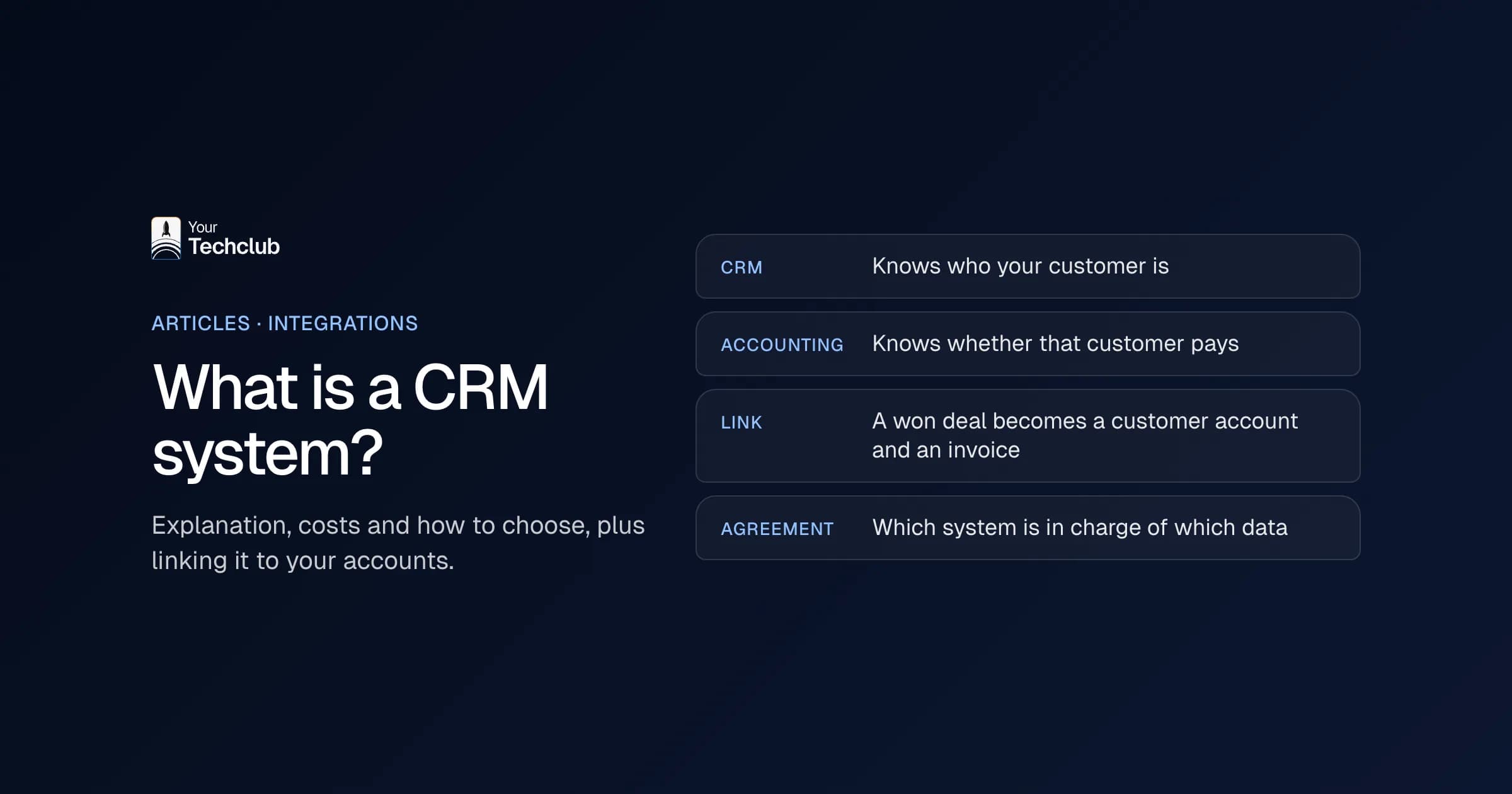
What is a CRM system? Explanation, costs and how to choose
What is a CRM system, what does it cost and how do you choose? Plus what nobody tells you: linking it to your accounts and who owns the data.
Read the article INTEGRATIONSSYSTEM INTEGRATION
Your accounting, CRM, online store, HR system and AI assistant exchanging data on their own. With an API integration, an order, customer or invoice is entered once and then appears everywhere it is needed. We connect any system, even when there is no standard integration.

 ISO 9001 & 27001
Built for clients including Tata Steel, M&G Investments, Digistore24, Toppers in Concert, Bar-le-Duc and Loogman


An API integration is a connection between two systems that exchange data automatically through their APIs. An API is a fixed entrance that a system offers to other software. So an order from your online store lands in your accounting by itself, and a new customer lands in your CRM. Nobody retypes anything.
The integration decides which data moves, when, and in which direction. An API does nothing on its own, however. The integration is the software that ties the APIs of two systems together.
It handles four things:
You can read more about the API itself, and what to look for when you choose software, in what is an API.
Roughly five, from manual work to fully automatic: export and import, a standard integration, a custom API integration, a webhook and an MCP server for AI. Choose the simplest one that does what your process needs. A standard integration is fine if it handles the same fields, direction and exceptions as you do.
| Type | How it works | When |
|---|---|---|
| Type: Export and import | How it worksSomeone downloads a file from one system and uploads it into the other | WhenLow volumes, data may be a day old |
| Type: Standard integration | How it worksA ready-made integration from a software package's marketplace | WhenYour process is common and the integration carries all fields |
| Type: Custom API integration | How it worksYour own software that connects two or more APIs, with your rules | WhenYour own rules, more than two systems or missing fields |
| Type: Webhook | How it worksA signal a system sends when something happens; often part of an API integration | WhenWhen you want to react straight away to a new order or customer |
| Type: MCP server | How it worksAn integration that lets an AI assistant such as ChatGPT or Claude reach your systems | WhenWhen AI needs to look up data or prepare something |
Export and import works fine for low volumes. But it stays manual work, and the data is only as fresh as the last export. Also, a webhook is not an alternative to an API integration. The webhook reports that something happened; then the integration fetches the details through the API and passes them on.
For each system you can read which data you exchange, how the connection works technically, what the standard integrations do and where things get stuck in practice. We have worked out 24 systems, in 9 groups. If your system is not listed, we connect it too.
Is your system not listed? We also integrate systems that don't have a page here, and systems without a standard integration. Tell us which system it is.
Accounting with CRM, accounting with an online store, and HR with payroll. For each combination we explain what goes back and forth, at what moment and what to watch out for.
Want to connect your own software to a package? Then read Exact Online integration with your own software or AFAS integration with your own software. Two popular flows also have their own articles: connecting Shopify to your accounting and connecting HubSpot to your accounting.
When a standard integration does not do what your process needs. That is the case when you combine more than two systems or need your own translation rules, such as a cost centre per branch. It is also the case when the standard integration misses the fields that matter, or when no standard integration exists between your packages.
If a standard integration does what you need, use it. Do check whether all the fields you use come along, and what happens when there is an error. If a standard integration fits, we will tell you.
Start with the flow, not with the technology. Write down what has to go from A to B and what has to come back: orders out, invoice status back. Each direction is a separate flow, with its own errors. So start with one flow. An API integration that tries to run six flows at once will break six times in the first month, and you will not know why.
That depends on the number of flows, the number of fields and the state of your data. Most of the time does not go into building. Instead, it goes into agreeing which data leads and into testing with real exceptions. One flow between two systems with a good API is ready sooner than three systems at once.
Think of exceptions such as credit notes, partial deliveries and changed customer details.
The price of an API integration depends on the number of flows, the number of fields, how often the data has to move, the state of your data and the requirements for monitoring and recovery. On top of the build, budget a yearly amount for maintenance, because suppliers change their APIs.
What drives the price per type is set out in what a system integration costs. Set those costs against what retyping costs you now; the calculation is in what manual work costs.
Not sure yet which integration saves the most time?
In the AI Opportunity Audit we map your processes and systems side by side, with what the work costs now and which integration or automation gains the most.
Less retyping, fewer errors and one up-to-date picture. What nobody retypes, nobody can retype wrongly. And when something does go wrong, you notice, because the integration reports it.
An order, customer or invoice is entered once and then appears everywhere it's needed. Nobody copies it across by hand any more.
What isn't retyped can't be retyped wrongly. And when something does go wrong, you notice, because the integration reports it.
Sales sees whether a customer has paid, finance sees what has been sold, and nobody works from last week's export.
Through the same APIs. An AI assistant or AI agent needs an integration to look up data or prepare something in your accounting or CRM. You can do that with your own API integration or with an MCP server. For each integration you set what the AI may read, what it may change and what goes past a person first.
That is often where most of the time savings are, too. An integration moves data; in between, AI can read a document, sort an email or prepare a booking proposal. For anything that touches money or customers, a person approves it before it goes through.
For each system we explain how that works, for example connect Exact Online to ChatGPT and connect AFAS to Claude through MCP. What an AI agent is, and what it does with those integrations, is in what is an AI agent. Which work you can automate with it is in automating business processes with AI. You will find a ready-made role, such as the AI Invoice Checker, among our AI employees.
In four steps: agree what goes where, translate the fields and rules, test with real cases and go live with logging and monitoring. The first step is on paper before anyone writes a line of code. That way everyone knows in advance which system leads.
Which data moves, in which direction, and which system wins when two values differ. That is written down before anything gets built.
For every field, how it translates between the systems: statuses, VAT codes, general ledger accounts, item numbers. And what happens with a duplicate or a missing value.
In a sandbox or test administration, with the exceptions you actually run into: credit notes, partial deliveries, changed customer details.
Every sync is logged, and when something fails, someone gets an alert. If a vendor changes its API, we update the integration.
Also agree who owns the integration on your side. Systems get updates, fields change and tokens expire. Someone has to decide on the translation tables and get the call when a flow stops. Larger projects, where an integration is part of your own software, fall under custom software.
Integrations11 min read
What is a CRM system, what does it cost and how do you choose? Plus what nobody tells you: linking it to your accounts and who owns the data.
Read the article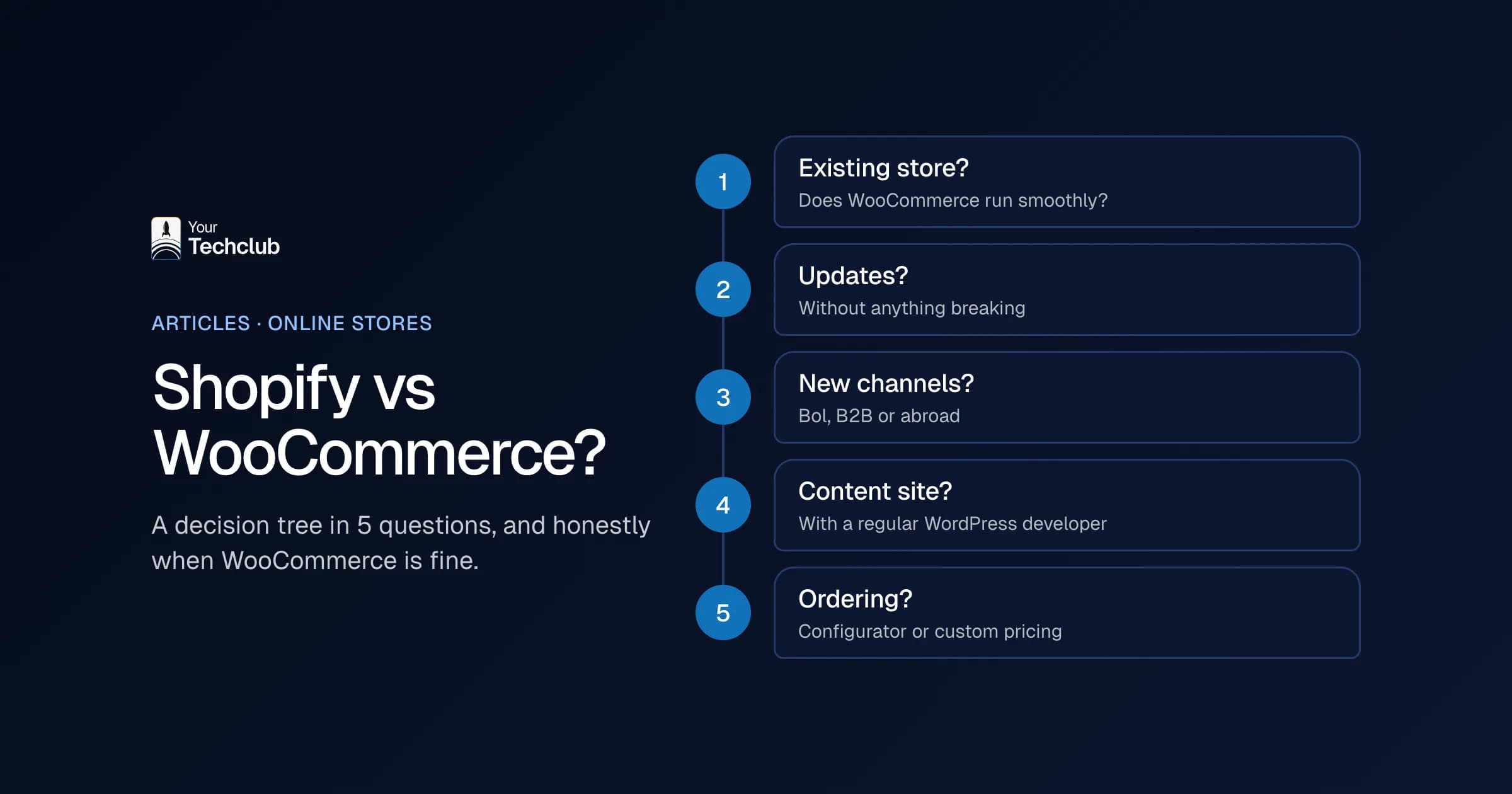
Costs and business case12 min read
Shopify vs WooCommerce? A 5-question decision tree, the cost build-up over 3 years, migration steps and when WooCommerce is simply fine.
Read the article
Integrations7 min read
An Exact Online integration ends manual re-keying, but often breaks on duplicate data. How to set the source, the direction and recovery when things fail.
Read the articleIntegrations6 min read
AFAS integration works through connectors that must be set up first. How to choose the source, write data back safely and keep control of errors.
Read the article
Integrations6 min read
HubSpot integration with your ERP and accounting: connect sales and invoicing without duplicate customers, with one direction per field and error recovery.
Read the article
Integrations6 min read
Shopify accounting integration: get orders into your books and keep stock accurate. Choose per order or per day, and settle VAT and returns up front.
Read the article
With the people who build the integration. Not an account manager, but someone who builds integrations themselves and who will also tell you when a standard integration is enough.
An integration lets two systems exchange data through their APIs, so nobody has to retype it. For example, an order from your online store becomes a sales entry in your accounting by itself, or a won deal in your CRM automatically becomes a project or invoice.
Yes. If a system has an API, we connect through that API. If it does not, we look at what is there: an export, a shared folder, a database or an email the system sends. In the first conversation you will hear which route it will be.
When it does what you need: the same fields, the same direction, the same exceptions. You need a custom integration for your own rules, for more than two systems, or when the standard integration just misses that one piece of data.
Then the integration has to change with it. That is why we log every sync, someone gets an alert when there is an error, and we agree who maintains the integration. So you do not discover a change only when a week of orders is missing.
An integration only gets the permissions it needs, keys are not stored in the code and every action is logged. When personal data is involved, a data processing agreement under the GDPR is part of it. We work to ISO 27001 and ISO 9001, certified by Kiwa.