


In this article
- What is a CRM system?
- Which CRM systems are there for SMEs?
- How much does a CRM system cost?
- How do you choose a CRM system for your business?
- Why should you link a CRM to your accounting system or ERP?
- Who owns the data in your CRM system?
- What can AI do in a CRM system?
- What step do you take now?
- Frequently asked questions
A CRM system is software in which your company records everything about customers and prospects. Think of who they are, what you discussed, which quotes are open and what the next step is. That way everyone sees the same, up-to-date information.
Choosing a CRM system takes an afternoon. Making it work properly afterwards takes a year. The pattern is familiar. A company buys HubSpot or Pipedrive, the demo looked great, and six months later there are three versions of the same customer in it. The quotes are still in Excel and the accounts department knows nothing. In this article you can read what a CRM is, what it costs and how to choose. And where it goes wrong in practice: rarely in the software, almost always in the link with your accounting system and in your data.
What is a CRM system?
A CRM system is software for all your contact with customers and prospects. CRM stands for Customer Relationship Management. You record conversations, quotes, deals and next steps in it, so that sales, service and management see the same information. The difference with an address book: a CRM also shows what has happened and what needs to happen now.
In plain terms, a CRM is the memory of your commercial team. Without a CRM, that memory lives in mailboxes, Excel lists and people's heads. If your best account manager leaves, half of that memory walks out with them.
A good CRM does roughly four things:
- Contacts and companies: it keeps track of them, with the history of emails, calls and meetings.
- Deals or sales opportunities: it follows them through a pipeline, from first conversation to signed quote.
- Tasks and follow-up: it plans them, so nobody is forgotten.
- Reporting: it shows expected revenue, conversion and activity.
A definition I like to use: a CRM system is only a CRM if your team works in it every day. Otherwise it is an expensive address book.
Which CRM systems are there for SMEs?
For small and medium-sized companies in the Netherlands I mainly see four names: HubSpot, Pipedrive, Salesforce and Tribe CRM. HubSpot is broad and strong in marketing. Pipedrive is all about the sales pipeline. Salesforce is the heaviest and most customisable platform. Tribe CRM is Dutch and aimed at small teams. Which one fits depends on your sales process.
| CRM system | What it is good at | Watch out for |
|---|---|---|
| HubSpot | Marketing, sales and service in one platform; there is a free CRM | Paid parts (Hubs) add up quickly as you grow |
| Pipedrive | Clear sales pipeline, quick to set up | Less suitable if marketing and service also need to live in the CRM |
| Salesforce | Highly customisable, for complex processes and large teams | Needs an implementation partner and ongoing management |
| Tribe CRM | Dutch, simple, links with Dutch accounting packages | Smaller ecosystem of integrations than the big players |
Here is what the makers say themselves, checked on their sites in October 2026. HubSpot offers a free CRM, "100% free with no expiration date", with an AI assistant called Breeze (HubSpot, accessed October 2026). Pipedrive describes itself as a CRM built around the sales pipeline and says more than 100,000 companies in 179 countries use it. Salesforce describes itself as AI-driven, cloud-based software, with Agentforce as its AI layer. Tribe CRM has offices in Utrecht and Brussels, is part of efficy and links with, among others, SnelStart and Exact, two Dutch accounting packages (Tribe CRM, accessed October 2026).
How we connect them to the rest of your systems, you can read under HubSpot integration, Pipedrive integration and Salesforce integration. We worked with Tribe CRM for an EV charger supplier, where a configurator puts every enquiry into the CRM as a lead, with the full configuration attached.
We use Pipedrive ourselves. Every enquiry through our site lands there automatically as a person, an organisation and a deal, with a note of what was filled in. So nobody has to retype a form.
How much does a CRM system cost?
A CRM system costs licences per user per month, plus one-off work for setting it up, moving data across and building integrations. The licence is usually the smallest part. The biggest part is the link with your accounting system and cleaning up your customer data. And the time your team needs to start working with it. A free entry-level version exists, for example at HubSpot.
| Cost item | One-off or ongoing | What it depends on |
|---|---|---|
| Licences | Ongoing, usually per user per month | Number of users, chosen plan and modules (marketing, service, AI) |
| Set-up | One-off | Number of pipelines, fields, permissions and automations |
| Moving and cleaning data | One-off | How many sources (Excel, old CRM, mailboxes) and how messy |
| Integrations | Built once, then maintained | Accounting, ERP, email, online store; standard connector or custom |
| Training and support | One-off, with follow-up | Team size and how digital your team already works |
| Management | Ongoing | Who owns it, and whether data hygiene is automated |
I deliberately give no amounts here. Licence prices change often and depend on users and modules. Check the supplier's site for those, on the day you decide.
What I would not do: compare CRM systems on price per user alone. Anyone who does that is fooling themselves.
How do you choose a CRM system for your business?
Choose a CRM based on your sales process, not on the demo. First draw on one sheet of A4 how a lead becomes a customer at your company. Then decide which systems need to talk to it, such as your accounts, your email and your quoting tool. Only then do you compare CRM software. The system that matches that drawing best wins.
I use five questions to make the choice:
- What does your sales process look like? Short deals with high volume need something different from long B2B processes with five decision makers.
- Who is going to work in it? Only sales, or marketing, service and management too?
- Which systems does it need to talk to? Think of Exact Online, AFAS or Moneybird (the accounting and ERP packages most Dutch companies run on), your online store and your email.
- Who will manage it? A CRM without an owner gets messy within a few months.
- Can you get your data out again? More on that in the section on data ownership.
Which question gets skipped most often?
Question three is skipped most often. Yet that is the one that later decides whether your CRM becomes a single source of truth or an island. If you run an international company, this is where it often gets tricky: head office has chosen the CRM, while the Dutch entity keeps its books in Exact Online or AFAS. Also, do not choose the heaviest package "because we are going to grow". You can always switch later, whereas a system that is too heavy is one nobody uses today.
Why should you link a CRM to your accounting system or ERP?
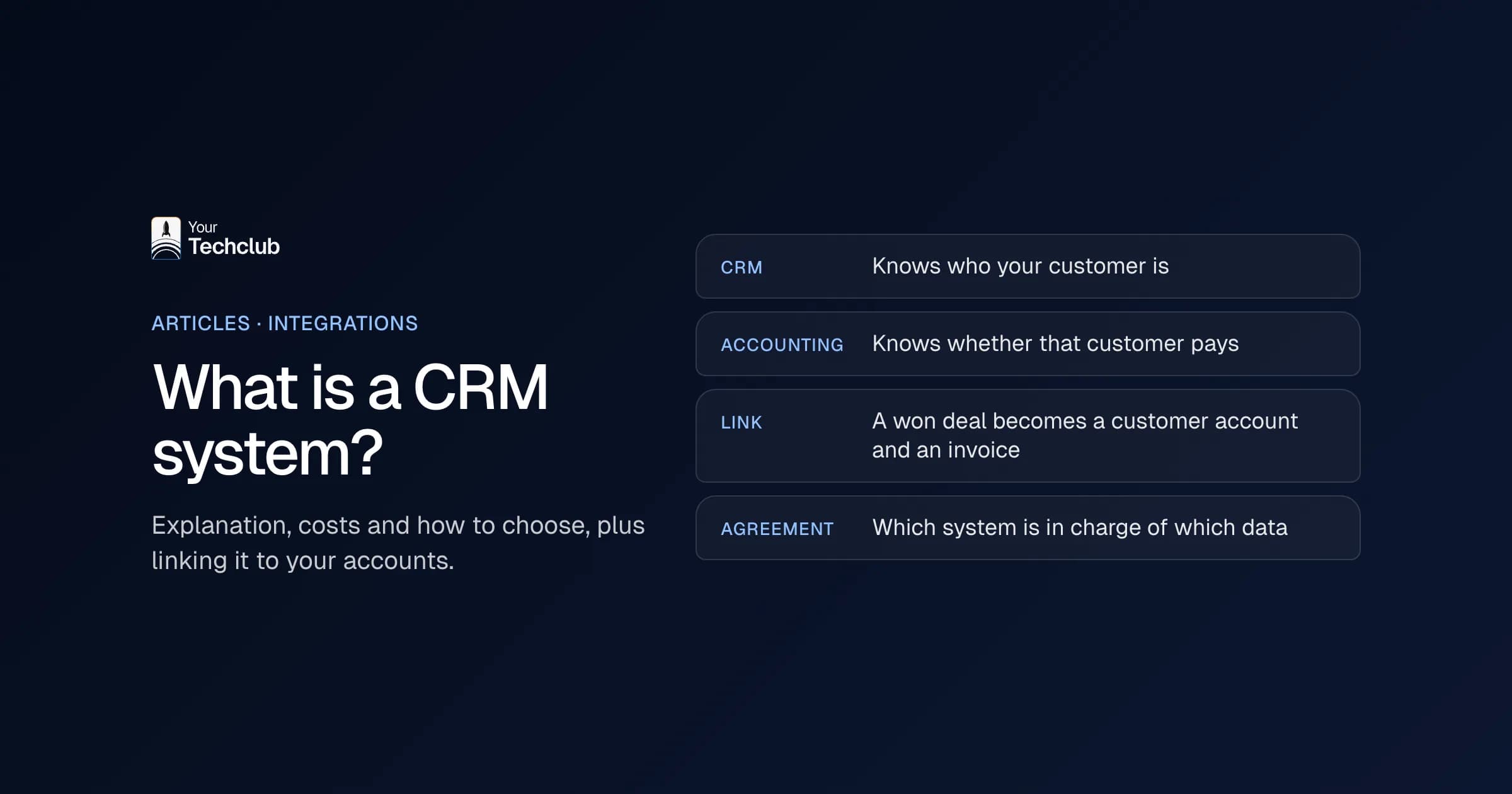
Because your CRM knows who your customer is, and your accounting system knows whether that customer pays. Without a link, someone types data in twice and everyone misses half of the story. With a link, a won deal automatically becomes a customer account and an invoice, and sales can see open invoices in the CRM.
The classic example: your account manager cheerfully calls about a repeat order while three invoices are still unpaid. Or the accounts team creates a customer with a different address from the one in the CRM. That is why we prefer to link a CRM to the accounting system, whether that is Exact Online, AFAS or Moneybird. How that works with HubSpot, you can read in HubSpot, ERP and accounting integration. For Pipedrive there is linking Exact Online and Pipedrive.
We always agree one rule in advance: which system is in charge of which piece of data? For example, the address comes from the accounting system and the contact person from the CRM. Without that agreement, systems overwrite each other and nobody knows what is correct any more. A missing link costs money outside accounting too. At an installation company, Google Ads and Meta only saw completed forms. Whether an enquiry turned into an advice meeting or a signed quote was in the CRM. So the ad platforms optimised for forms instead of customers. We built a quoting tool with a CRM link that reports the status back, so the platforms can see which enquiries turn into something.
Who owns the data in your CRM system?
You do, but only if you arrange it in advance. Your customer data sits with a SaaS supplier on their servers. So check four things before you sign: export, API, storage and what happens when you cancel. A CRM you cannot get out of is a CRM that owns you.
Per point, this is what I ask the supplier:
- Export: can you export contacts, companies, deals and the history of notes and emails, in an open format such as CSV?
- API: can you read and write the data through an API? Without an API, there is no proper link with your accounting system.
- Storage and GDPR: in which country is the data stored, and is there a data processing agreement? Under the GDPR that is mandatory when a supplier processes personal data for you.
- End of contract: how long can you still access your data after cancelling, and is it deleted afterwards?
Data ownership is also about your own systems. If your CRM, accounting system and online store each have their own version of the customer, nobody owns the truth. So record for each piece of data which system leads.
What does messy data do to your CRM?
Data goes out of date quickly. People change jobs, companies move and colleagues create a new contact instead of looking for the existing one. After a year you have duplicate companies and deals that have been "almost closed" for months. A dirty CRM is worse than no CRM: your team goes back to Excel and management steers on a revenue forecast that never comes true. So agree which fields are mandatory, who merges duplicate records and when a deal automatically moves to "lost". Be careful with merging: in HubSpot, Salesforce and Pipedrive it cannot be undone. That is why we only do it after approval, in batches that can be rolled back.
What can AI do in a CRM system?
AI in a CRM can mainly take over time-consuming manual work: summarising call notes, filling in fields after a meeting, finding duplicate records and preparing a follow-up email. All the big CRM systems now have AI features. Even so, AI only works well on clean data. An AI assistant on a messy CRM mostly gives wrong answers quickly.
HubSpot has Breeze and Salesforce has Agentforce. Pipedrive mentions an AI sales assistant and Nova, which prepares and transcribes conversations. Tribe CRM has an AI assistant that, according to its own site, updates records and creates reports. The question is not what the AI can do, though. The question is which work your team currently loses to the CRM, and whether AI takes that over.
That is why we start with the boring work. Our CRM Cleaner finds duplicate records, incomplete details and outdated contacts, and suggests corrections. You can find more examples under AI in sales. My order is always the same: first the process, then the integration, then clean data and only after that AI.
My advice: count the duplicate records and empty required fields beforehand, and count them again after the clean-up. Then you know what it delivered, and you also spot in time when the mess starts creeping back.
What step do you take now?
No CRM yet? Then first draw your sales process and list the systems that need to talk to it. Already have a CRM that nobody works in any more? Then look at the link with your accounting system and the quality of your data first. Often you do not need to switch, but to tidy up and connect.
On our page about integrations you can see which systems we work with, from HubSpot and Pipedrive to Exact Online and AFAS. Mostly unsure where to start, or where AI really saves time? Then the audit is the logical first step.
Frequently asked questions
What is a CRM system in simple terms?
A CRM system is software in which you keep track of everything about your customers and prospects: contact details, conversations, quotes and next steps. That way everyone in your company sees the same, up-to-date information about a customer.
How much does a CRM system cost?
Licences per user per month, plus one-off work for set-up, moving data, integrations and training. Free entry-level versions exist, for example at HubSpot. The licence is usually the smallest part; integrations and data quality take the most time.
Which CRM system is best for SMEs?
There is no best CRM for everyone. Pipedrive suits teams that mainly follow deals, HubSpot suits companies that also want to automate marketing, Tribe CRM suits teams looking for a Dutch package and Salesforce suits complex processes.
Should you link a CRM to your accounting system?
Almost always. Without a link, someone types customer details and orders in twice, and sales cannot see open invoices. Do agree in advance which system is in charge of which piece of data.
Do I own the data in my CRM?
Yes, but check in advance whether you can export everything, whether there is an API, where the data is stored and what happens after you cancel. Also sign a data processing agreement with the supplier.