In this article
Most bad answers from ChatGPT, Claude or Copilot start with a one-line prompt. "Write an email to a customer." Then you get an email to every customer, so to nobody. Writing good AI prompts is not a trick. It is the same as giving a new colleague a good brief: who is the reader, what needs to happen, what do you already know and what should it look like.
In this article you will learn how to build a prompt, with examples per department, the mistakes I see most often and what to arrange before your team gets started.
What is a prompt?
A prompt is the instruction you give an AI model: the question, the instruction and all the information you send along. The model knows nothing about your situation except what is in the prompt, plus what it learned in training. That is why a vague prompt gives an average answer.
The difference with a Google search is big. In Google you type as few words as possible. With a language model it works the other way round: the more relevant context, the better the answer. What a language model is exactly, you can read under large language model.
How do you write good AI prompts?
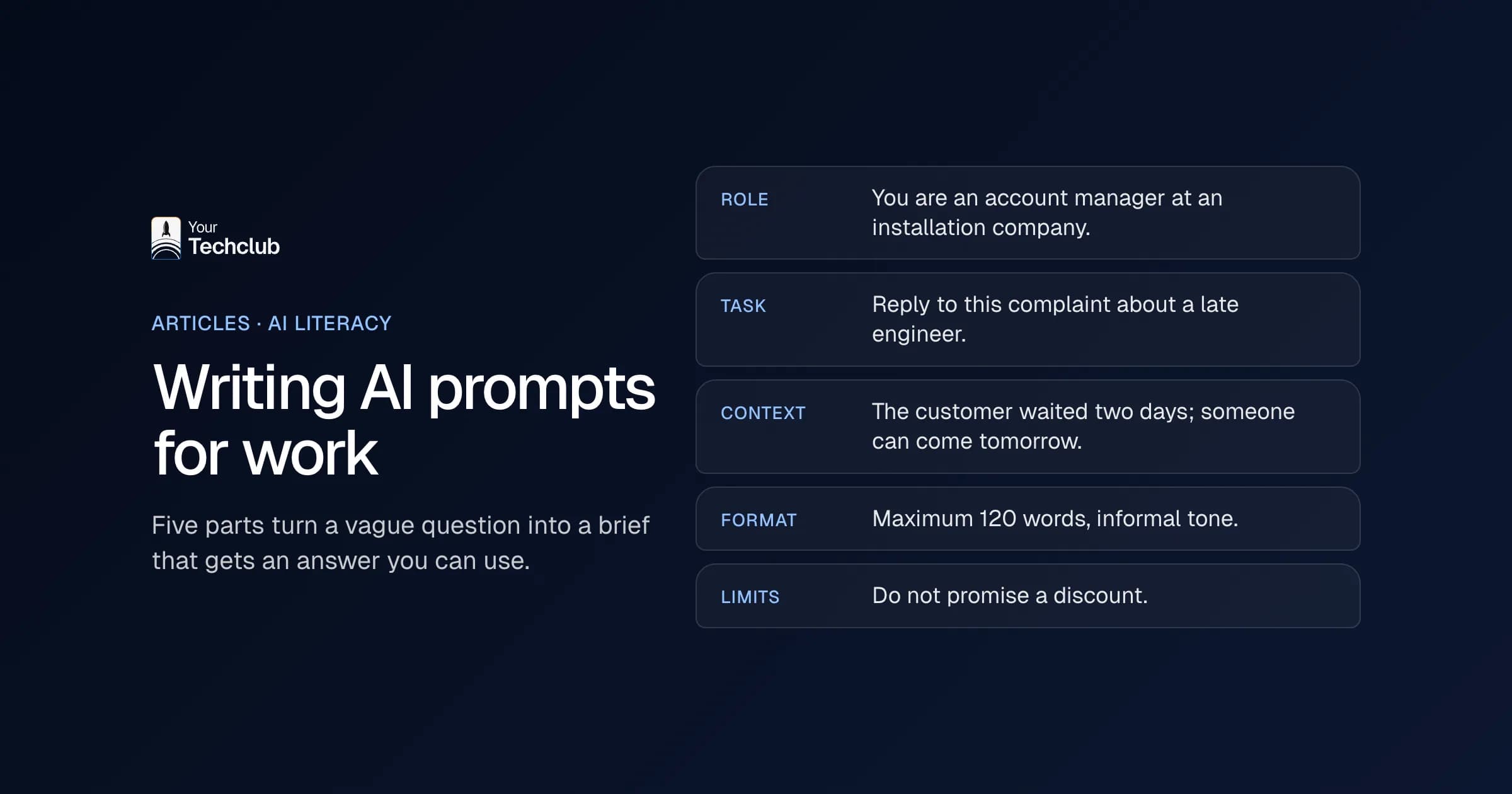
A good prompt has five parts: a role, a task, context, a format and limits. You do not always need all five, but a prompt that disappoints usually misses two of them. Write the prompt as if you are briefing a smart new colleague on their first day at work.
| Part | Question it answers | Example |
|---|---|---|
| Role | From which perspective should the model write? | You are an account manager at an installation company |
| Task | What exactly needs to happen? | Write a reply to this complaint about an engineer who arrived late |
| Context | What does the model need to know? | The customer waited two days; we have an engineer available tomorrow at 8:00 |
| Format | What should it look like? | Maximum 120 words, informal tone, no three-paragraph apology |
| Limits | What is not allowed? | Do not promise a discount and do not name colleagues |
A prompt with those five parts is longer than you are used to. Still, it takes less time, because you do not have to correct it three times.
Give examples
The strongest part is often missing: an example. Paste an email you liked, or two replies in the tone you want. The model then copies the style, length and structure. That works better than describing what "businesslike but friendly" means.
Let the model ask questions first
For bigger tasks, one simple sentence works well: "First ask me the questions you need before you start." The model then asks about what is missing, instead of making it up. That saves a round of corrections.
Work in steps
A ten-page report in one prompt gives you ten mediocre pages. So ask for an outline first, approve it and then let the model write each part. At every step you can steer.
Which AI prompts can you use per department?
Every department has work that suits a prompt: drafting texts, summarising, comparing and sorting. Below you will find one example per department that you can adapt straight away. Replace the parts in brackets with your own situation and paste in the documents.
- Sales: "You are an account manager at [company]. Summarise the attached enquiry in five points: what the customer wants, when, which budget they mention, what is missing and which questions I should ask in the first call. Do not make up anything that is not in the enquiry."
- Finance: "Below are the outstanding items of [customer]. Write a friendly second reminder of no more than 100 words. Quote the invoice numbers and amounts exactly as they appear here. No threatening tone, but do give a specific date."
- HR: "You are an HR adviser. Rewrite this job ad in plain English, in no more than 300 words, starting with what the candidate will do and only then the requirements. Leave the terms of employment unchanged."
- Customer service: "Answer this customer question based on our returns policy below. If the answer is not in the policy, say that a colleague will get in touch. Maximum 80 words."
- Management: "Summarise the attached minutes for the board: three decisions, three open points with an owner, and one risk. Use only what is in the minutes."
Notice that every example contains a limit: do not make anything up, do not change this, only from this source. That one sentence prevents most mistakes. For more on made-up answers, read preventing AI hallucinations. How to let AI take minutes, you can read in AI meeting minutes.
What mistakes do people make most often with AI prompts?
With AI prompts I see five mistakes again and again: too little context, no format, no limits, wanting everything at once and not checking the answer. The last one is the most expensive. A model sounds convincing, even when it does not know something. So a nice answer is not yet a correct answer.
- Too little context: the model guesses what you mean and picks the average.
- No format: you get three paragraphs where you wanted three lines.
- No limits: the model fills gaps with assumptions, figures or promises.
- Everything in one prompt: long instructions only get half done.
- Not checking: never copy figures, names, dates or quotes without looking.
What I would not do: download a collection of a hundred "perfect" AI prompts from the internet and send it round. A prompt works because it contains your context. Without your context, it is the one-line prompt again, only longer.
What data can you put in a prompt?
What you may put in AI prompts depends on the tool and on the agreements your company has made. In a business environment with a data processing agreement, more is allowed than in a free consumer account. Personal data of customers or staff and confidential company information belong only in tools your organisation has approved for that purpose.
Put that in a short house rule: which tools are allowed, which data may go in and who to call when in doubt. How to draw up such a rule, you can read in writing an AI policy. For the business versions available, see ChatGPT for business and Claude for business. Also watch the documents you send along: an email or PDF can contain instructions that try to steer the model. That is called prompt injection.
Is writing prompts part of AI literacy?
Yes. Since 2 February 2025, the EU AI Act requires you to take measures so that employees who work with AI know enough to do so responsibly. Knowing how to write a good prompt and how to check an answer is a practical part of that. It is not a certificate, but it is a measure you can show.
Match the explanation to the work. Someone who only lets AI rewrite texts needs an hour and a house rule. However, someone who uses AI to prepare customer files or job applications also needs to know where a model makes mistakes. What the duty involves exactly, you can read in the AI literacy requirement. How this fits into the rules as a whole, read EU AI Act and GDPR: what to sort out.
When is a better prompt not enough?
When you use the same prompt ten times a day, with the same kind of documents. Then you are running a process by hand that you could also automate. A prompt is good for work that is different every time. For work that is the same every time, a workflow or an AI employee fits better.
For example, invoices you let AI read every day, or emails it sorts for you every morning. In that case you take the prompt out of the chat window and build it in, with a connection to your systems and a human for the exceptions. How that works, you can read in what is an AI agent and automating business processes with AI.
Frequently asked questions
What is a good prompt?
A prompt with a role, a clear task, the context the model needs, the format you want and the limits of what it may not do. An example of the result you want makes the prompt even stronger.
How long should a prompt be?
As long as it takes to make the task clear. For a short text, three sentences are often enough; for an analysis of a document, you write half a page and attach the document.
Do the same prompts work in ChatGPT, Claude and Copilot?
Mostly, yes. The structure of role, task, context, format and limits works in all three. However, the models differ in tone and in how well they handle long documents, so test an important prompt in the tool your team uses.
Can I put customer data in a prompt?
Only in a tool your organisation has approved for that, with a data processing agreement. In other tools, use anonymised examples.
Is prompt engineering a profession?
For people who build AI applications, yes. For most employees, it is a skill like writing a good email: learn a few rules and practise a lot on your own work.