In this article
- What does an AI agent do in your existing systems?
- Why does an AI agent get stuck on your own systems?
- Step 1: choose one process with a clear start and end
- Step 2: sort out access before you start building
- Step 3: let the agent propose first, and only then execute
- Step 4: log everything the agent does
- Build it or buy an off-the-shelf tool?
- When is it better not to start?
- How do you know where to start?
- Frequently asked questions
AI integration means that an AI agent or assistant can safely read and write in the systems where your work already lives, such as your CRM, ERP or mailbox.
You have an ERP, a CRM and an inbox that fills up every day. Somewhere between those three is work someone does by hand: retyping, looking things up, passing things on. An AI agent can take that over. But only if it can reach your own data and is allowed to act in your own systems. That connection is the real work, not the language model.
What does an AI agent do in your existing systems?
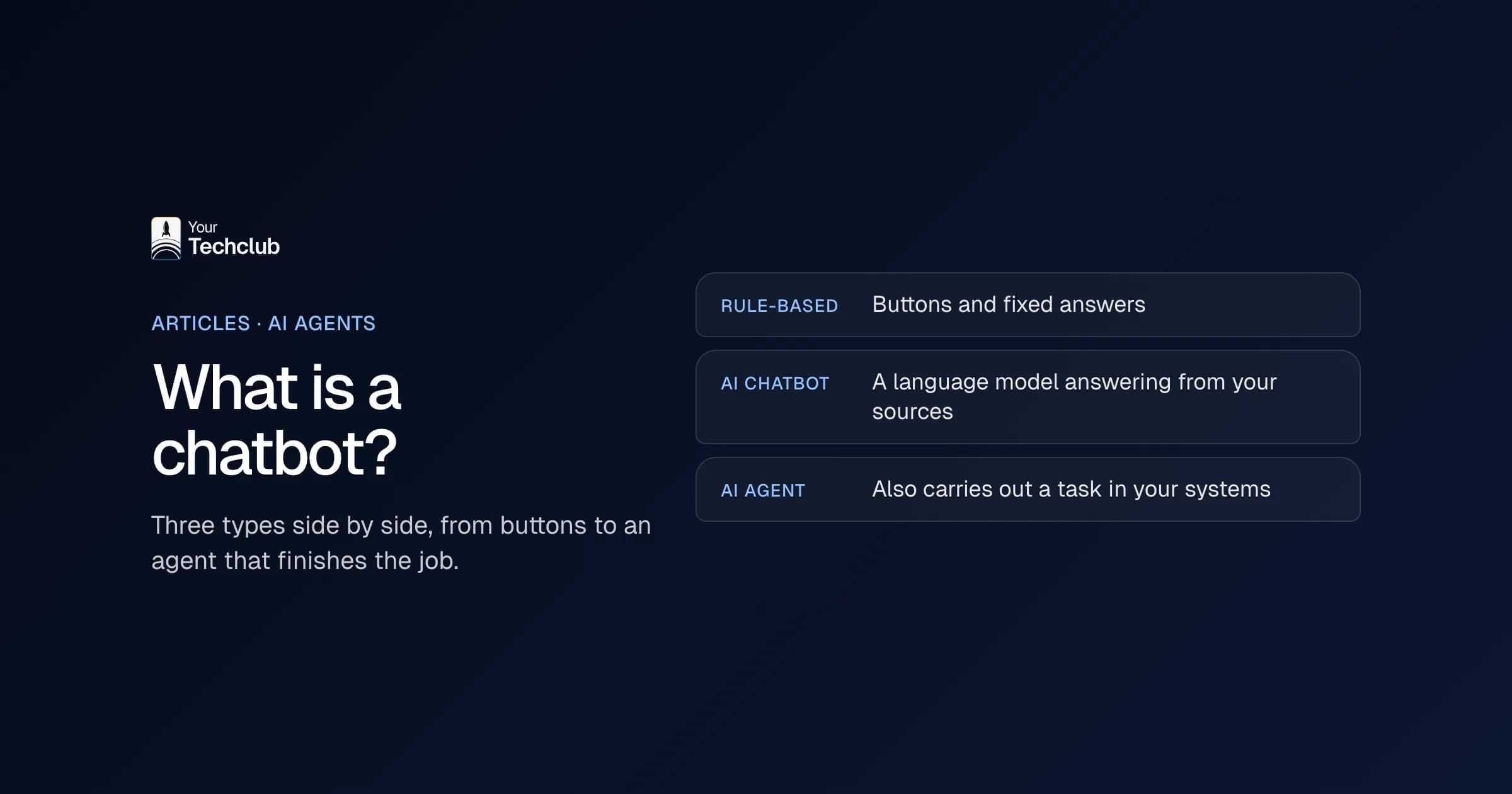
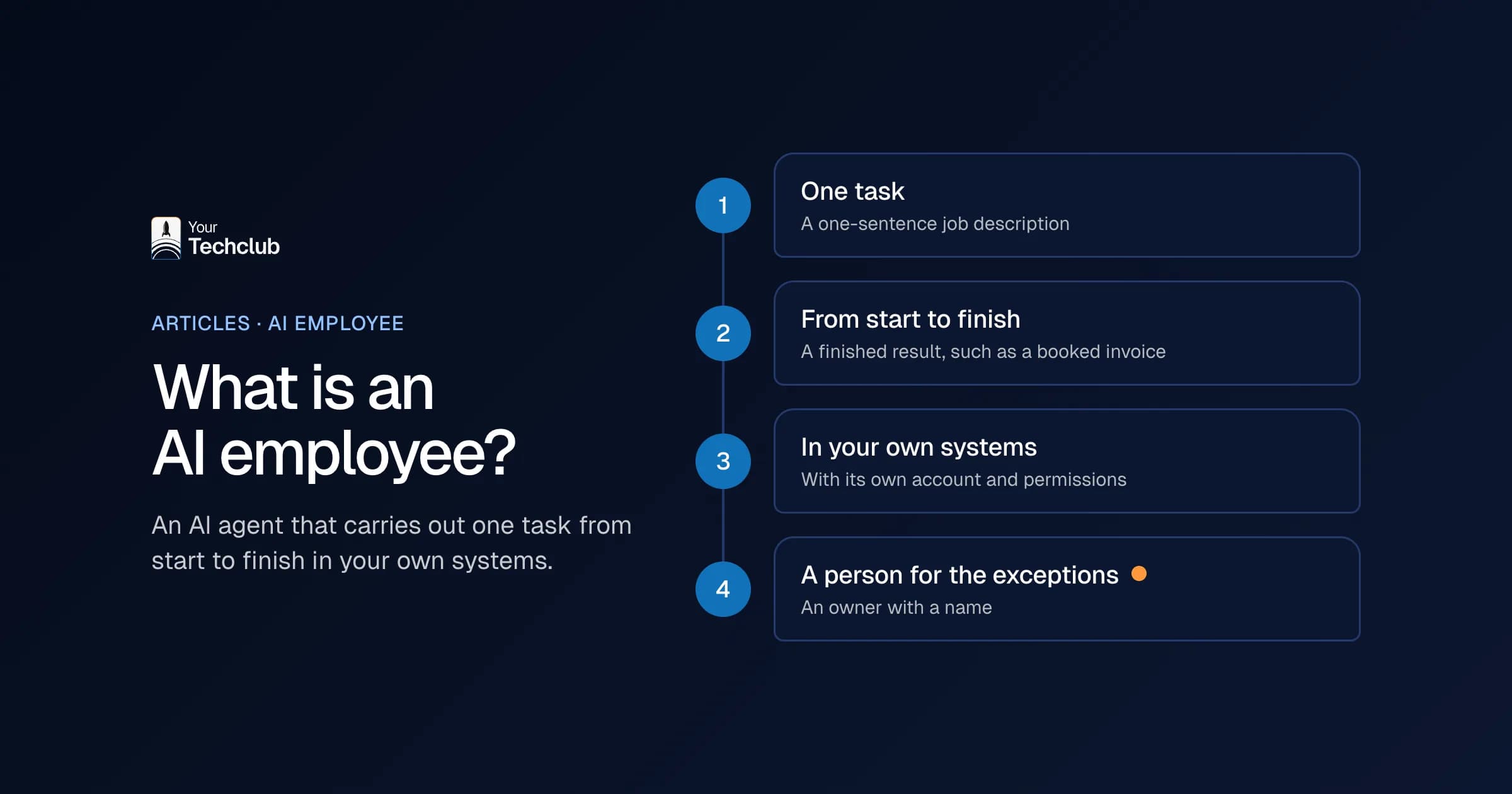
An AI agent is software that handles a task from start to finish. It reads something, decides what needs to happen, carries it out in a system and records what it did. The difference with a chatbot: a chatbot answers, an agent acts. How an agent works and when you need one is in what is an AI agent.
An example. A purchase invoice arrives by email. The agent reads the invoice, looks up the supplier in the accounting system, matches the lines against the purchase order and queues the invoice for approval. If something doesn't add up, it passes it to a person along with the reason.
So that one task touches three systems: the inbox, the accounting system and the purchasing system. Without access to all three, you're left with a text generator that sounds nice and delivers nothing. The AI employees overview lists the tasks for which this pattern has already been worked out.
Why does an AI agent get stuck on your own systems?
In practice, it almost never fails on the model. It fails on four things.
- Access: the system has no API, or the API is missing exactly the fields you need.
- Permissions: nobody wants an agent that can write anywhere in the general ledger. So you have to decide what is allowed, action by action.
- Data quality: the same supplier appears three times, spelt three different ways. The agent then doesn't know which one is right.
- Ownership: there is no one who decides what the agent may and may not do, or who steps in when it goes wrong.
Solve those four and the build itself is manageable. Skip them and in six months you'll have a pilot nobody uses any more.
Step 1: choose one process with a clear start and end
Start with a task that happens often, has a recognisable trigger and where you can tell whether it went well. An incoming invoice, a request through the web form, a service ticket in the queue. Not a process that, halfway through, depends on someone's experience.
Write the process down as it really works today, not as the procedure describes it. Count how often it happens each week and how many minutes it takes. Those two numbers decide whether it's worth it. The page on what manual work costs shows how to do that sum.
Step 2: sort out access before you start building
For each system, find out how you can connect to it and what you're allowed to do. With most business software, that runs through an API with OAuth, using a separate user or app for the integration. Request it before the build starts, because a vendor sometimes needs weeks.
Give the agent its own account with only the permissions the task needs. That isn't just safer, it also shows afterwards what the agent did and what a colleague did. The integrations pages set out exactly what's possible for each system.
Step 3: let the agent propose first, and only then execute
Never set a new agent to act on its own straight away. Let it run alongside the team for a few weeks and only make proposals: this is the supplier, this is the ledger account, this is the answer. A team member approves or corrects.
That gives you two things. You see where the agent gets it wrong before it does any damage, and you get an honest score: in what percentage of cases was the proposal right first time? Only once that score is consistently high do you switch categories to automatic, one step at a time.
Keep human review on the part where a mistake is expensive. An agent that wants to approve an amount above a set threshold should always go past a person.
Step 4: log everything the agent does
Every action gets a log entry: what came in, which sources were consulted, what was decided, what was written, and who approved it, if anyone. Without that logging, you can't trace a mistake and you can't show that the process is under control.
That's also what an accountant or auditor will ask you for. And for applications that fall under the EU AI Act, record-keeping isn't optional but a legal requirement. There's more on this in our article on the AI Act and the GDPR.
Build it or buy an off-the-shelf tool?
If there's a package that does exactly your process and fits your system landscape, buy it. You're then paying for maintenance that someone else does.
Building your own makes sense if the process is something that sets you apart, if you need to combine several systems that no single vendor supports together, or if you don't want the data to leave your own environment. What it costs to have that built is under what an AI agent costs. The approach itself is under AI agent development.
When is it better not to start?
There are situations where an AI agent is the wrong tool. Don't do it if the process only happens a few times a week: you'll never earn back the build and the maintenance. Don't do it if nobody can explain how the task is done today, because then you're automating a habit instead of a process.
And don't do it if a mistake can't be undone and you can't build in a checkpoint. In those cases, fixed, deterministic automation is often better: no model, just rules. It's more boring and it always works the same way.
How do you know where to start?
Most organisations have more candidates than capacity. Then it helps to put the processes side by side first: how often, how much time, how error-prone, how hard to integrate. An order of priority follows naturally.
That's exactly what the AI Opportunity Audit does: five days, one number, three opportunities. What the audit delivers and how it works is explained on the AI Opportunity Audit page. If it turns out automation won't pay off here, we'll tell you that too.
Frequently asked questions
What is the difference between an AI agent and a chatbot?
A chatbot answers a question. An AI agent also carries out actions in your systems: looking things up, creating, updating and passing things on. To do that, it needs access to those systems and permission to write to them.
Do I need an API to connect an AI agent?
Usually, yes, and it's also the most convenient route. If a system has no API, there are alternatives: a database connection, an export and import file, or operating the user interface. Those are more fragile and need more maintenance, so check for an API first.
How long does it take to get an AI agent running?
For one well-defined process with available APIs, you're talking weeks, not months. The lead time is almost always determined by arranging access and cleaning up data, not by the build itself.
Can an AI agent make decisions on its own?
You decide that per action. Let an agent start with proposals that a person approves. Then only switch to automatic the categories where the score is demonstrably high and the consequences of a mistake are limited. Decisions about people are also subject to rules from the GDPR and the EU AI Act.
What happens to our data?
You agree that up front: which data the agent gets to see, where the model runs and what is stored. If personal data or confidential documents are involved, the model can run within the EU. Your Tech Club is ISO 27001 certified by Kiwa; that covers how we work and doesn't replace an assessment of each application.
How much does an AI agent cost?
That depends on the number of systems, the complexity of the rules and the requirements for oversight and logging. An indicative price per type of project is under what an AI agent costs.