


Loogman Carwash: a website that shows every location as it is
How we built a Loogman Carwash website that shows what's open at each location, sends orders to the printer and pulls job vacancies from Raet.
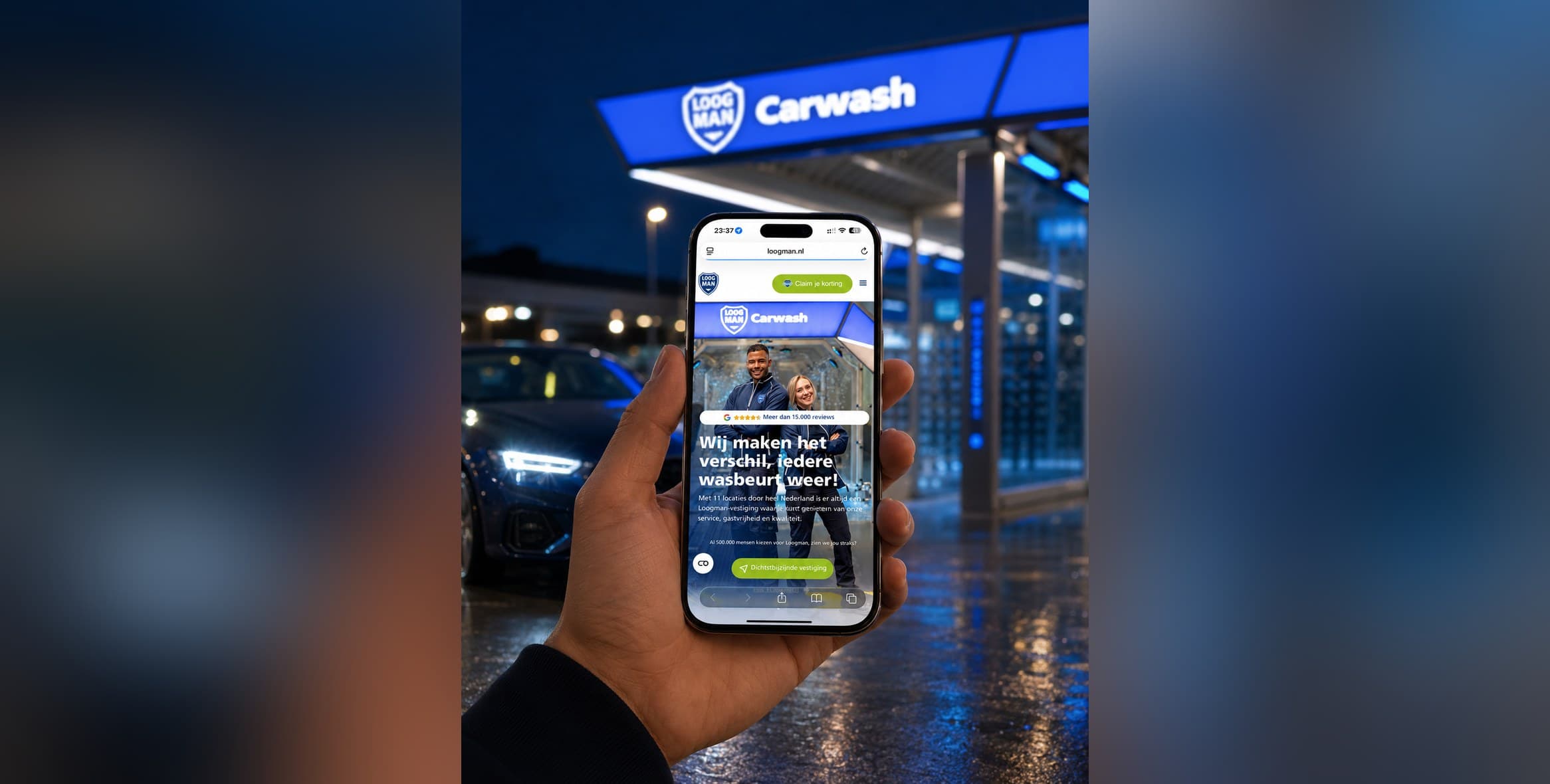
Loogman started in 1959 as a petrol station in Aalsmeer. Today it's a chain of car washes, petrol stations and self-storage. For Loogman Carwash we designed and built a new website, with Brandfirm as our partner for conversion optimisation.
The tricky part? No two locations are the same. One has a Febo, another a Co To Go, yet another only self-service wash bays. The website had to handle that reality.
In this case you'll read how we solved that with a location finder, our own plugins and a handful of integrations that do away with manual work.
The project in brief
- Client
- Loogman
- Sector
- car washes, petrol stations and self-storage
- What we did
- UI/UX design, design system, web development, API integrations
- Technology
- WordPress, PHP, Raet API, geolocation APIs
What was wrong with the old Loogman Carwash website?
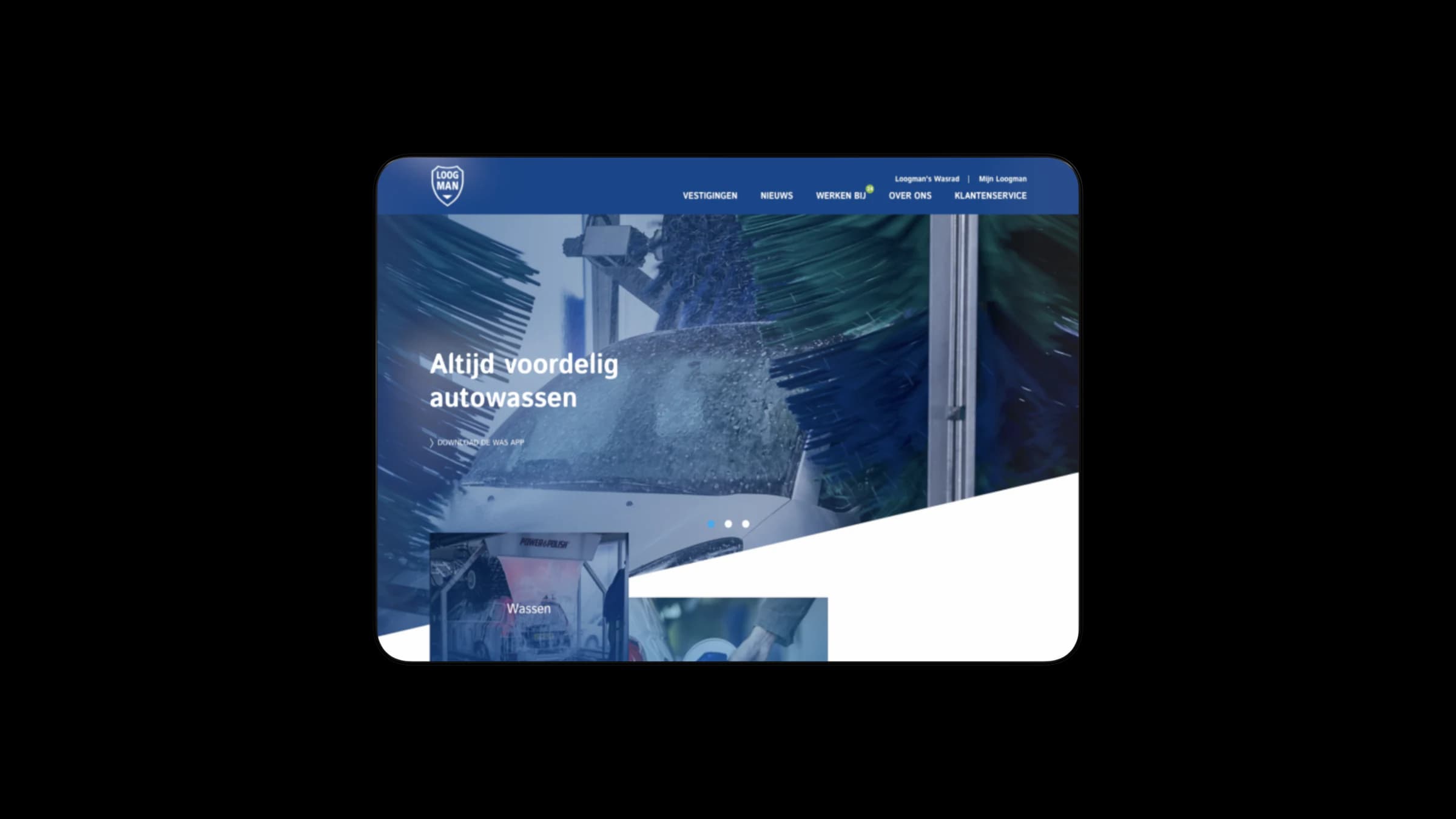
The old site didn't show what sets the locations apart, and managing it took too much time. Important information only appeared after a click or interaction, so visitors missed it. There was also no good way to show which services each location offers.
That last point is a real shame. Why do you drive to one Loogman and not another? Because there's a Febo there, or because the car wash is open right now. If the site hides that, in practice it sends people the wrong way.
On the live page you can use a slider to compare the old and the new website side by side. That difference says more than I can explain here.
How does a visitor find the right location?
Through location sharing and a location finder. A visitor shares their location and immediately sees the nearest Loogman, with the services available there. On top of that, every location page shows live whether a department is open. So within a few seconds you know where to go and whether you can go now.
Live opening hours per department
We built our own plugin that lets Loogman manage opening hours per location and per department. Febo, Co To Go, the car wash and the shop each have their own hours. The site works out what applies on the day of the visit. It shows that as "Open until 18:00", instead of a table the visitor has to decipher.
A small feature, but to me details like this are the difference between a website and a good website. Nobody wants to read a timetable at 17:55.
Does your business also have locations, departments or services that differ from place to place? Then a standard theme usually won't fit.
See custom website development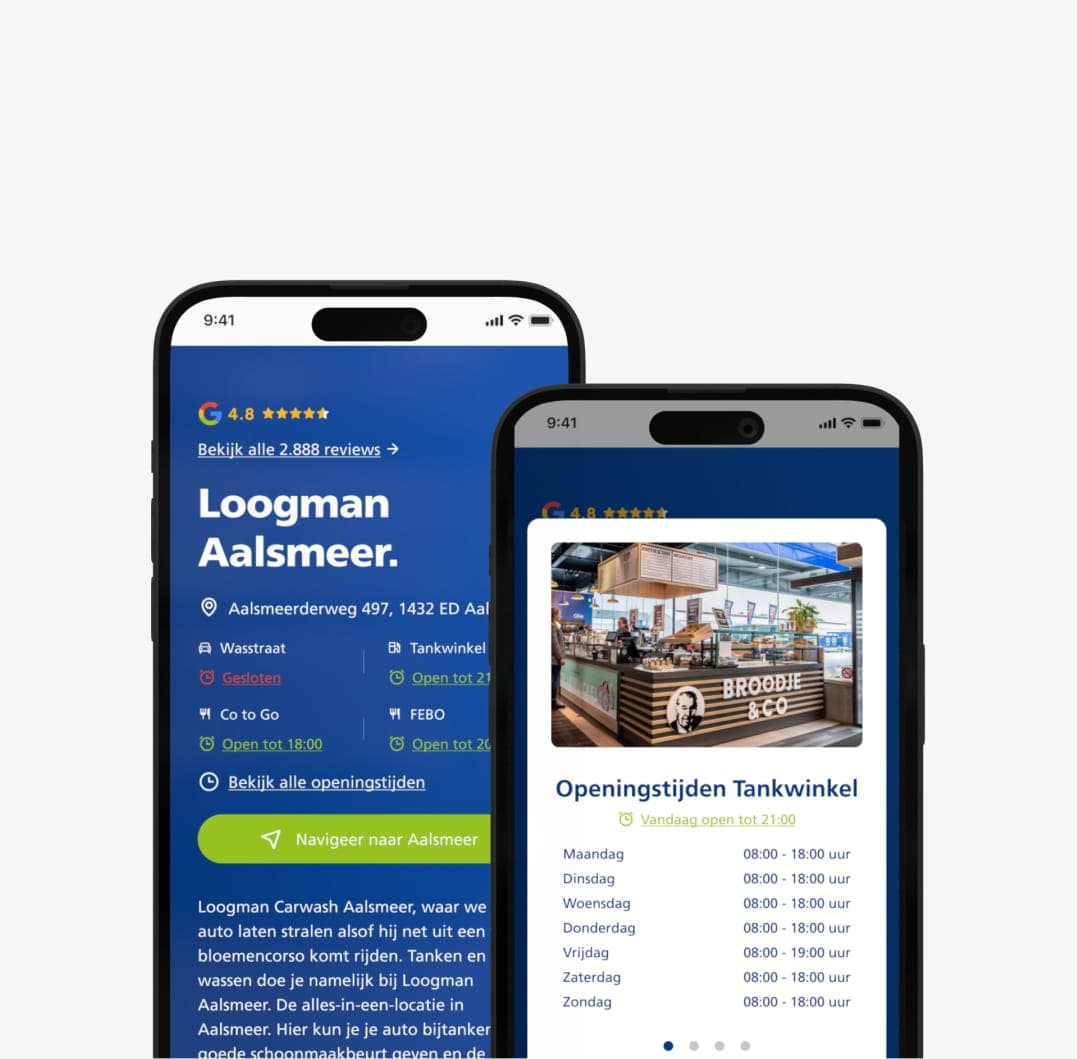
What does the design look like?
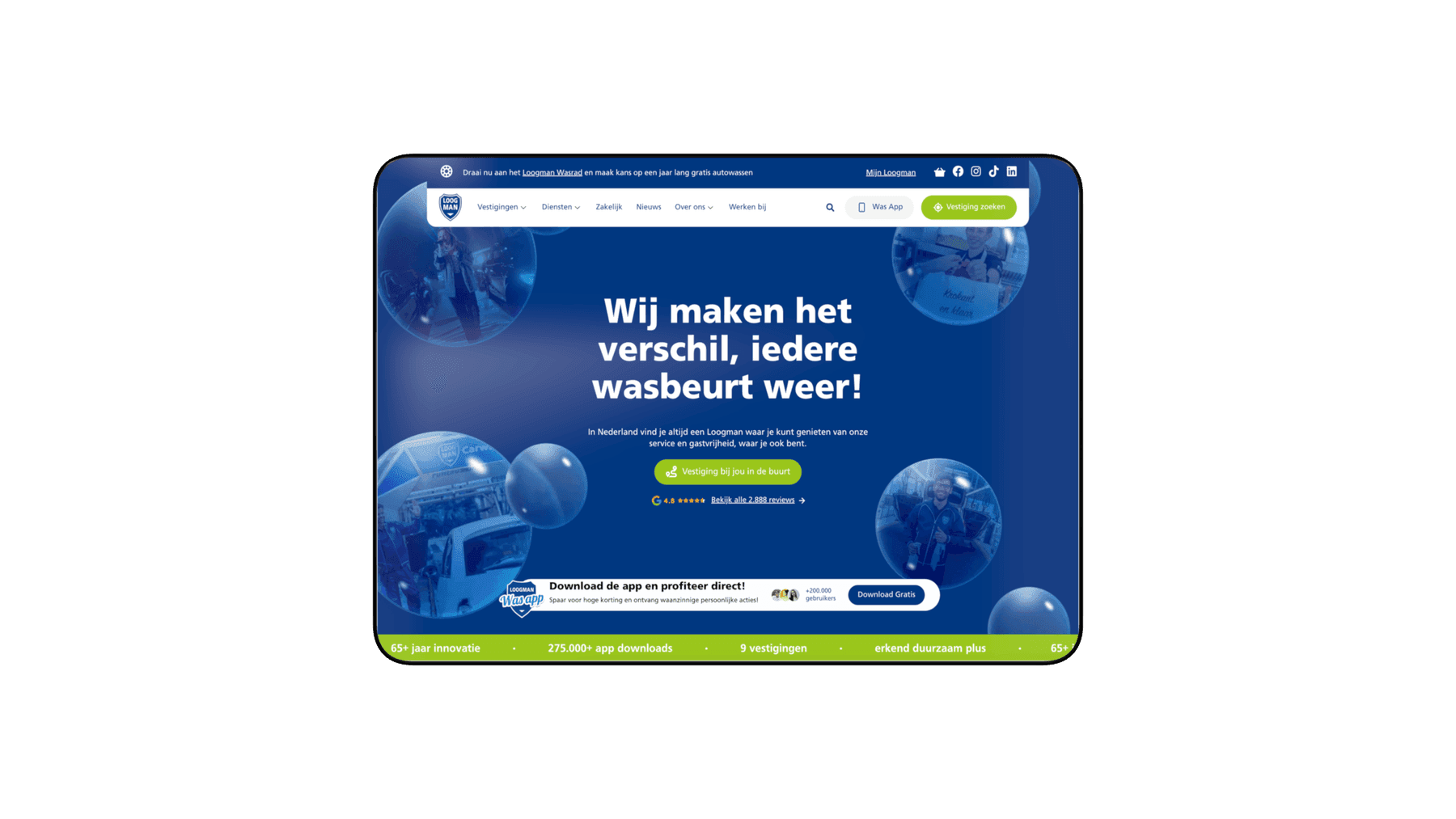
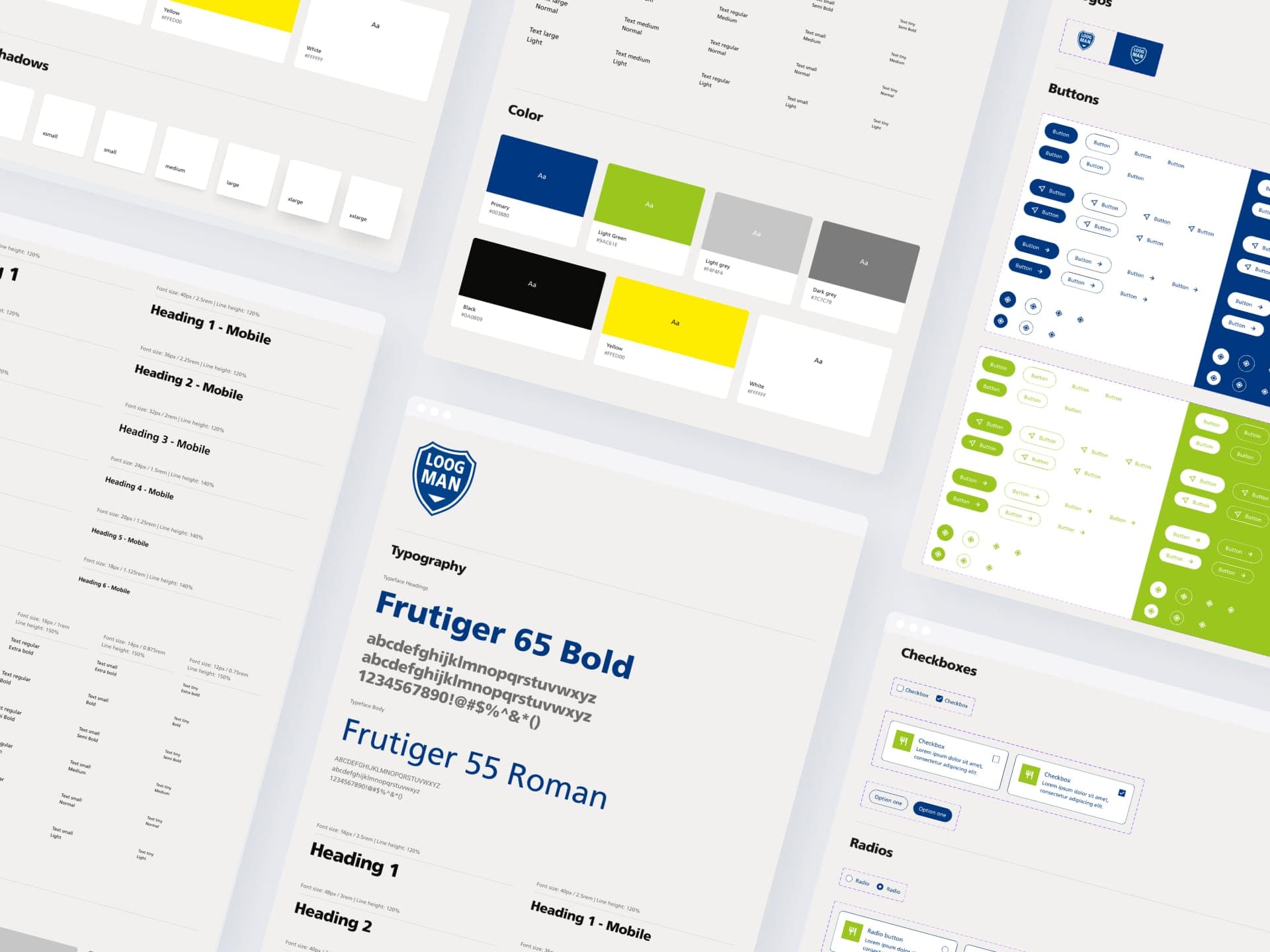
The design rests on a design system. Brandfirm reviewed the design for conversion, so every page has a clear next step. All components are defined in one system, so new pages and locations keep the same visual language. On the homepage, water bubbles containing Loogman imagery float across the screen. That suits a car wash and gives the site its own face straight away.
I'm a strong advocate of a design system for a brand with many locations. At first it feels like extra work. But every new location or service then takes a lot less time, because the building blocks are already in place.
Which systems does the website talk to?
Four parts talk to other systems: an order shop for Febo and Co To Go with a label printer at the location, the Wasrad loyalty programme through the existing API, job vacancies from Raet and a route to the Was App. On top of that, all the content of the old site moved across without losing search visibility.
Order shop with a direct printer integration
For Febo and Co To Go we built an order shop where customers order and pay online. Every order goes straight to the label printer at the location. Staff see immediately what needs preparing. That shortens waiting times and takes retyping out of the process.
Wasrad, rebuilt
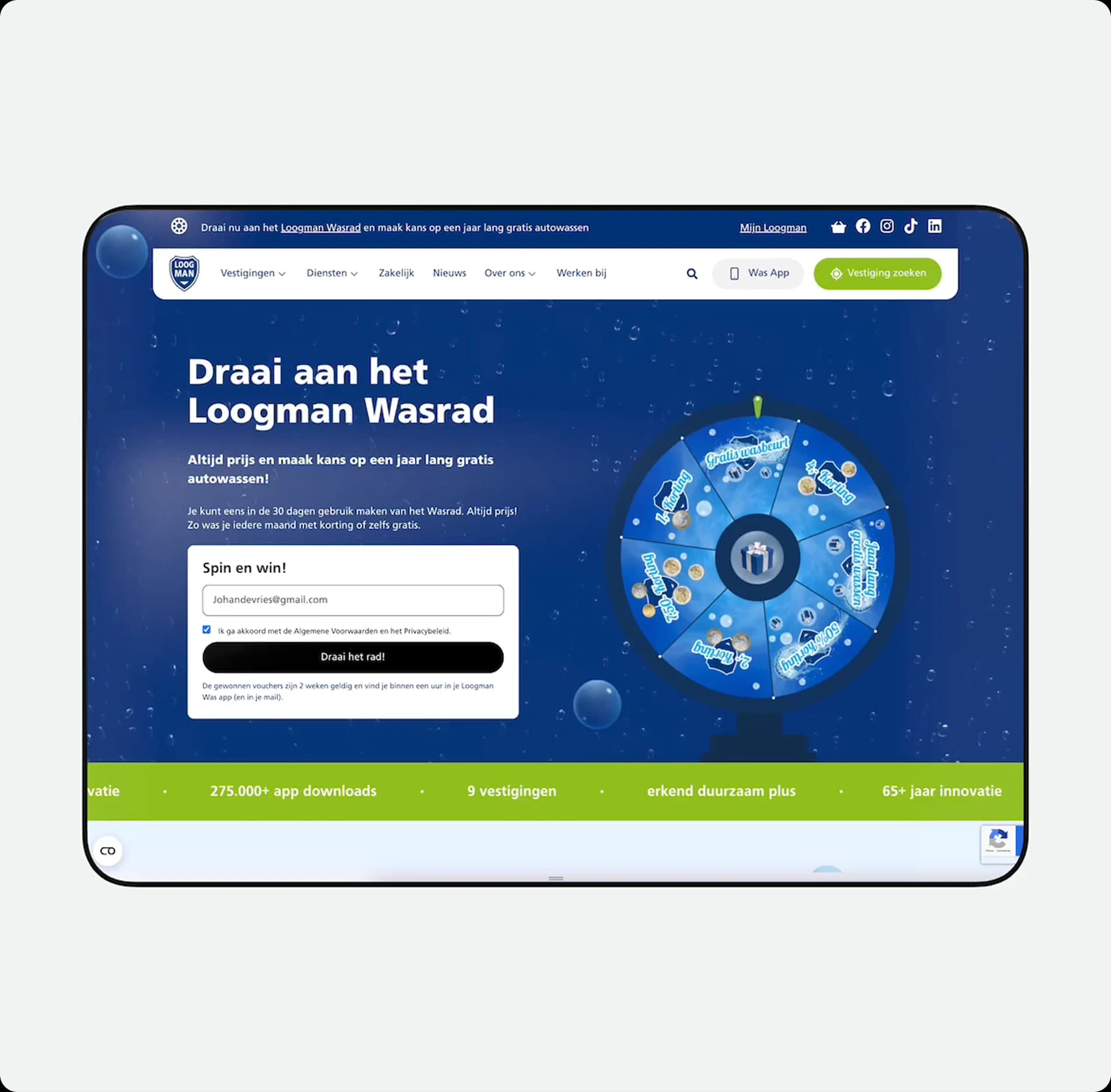
The Wasrad (wash wheel) is the loyalty programme where customers win a discount or a free wash. We rebuilt it in PHP and redesigned the front end. It connects to the existing API, so it stays familiar to regular customers.
Job vacancies straight from Raet
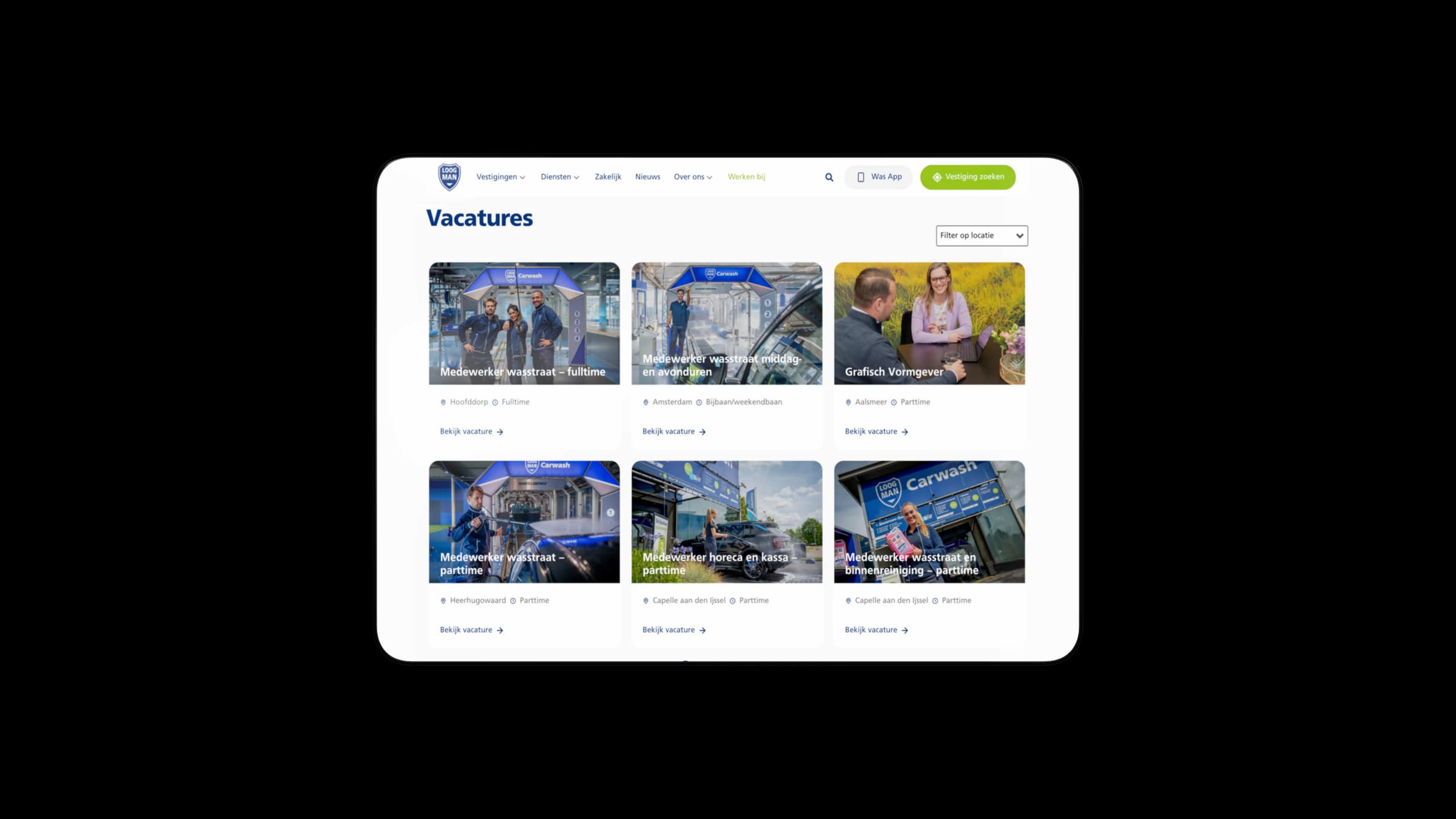
Vacancies that HR enters in Raet, their HR system, appear on the website automatically. The system then picks the matching image from the WordPress media library, based on location and role. So nobody has to upload an image by hand any more.
A clear route to the Was App
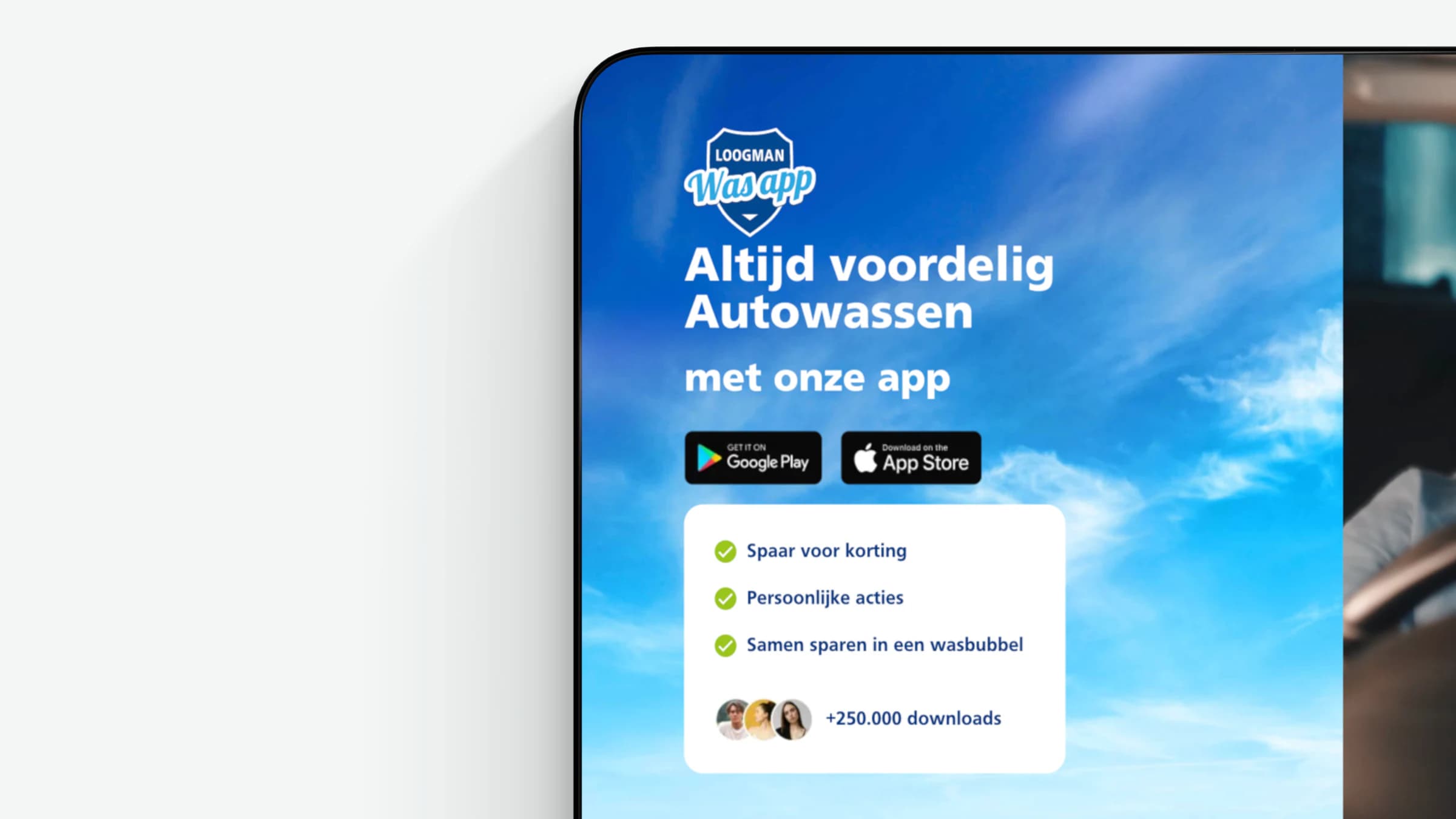
Loogman has its own app where customers save up and get discounts. One of the goals was to guide visitors there. So the website links to the App Store and Google Play in logical places, along with the benefits of the app.
Migration that keeps search visibility
All the content of the old site, including blog articles, moved to the new WordPress environment. The goal: keep the existing search rankings. To do that, we went through the URL structure, the metadata and the internal links one by one.
To see which integrations we build more often, have a look at our integrations. You'll find what an integration like this costs on the page about having an integration built.
What did the new Loogman Carwash website deliver?
Loogman now manages opening hours, job vacancies and location information in one place, and they appear automatically on the right pages. Visitors see which location is nearest, what they can do there and whether it's open. Orders reach the staff without anyone retyping them.
There's also room to keep building. The design system and the modular setup make it possible to add new services and locations without setting the site up again.
“Your Tech Club is both skilled and creative. They kept coming up with innovative solutions to technical challenges and actively helped think about how to take our project to a higher level. Whether it was complex technical issues or creative ideas, they always found the right solutions.”
Another project where a booking lands straight in an existing system is the booking app for day passes at Golf Amsteldijk.
Want a website that shows your business the way it really works? Tell me how your organisation is put together, and we'll work out what the site needs to do.
Book an intro callUpdated
Get in touch with us directly. We'll get back to you as soon as we can


 Your message goes straight to our team in Amsterdam.
Who built the Loogman website?
Your Tech Club. We did the UI/UX design, built the design system and the website, and took care of the integrations with Raet and the geolocation APIs. Brandfirm was the partner for conversion optimisation.
What technology does the Loogman website run on?
WordPress with PHP, plus our own plugins for the opening hours and the order shop. Job vacancies come in through the Raet API and the location finder runs on geolocation APIs.
How do you show opening hours that differ per location and per department?
With a custom plugin that stores the hours per department and works out what applies on the day of the visit. The visitor then sees a single line, for example "Open until 18:00", instead of a timetable. It's managed centrally, so a change in one place takes effect everywhere.
Can you send online orders straight to the kitchen?
Yes. At Loogman, every online order goes through a back-end integration directly to the label printer at the location. Staff get a ticket with all the details, without anyone having to copy the order from a mailbox or dashboard.
How do you connect job vacancies from an HR system to a website?
Through the HR system's API, in this case Raet. Vacancies created there appear on the site automatically, with imagery chosen based on location and role. HR manages vacancies in one place and the website stays up to date.