

In this article
- What are repetitive tasks, really?
- How do you find repetitive tasks in your business?
- How much time and money does that manual work cost?
- Which form of automation suits which task?
- Which repetitive tasks can you automate per department?
- Which tasks would I not automate?
- How do you know whether the automation works?
- Where do you start when you automate repetitive tasks?
- Frequently asked questions
Everyone wants to automate repetitive tasks. Hardly anyone knows exactly which tasks those are. Ask a team and you hear "invoices" and "email", and then it goes quiet. That is why I never start with a tool, but with a tally sheet. In this article you read how to find the manual work in one week, how to work out what it costs and which form of automation fits.
This article belongs to our step-by-step plan for automating business processes with AI. That is where you find the bigger story. Here it is about the small tasks that come back every day.
What are repetitive tasks, really?
Repetitive tasks are tasks that come back often, follow roughly the same steps each time and need little judgement. Think of retyping details from an email into a system, booking invoices, confirming appointments or putting together a weekly report. The more often a task recurs and the more fixed its steps, the better you can automate it.
A handy definition: a task is repetitive if you can explain it to a new colleague on one sheet of A4. If that fails because there are always exceptions, it is probably not a job for simple automation. Maybe for AI, but more on that later.
The scale is bigger than you think. In 2023 McKinsey estimated that generative AI and other technology could automate work that takes up 60 to 70 per cent of employees' time (McKinsey, 2023). That is a technical upper limit, not a promise. In an ordinary SME you will not get there. Still, it shows there is more to gain than just invoices.
How do you find repetitive tasks in your business?
You find repetitive tasks by tallying for a week. Everyone in the team records for five working days which tasks come back, how often per week and how many minutes each time. After that week you have a list with real numbers instead of a gut feeling. It takes a quarter of an hour per person per day and tells you more than any brainstorm.
This is what a tally sheet looks like:
| Task | Times per week | Minutes each time | System |
|---|---|---|---|
| Book a purchase invoice | 40 | 4 | Email, Exact Online |
| Confirm an appointment | 25 | 3 | Calendar, email |
| Move a lead into the CRM | 15 | 6 | Web form, HubSpot |
The numbers in this table are an example. Fill in your own.
A few tips to make tallying work. Keep it simple, so a shared spreadsheet is enough. Also tally the small things, such as "looking up a customer number". It is precisely those small tasks that pile up. Ask about irritations as well, because work people dislike is often work that keeps coming back. Finally, note in which system the task starts and ends. You need that later to choose the right form.
What you often see after a week of tallying: the task everyone complained about turns out smaller than expected, and a small job nobody mentioned, such as looking up customer numbers or renaming attachments, suddenly tops the list. That is why you tally first and choose afterwards.
How much time and money does that manual work cost?
Manual work costs you the number of times per week, times the minutes each time, times the number of working weeks, times your staff cost per hour. Forty invoices of four minutes is 160 minutes a week. Over 46 working weeks that is more than 122 hours a year. That sum turns an irritation into a business case.
Want to automate repetitive tasks and back it up with numbers? Then a worked example with the table above helps:
- Purchase invoices: 40 × 4 minutes = 160 minutes a week.
- Confirming appointments: 25 × 3 minutes = 75 minutes a week.
- Moving leads: 15 × 6 minutes = 90 minutes a week.
Together that is 325 minutes, so almost 5.5 hours a week. Over 46 working weeks you end up at about 250 hours a year. Multiply that by your own staff cost per hour and you know what this manual work costs.
Rather not work it out yourself? Our manual work calculator does it for you. You enter your tasks and see the cost per year straight away.
Do watch one thing, though. Not every hour saved is a euro saved. If someone gains two hours a week, you also need to know what that person will do with those two hours. Otherwise the gain evaporates at the coffee machine.
Which form of automation suits which task?
Not every task needs AI. Sometimes a setting in your software is enough, sometimes an integration between two systems, sometimes a workflow with a few steps. You only need AI when the task has to read or understand text. Always choose the simplest form that works, because simple is cheaper and breaks less easily.
| Form | When | Example |
|---|---|---|
| Setting | Your software can already do it, nobody switched it on | Automatic reminders in your accounting package |
| Integration | Two systems need the same data | Orders from your online shop to your accounting |
| Workflow | Fixed steps across several systems | Creating a new customer in CRM, accounting and planning |
| AI | The task needs reading, sorting or writing | Sorting a shared mailbox by subject |
The first form is the one people forget most. So for every task on your tally sheet, check first what your current package can already do. A feature you already pay for but do not use costs nothing extra.
An integration does not have to be big to make a difference either. For an installation company we built a quote tool that puts every enquiry into the CRM complete. Whoever calls the customer already has the house, the energy use and the chosen products in front of them, without anyone retyping a thing.
For workflows you can look at tools such as n8n, Make, Zapier or Power Automate. Which one fits, you can read in n8n, Make or Zapier. Torn between a workflow and an agent? Then read AI agent vs automation.
Which repetitive tasks can you automate per department?
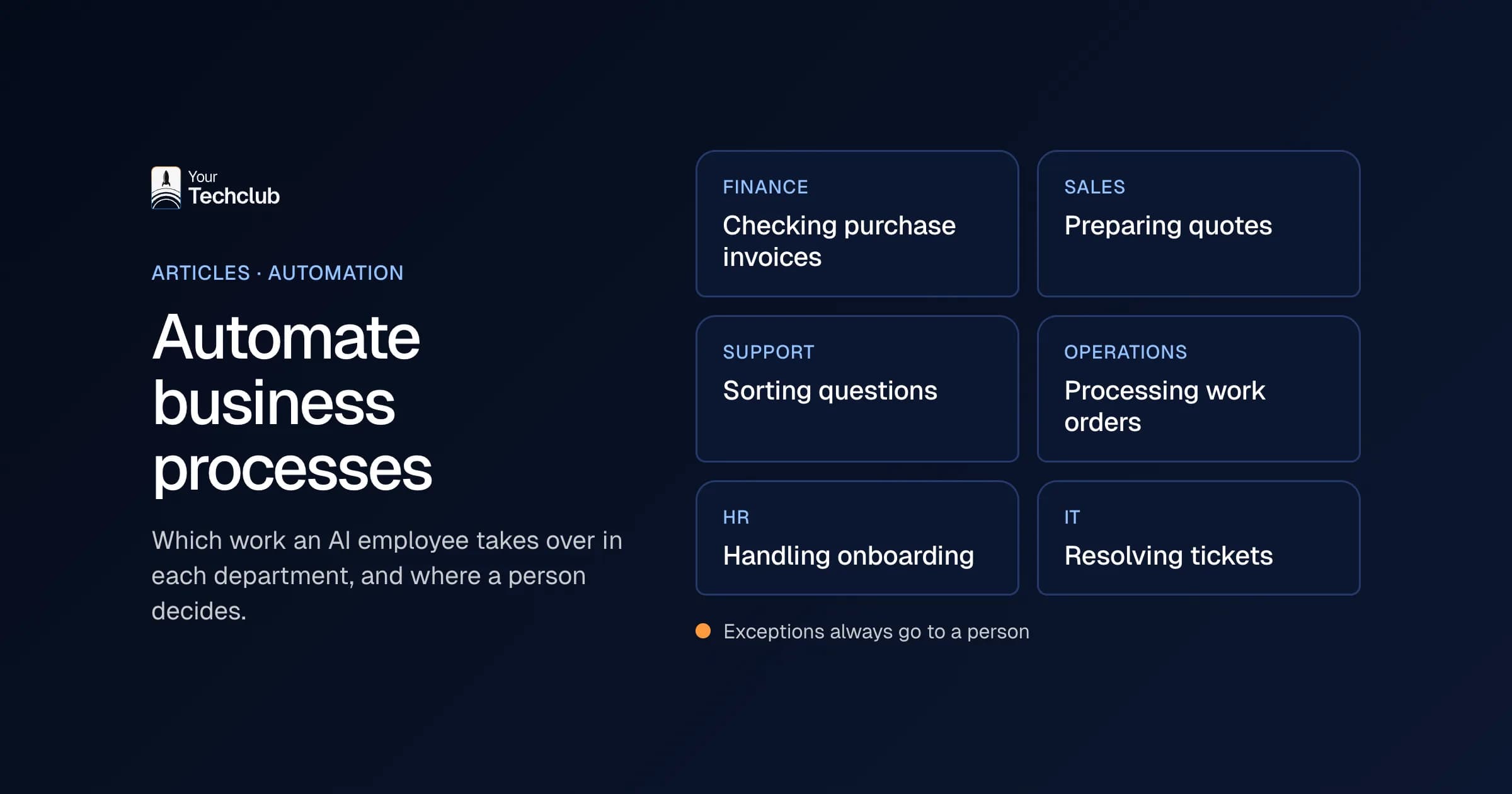
Every department has its own recurring tasks. Finance processes invoices, HR handles leave, sales keeps the CRM up to date, support sorts questions and operations distributes email. For most of those tasks we have a worked-out AI employee. There you see per task what the software does and where a person checks.
A few examples per department that we come across often:
- Finance: reading, checking and preparing purchase invoices. That is what our AI employee for invoice processing does.
- HR: checking leave requests against the roster and the leave balance. That is what our AI employee for leave requests does.
- Sales: cleaning up duplicate contacts and empty fields in the CRM. That is the job of the CRM Cleaner.
- Support: sorting incoming questions and answering standard ones. Read more under support ticket triage.
- Operations: reading a shared mailbox and routing each email to the right person. For this there is shared inbox triage.
- Planning: confirming appointments and sending reminders. See appointment reminders.
The full overview is under our AI employees. It lists 62 tasks, worked out per department. One example of a recurring check that AI takes over: a promotion platform that checks every till receipt with AI.
Which department should you start with when you automate repetitive tasks? Usually the one with the longest tally sheet. That is often finance, because invoices come back every week and the steps are well defined. But sometimes it is support instead, because there the customer notices directly that things go faster. So do not only look at hours, but also at who suffers from the work.
Which tasks would I not automate?
Do not automate tasks that rarely occur, that are different every time or where a mistake does a lot of damage without anyone noticing. A process that is messy today is also better left alone for now. Otherwise you only make the mess faster. Tidy up first, and then look at the tally sheet again.
What I would not do:
- Automate a task that takes ten minutes once a month. The build costs more than you will ever earn back.
- Automate a process that three colleagues do in three different ways. Agree first on how it should be done.
- Hand a customer decision entirely to software, such as a credit limit or a rejection. Let a person sign off.
You can read more about this in when AI is not a good idea. That sounds odd coming from someone who builds AI. Yet it is half of our work: finding out where it does not pay off.
How do you know whether the automation works?
You know whether it works by taking a baseline measurement beforehand and repeating the same measurement after four weeks. Measure the time per task, the number of errors and how often a person had to step in. If the time drops and the errors stay the same or go down, it works. If not, you adjust.
The tally sheet is your baseline straight away. That is why it is a shame to throw it away once you start. After four weeks, tally the same task again, with the same people.
Watch three numbers when you do: the minutes each time, the number of exceptions and the number of times someone had to fix something. People often forget that last number. An automation that saves time but makes two mistakes a week will cost you trust in the end. And trust is harder to win back than an hour.
My advice: put the four-week measurement in the same spreadsheet as the tally sheet, with the same columns. Then before and after sit side by side, and everyone on the team can see what changed.
Where do you start when you automate repetitive tasks?
Start with the tally sheet, calculate the top five and pick one task with many hours and little risk. Automate that one first, measure for four weeks and only then move on to the next. That way you build up proof instead of a pile of half-working tools.
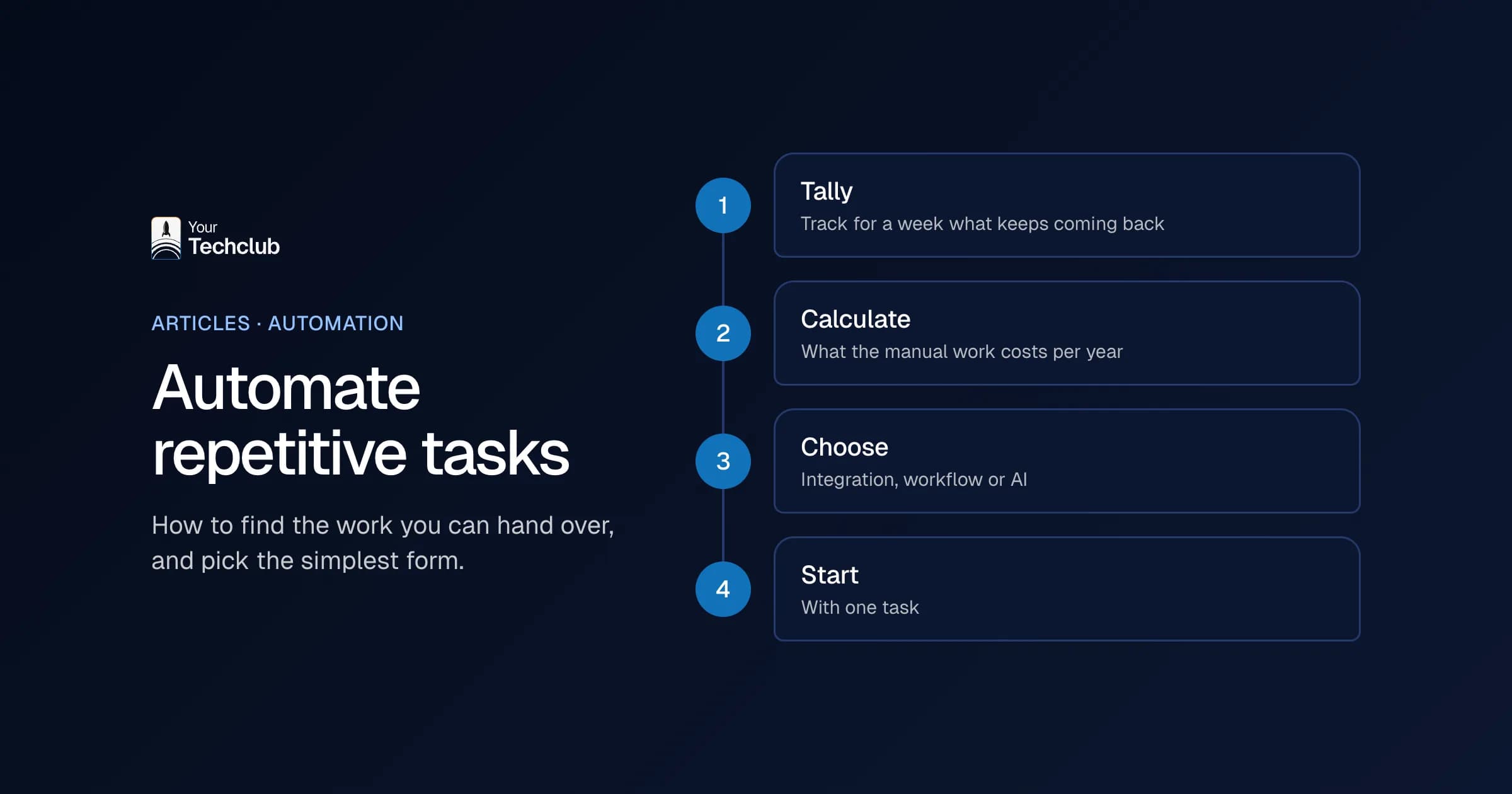
My order in short:
- Tally for a week with the whole team.
- Calculate the time per task, with the calculator or by hand.
- Choose the simplest form per task: setting, integration, workflow or AI.
- Start with one task and measure the result.
Tallying not happening because nobody has time for it? Then we do it together with your team in the AI Opportunity Audit. Within five working days you have a report with the tasks, the hours and the form that fits.
Frequently asked questions
Which repetitive tasks are easiest to automate?
Tasks with fixed steps, digital input and lots of repetition. Think of booking invoices, confirming appointments, moving data between systems and putting together a weekly report.
Do you need AI to automate recurring tasks?
Often not. A setting, an integration or a workflow is enough when the steps are fixed. You need AI when the task has to read, sort or write text, such as emails or PDF invoices.
How do you calculate what manual work costs?
Multiply the number of times per week by the minutes each time, the number of working weeks and your staff cost per hour. Our manual work calculator works it out for you.
How long does it take to automate a repetitive task?
That depends on the form. Switching on a setting can be done in a day. An integration or AI employee takes longer, because you have to test with real data.