In this article
You want a lead from your web form to land in your CRM on its own, a signed quote to create a project, and nobody retyping details between two systems any more. You'll soon end up looking at n8n, Make or Zapier. All three connect apps without you having to write code. Which one fits depends less on the tool than on your process.
This article puts the three side by side: how they charge, where your data sits, what they can do with AI and where the limits are. The product information comes from the n8n, Make and Zapier websites, checked on 18 October 2026. Prices and terms change, so check what applies now before you choose.
What do these tools do?
All three work on the same idea. A trigger starts the automation, for example a new form or a new row in a spreadsheet. Then a series of steps follows in other apps. Zapier calls this a Zap, Make a scenario and n8n a workflow.
The differences come down to three things: how you pay, where it runs and how much freedom you have in the logic.
Zapier: quick to start, pay per task
Zapier is the easiest to start with. According to Zapier it connects more than 9,000 apps (Zapier).
- Charging: per task. A task counts each time Zapier completes a unit of work for you; failed actions don't count. The free plan gives you 100 tasks a month and two-step Zaps: one trigger and one action.
- Price: on 18 October 2026, Professional starts at $19.99 a month billed annually, for 750 tasks. Team starts at $69 a month for 2,000 tasks.
- AI: Zapier Agents is a separate add-on that charges in 'activities'. Zapier MCP gives AI tools access to your apps; each call costs two tasks.
- Data: Zapier stores customer data in the US, in AWS US-East-1. Storage in another region is only available if separately agreed (Zapier).
A good fit if: you want a few simple integrations between well-known apps quickly, at low volume. With many steps and many runs, tasks add up fast.
Make: build visually, pay per credit
In Make you build scenarios visually, as a diagram with branches and filters. According to Make it connects more than 3,000 apps (Make). Logic with several routes stays easier to follow than a long list of steps.
- Charging: per credit. Most actions cost one credit; some AI features cost more. The free plan gives you 1,000 credits a month. The paid plans are called Core, Pro, Teams and Enterprise (Make).
- AI: Make has AI Agents and AI modules. If you use Make's own AI provider, the number of credits depends on tokens and operations (Make).
- Data: when you create an organisation, you choose a data centre in the US or the EU. You can't change it afterwards (Make). Even in the EU zone, not every AI request stays in the EU. OpenAI models through Make, for example, run in the US (Make).
A good fit if: you need more logic than a few steps, you want your data in the EU and you don't want to run your own server.
n8n: self-hosting possible, pay per execution
n8n is the most technical of the three. You build workflows visually, and where that isn't enough you write a step in JavaScript or Python (n8n). And you can run n8n on your own server.
- Charging: per execution. One execution is one run of the whole workflow, however many steps it has (n8n). That helps with workflows that have many steps.
- Price: in n8n's cloud, on 18 October 2026, Starter begins at €20 a month billed annually, for 2,500 executions. Pro is €50 a month for 10,000 executions. Self-hosting is possible without licence fees with the Community Edition.
- AI: with the AI Agent node you connect a language model to tools. For each tool you can add human approval, through Teams, Slack, Gmail or Outlook, among others (n8n).
- Data: the cloud version stores data in the EU, on servers in Frankfurt. If you self-host, you decide where it lives.
A good fit if: you have many steps or high volumes, you want to keep data on your own infrastructure, or someone on your team can handle the technical side.
Watch n8n's licence
n8n doesn't call itself open source but fair-code. The Community Edition falls under the Sustainable Use License (n8n). It allows use for your own internal business, and also allows a consultant to build workflows for you. What isn't allowed without a separate agreement: offering n8n to your own customers so they can connect their accounts and build workflows themselves. If you want to put automation into your own product or customer portal, check beforehand whether that fits within the licence.
Self-hosting isn't free
The Community Edition has no licence fee, but it does take work. If you self-host, you handle updates, backups, security and monitoring; n8n's hosting documentation shows what's involved. If something breaks, your integrations stop and there's no vendor to pick it up.
Which fits which situation?
- Starting quickly and simply: Zapier.
- More logic without code, with an EU data centre: Make.
- High volumes, self-hosting or custom code: n8n.
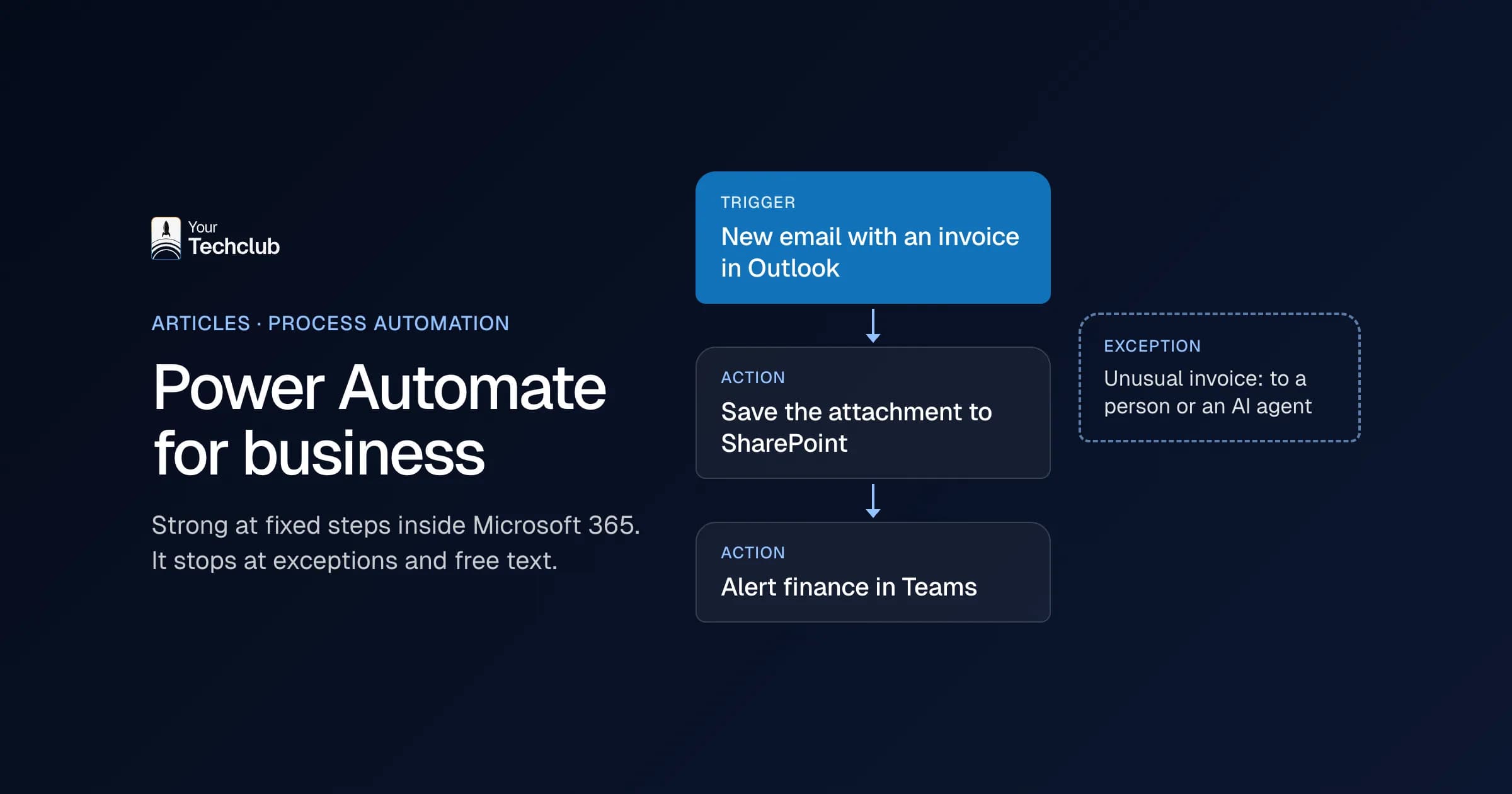
- Working mostly in Microsoft 365: look at Power Automate first. See Power Automate or an AI agent.
Where no-code stops
With any of these tools you can have a first integration running in an afternoon. The problems come later, and they look much the same for all three.
- Error handling: an integration that fails on an empty field or on an API that briefly doesn't respond. Who notices, and what happens to the missed records?
- Duplicate data: two systems that both think they're the source. Without agreement per field, you get duplicate customers or overwritten details.
- One builder: the workflow was built by one colleague, on their own account. When they leave, nobody knows how it works.
- Costs as you grow: per task, per credit or per execution. At ten times the volume you pay more too. Work that out in advance.
- Systems without a ready-made integration: an industry package or an old database. Then you end up building an API call by hand anyway, in a tool that wasn't made for it.
If you recognise two or more of these, a custom API integration is often cheaper over a few years than a workflow you keep having to stretch. We can integrate any system, even when there's no standard integration. What drives the price of an integration is covered in what does an integration between two systems cost? and under integration development costs.
And where does an AI agent begin?
A regular workflow follows rules, even if there's an AI step in it: the workflow sets the order and the model fills in one step. That's often exactly right. All three tools now also have agents, where the model chooses which tool to use. That gets you a long way for a first version.
What's usually missing then isn't the model but the layer around it: permissions per action, a log where you can see per case what happened, and integrations with systems that have no connector. The difference between rules and an AI agent is covered in AI agent or regular automation. How far you get yourself with n8n, Copilot Studio, ChatGPT or Claude is in building your own AI agent.
If the task needs more, we build a custom agent, with integrations in your own systems and fixed limits on what it may do. How that works is covered under AI agent development. Which tasks AI employees already take over is under AI employees.
How do you choose?
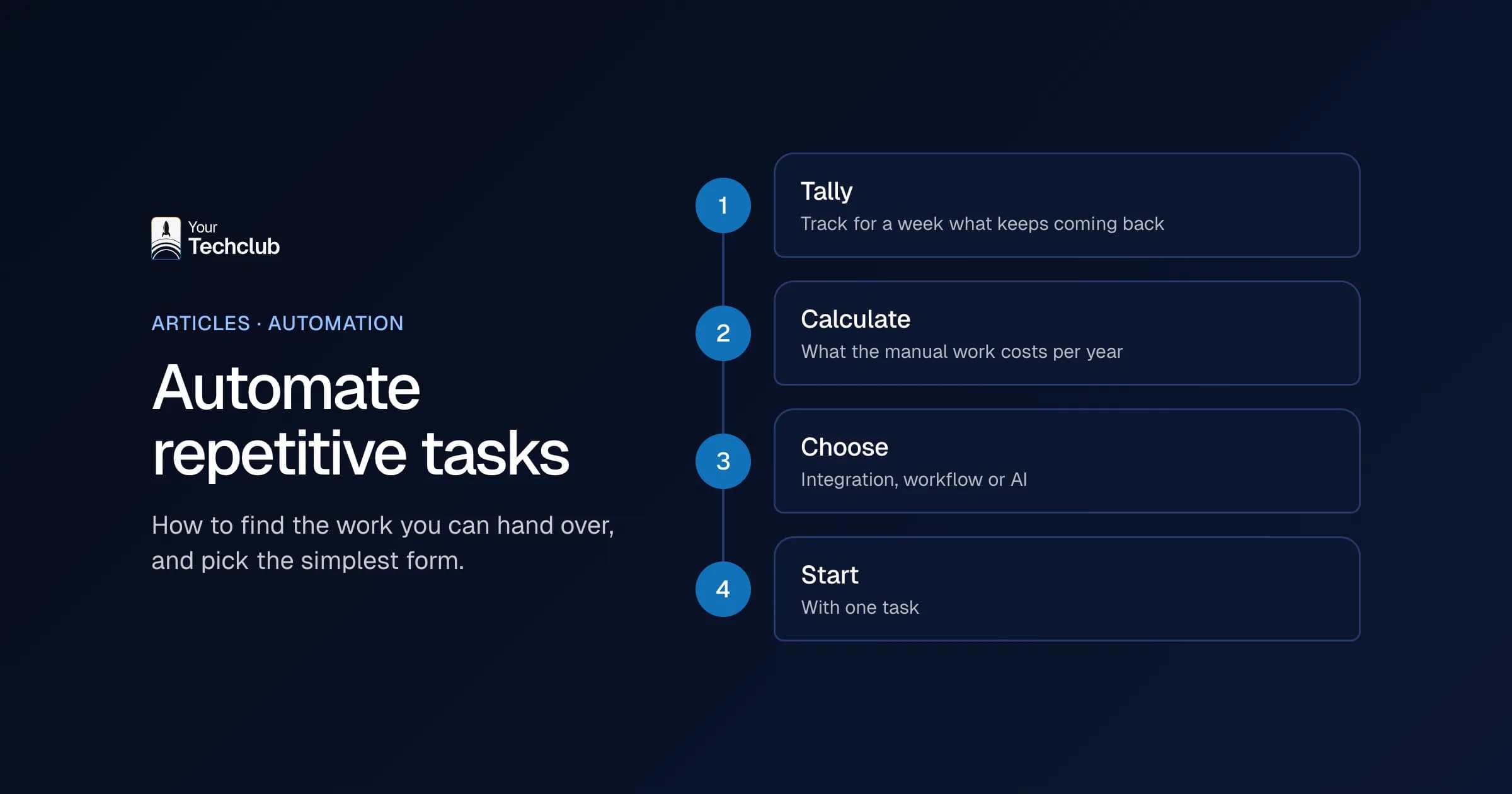
- Start with the process, not the tool. Write out the steps and count how often it happens per month.
- Work out the costs at the volume you expect in a year, not today's.
- Decide where your data needs to be, including the data in AI steps.
- Agree who manages the workflow, and document how it works.
- If you hit two or more of the limits above, first discuss whether a custom build makes more sense.
Not sure which processes are worth automating, and whether a tool, an integration or an agent fits? We map that out in the AI Opportunity Audit. Sometimes the advice is: use Make or n8n and don't have anything built. An overview of our AI and automation work is under AI and automation.
Sources, checked on 18 October 2026: Zapier: pricing, Zapier: security and data storage, Make: homepage, Make: pricing, Make: credits, Make: organisations and data centres, Make: AI providers and data zones, n8n: pricing and hosting, n8n: Sustainable Use License, n8n: self-hosting, n8n: Code node, n8n: AI Agent node, n8n: human approval for tools.
Frequently asked questions
What's the difference between n8n, Make and Zapier?
Zapier is the simplest and charges per task. Make works visually with scenarios, charges per credit and lets you choose an EU data centre. n8n charges per execution of a whole workflow, and you can also run it on your own server.
Is n8n free?
You can self-host the Community Edition without licence fees, under the Sustainable Use License, which allows use for your own business. You do pay for the server and the management yourself. n8n's cloud version is paid; on 18 October 2026 Starter begins at €20 a month billed annually.
Is n8n open source?
No, n8n calls itself fair-code. The source code is public, but the licence restricts commercial use. For example, you can't offer n8n to your own customers to build their own workflows without a separate agreement.
Where is my data with Zapier, Make and n8n?
Zapier stores customer data in the US. With Make you choose a US or EU data centre when you create your organisation. n8n Cloud stores data in Frankfurt, and if you self-host n8n you decide the location. Watch the AI steps: the language model you connect may process data outside the EU, even if the tool itself runs in the EU.
When is a custom build better than a no-code tool?
When integrations fail without anyone noticing, when two systems manage the same data, when costs rise sharply with volume, or when a system has no ready-made integration. Then your own integration or agent is often cheaper and easier to manage.