In this article
Someone on your team has already tried it. A custom GPT with your quote templates, a Copilot Studio agent that answers HR questions, or an n8n workflow that sorts email. It works in the demo. The real question is whether it still works when twenty colleagues use it every day, when it has to write to your ERP, and when someone later asks why the agent did what it did.
This article walks through the four most common routes: Microsoft Copilot Studio, ChatGPT, Claude and n8n. For each you'll see what you can build yourself and where the limit is. Product details come from the vendors' own documentation, checked on 17 October 2026. These products change fast, so check what applies before you choose.
What do we mean by an AI agent?
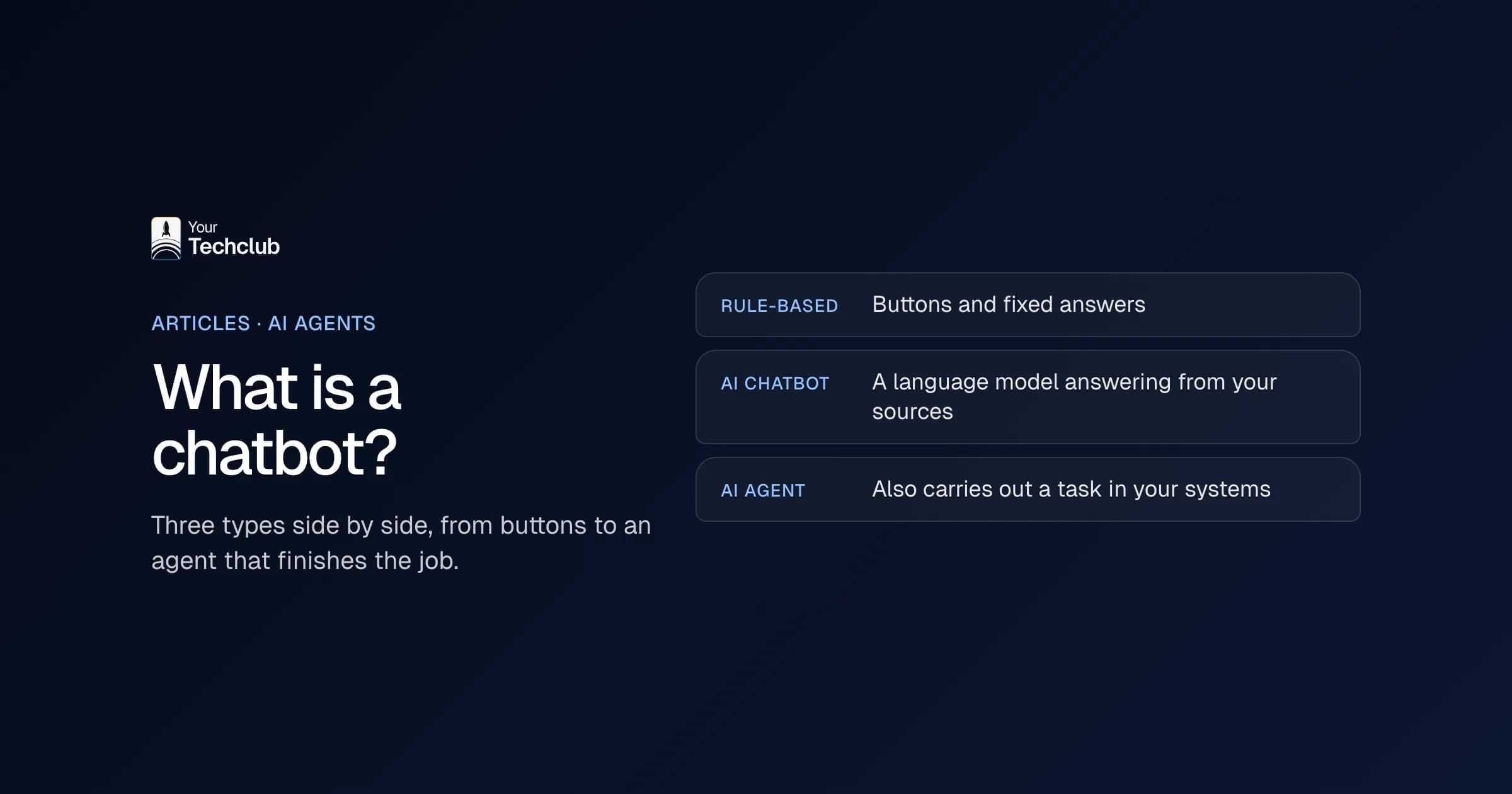
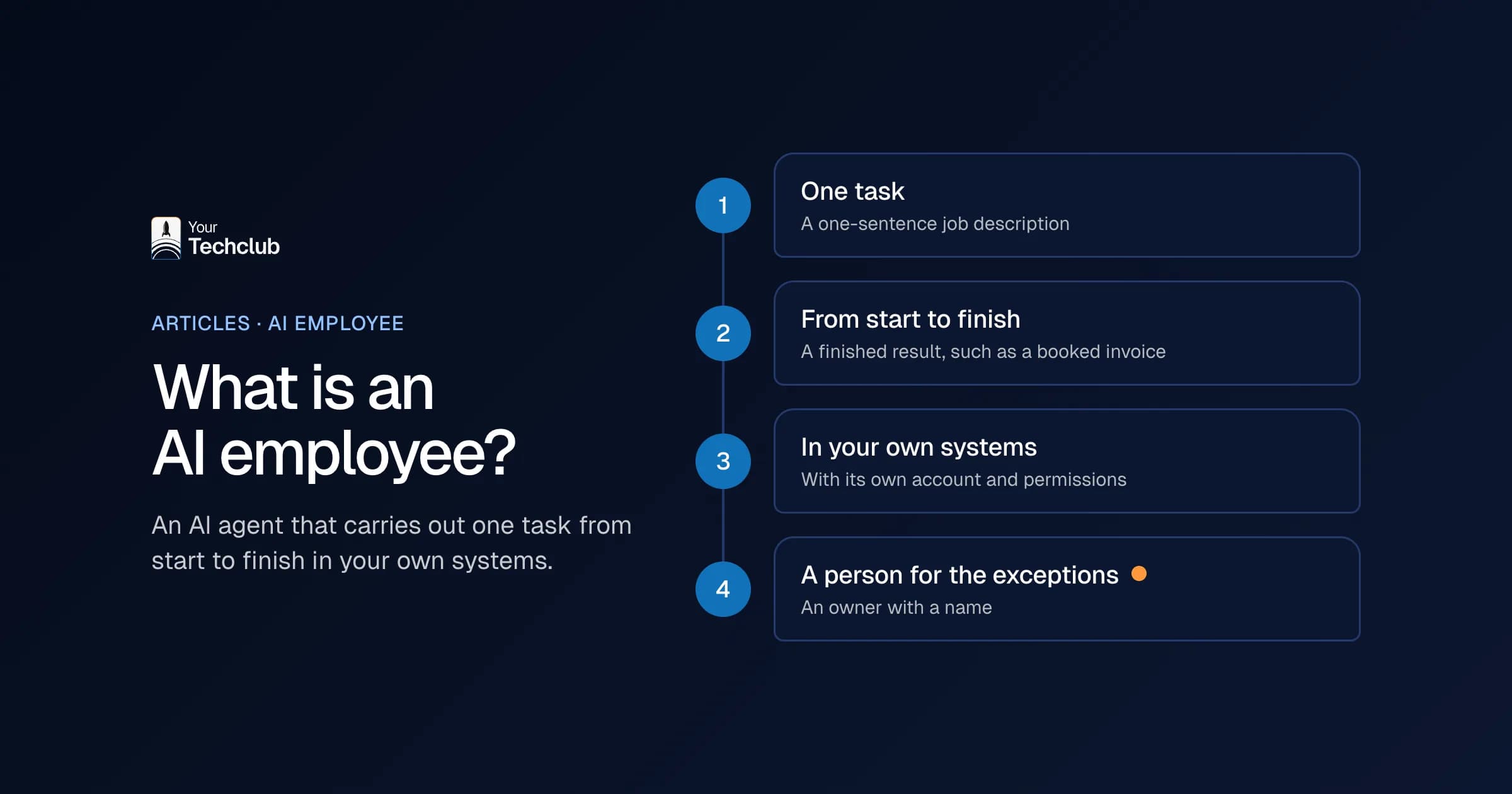
An AI agent is software that handles a task based on instructions, knowledge and tools. It reads information, decides on the next step and carries it out, for example by looking something up or creating a record. A chatbot gives answers. An agent does something in your systems.
So don't start with the tool. Start with the task: one task, with a clear outcome and someone who checks it. If the task doesn't need language understanding, you don't need an agent. See AI agent or ordinary automation.
What is the difference between an AI agent and a chatbot?
The difference is easiest to see in an example. If a customer asks where their order is, a chatbot looks up the answer. An agent can then also create a new delivery, email the customer and record the change in your system.
| Chatbot | AI agent | |
|---|---|---|
| What it does | Answers questions | Carries out tasks over several steps |
| Access to systems | Usually read only | Read and write, with rights per system |
| Who decides the next step | A fixed script or the user | The agent itself, within limits set in advance |
| Risk of a mistake | A wrong answer | A wrong action in your system |
| What you need | A good knowledge base | Knowledge base, integrations, logging and approval |
AI agent or chatbot, which do you choose? That depends on what has to happen after the answer. If it stops at giving information, a chatbot is enough, and it is also cheaper to maintain. If something then has to happen in your CRM, ERP or mailbox, you need an agent.
What I would not do: call a chatbot an "agent" because it sounds better. Then everyone expects it to get things done, while it only talks. More about the term is in what an AI agent is.
Microsoft Copilot Studio
Copilot Studio is Microsoft's low-code environment for agents and workflows. An agent follows your instructions, draws on the knowledge sources you connect and takes actions through prebuilt or custom connectors. You can publish it in Teams, in Microsoft Copilot, on a website and elsewhere. That's how Microsoft describes it in the Copilot Studio documentation. What Copilot Studio and agents in Copilot cost and where they stop is covered in Copilot Studio and Copilot agents.
- Good fit if: your organisation runs on Microsoft 365, your knowledge sits in SharePoint and the agent mainly needs to work in Teams or Copilot.
- Watch the costs: usage is billed in Copilot Credits. How many credits a response or action uses depends on how complex the task is, and unused credits don't roll over to the next month. With a Microsoft 365 Copilot licence, some usage in Copilot, Teams and SharePoint doesn't count (Microsoft).
- Limit: you connect a system outside Microsoft with a connector. If none exists, someone builds a custom connector on that system's API, and you have to maintain it.
ChatGPT: custom GPTs and workspace agents
A custom GPT gives ChatGPT fixed instructions and documents. Through actions it can call an external API. For that you need the system's API details, including authentication and an OpenAPI schema (OpenAI).
Note: in April 2026 OpenAI introduced workspace agents as the successor to custom GPTs in business workspaces, and announced that custom GPTs will move there. When that happens and what happens to custom actions is covered in OpenAI's help center. For shared workflows on the Business and Enterprise plans, OpenAI offers workspace agents. If you're building something new in ChatGPT, check first which route your workspace currently offers.
- Good fit if: your team already works in ChatGPT and the agent mostly writes text or looks things up.
- Limit: an action only works if the system has a usable API. The keys, the permissions and the upkeep of that integration are yours.
Claude: Projects and connectors
In Claude, a Project is a workspace with its own instructions and documents. On the Team and Enterprise plans you can share a project with colleagues, with view or edit rights (Anthropic). What the plans cost and what Anthropic does with your data is covered in Claude for business.
Connectors link Claude to other software through the Model Context Protocol (MCP). An MCP server gives Claude tools to read data and, if the server offers it, to create, change or delete it. Claude can only reach what the user has allowed the server to access. On a Team plan, only owners can add a custom connector (Anthropic).
- Good fit if: your team works with long documents, or an MCP server already exists for a system you use.
- Watch out: Anthropic itself warns that a malicious MCP server can contain hidden instructions. Only connect servers you trust and review the permissions they ask for.
- Limit: for your own systems there's often no MCP server yet. Someone has to build one, with the right permissions for each action.
An example of such a server: for Sprints & Sneakers we built an MCP server their team uses to manage the website through Claude. Whatever the assistant creates lands as a draft first, and publishing is a separate step. More in managing your CMS with your own MCP server.
n8n
n8n is a workflow platform with an AI Agent node. You connect a language model and at least one tool, and the agent decides which tool to use (n8n). For each tool you can add a human approval step: the agent then asks for permission first, for example in Teams, Slack or email (n8n).
n8n runs in n8n's cloud or on your own server (n8n). How n8n compares with Make and Zapier is covered in n8n, Make or Zapier.
- Good fit if: the agent is one step in a larger process, with a trigger such as a new email or a new record, and systems from different vendors.
- Limit: if you host n8n yourself, updates, backups, security and monitoring are on you. And the logic lives in a workflow someone on your team has to be able to read and maintain.
Not sure whether running and maintaining it yourself outweighs what it delivers? In the AI Opportunity Audit we work that out per process.
Where building it yourself stops
Each of these four routes gets you to a working first version quickly. The limit is almost never the language model. It's everything around it.
- Integrations with your own systems: an ERP, an industry package or an old database often has no ready-made connector. Someone then has to learn the API, map the fields and handle errors. How that works is in connecting an AI agent to your existing systems.
- Permissions: an agent running on an employee's account sees everything that employee sees. A dedicated account with only the rights for this task is safer, but it needs setting up.
- Logging: when a customer asks why they got that email, you want to see what input the agent had, what it decided and who approved it.
- Maintenance: who updates the instructions when the process changes, who tests after a model change, and what happens when the colleague who built it leaves?
- Usage costs: platforms charge per user, per credit or per amount of text. At high volume, costs grow with the work. Run those numbers up front.
If two or more of these points show up in your plans, a custom agent is often cheaper than a tool you have to bend around them.
Is your own agent, in n8n or on another platform, running into these limits? Then we look at whether a custom agent is the better route.
What a custom build does differently
Custom doesn't mean reinventing everything. Often you use the same language model. The difference is the layer around it: your own integrations, permissions per action, a log, and one place where the agent's limits are defined.
An example: for a retail organisation we built an oversight layer in the client's own Azure tenant. The agents are connected to the existing ERP, CRM, webshop and ticketing systems, and every action goes into an append-only audit log.
What a custom agent costs depends on the number of systems and actions. Indicative figures are in what an AI agent costs.
How do you start?
- Pick one task with volume and a clear outcome.
- Build a first version in the tool you already have, with a person approving every result.
- Test with real cases from the past and keep track of where it goes wrong.
- If you get stuck on integrations, permissions or logging, decide whether to stretch the tool further or have the agent built.
How we build agents that work inside your own systems is described under AI agent development. Not sure yet which task should come first? Then it starts with the AI Opportunity Audit.
Sources, checked on 17 October 2026: Microsoft: what is Copilot Studio, Microsoft: Copilot Studio licensing, OpenAI: actions in GPTs, VentureBeat: workspace agents as the successor to custom GPTs, Anthropic: Projects, Anthropic: custom connectors via MCP, n8n: AI Agent node, n8n: human review for tools, n8n: hosting.
Frequently asked questions
Can you build an AI agent without coding?
Yes. Copilot Studio, ChatGPT, Claude and n8n let you build an agent with little or no code. That's enough for a first version. Coding comes back as soon as the agent has to talk to a system with no ready-made integration.
Which tool is best for building an AI agent?
It depends on where your work happens. If your organisation runs on Microsoft 365, Copilot Studio is the obvious choice. If your team works in ChatGPT or Claude, start there. If the agent is one step in a process across several systems, a workflow platform like n8n fits better.
Can you build an AI agent with Claude?
With Projects you give Claude fixed instructions and documents, and with connectors over MCP Claude can read and act in other software. For your own systems you do need an MCP server, with the right permissions per action.
What does a self-built AI agent cost?
On top of licences, most platforms charge for usage: per credit, per message or per amount of text. Add the time for building, testing and maintenance. Check the vendor's pricing page for amounts. Indicative figures for a custom agent are in what an AI agent costs.
When do you need a custom build?
When the agent has to write to systems without a standard integration, when you need permissions and an auditable log per action, or when volume is high enough that usage costs start to matter.
Is an AI agent the same as a chatbot?
No. A chatbot answers questions, while an AI agent also carries out the task that goes with them, such as creating an order or emailing a customer. So an agent needs access to your systems, and therefore also access rights, logging and approval.