In this article
Your business runs on Microsoft 365. Copilot is in Outlook and Teams, and someone has built an agent in Copilot Studio that answers questions about the staff handbook. It works. Now other teams want one too: for quotes, for customer service, for planning. Before you do that, you want to know what Copilot Studio can do, what it costs and where it stops.
This article covers what Copilot Studio and Copilot agents are, how licensing works at a high level, what they're good at and when a custom agent or an AI employee fits better. The product information comes from Microsoft's documentation, checked on 18 October 2026. Microsoft changes this product often, so check what applies now before you choose.
What is Copilot Studio?
Copilot Studio is Microsoft's low-code environment for building and managing AI agents and workflows. You connect them to your organisation's data and systems and publish them where your people already work (Microsoft).
An AI agent in Copilot Studio follows your instructions, draws on the knowledge sources you connect and takes actions with tools. It works in Microsoft Teams, in Microsoft Copilot, on websites, in mobile apps and in other channels. You also use it to build workflows and agent flows: fixed sequences of steps, similar to Power Automate, in which an agent or an AI prompt can be one step and a person can review.
For each agent or workflow you choose a so-called harness: the engine that carries out the work. Microsoft offers three: one for agents with fixed, structured conversations, one for multi-step work where the agent reasons for itself, and one for extending Copilot Chat with your own knowledge. The choice also determines how usage is billed (Microsoft).
What are Copilot agents?
By Copilot agents, Microsoft means agents you use inside Microsoft Copilot and Copilot Chat. Such an agent is a specialised assistant, with its own instructions, its own knowledge and sometimes its own actions. You call it up in Copilot Chat or in Teams (Microsoft).
There are two ways to make one (Microsoft):
- Agent Builder: a simple building environment directly in Microsoft Copilot, meant for creating an agent quickly, in the flow of your work.
- Copilot Studio: the full environment, with more tools, custom actions, triggers and publishing outside Microsoft 365.
For knowledge, such an agent can use SharePoint files and sites, Teams chats and meetings, email and public websites, among other things. Copilot uses the user's permissions: people only get answers from information they can access themselves (Microsoft).
How does licensing work?
Microsoft has renamed Microsoft 365 Copilot to Microsoft Copilot. Below, by the Copilot licence we mean the paid add-on per user. At a high level there are three situations.
- Your people have the Copilot licence. Then using agents in Copilot Chat, Teams and SharePoint is included. Microsoft names three kinds of usage that don't count towards Copilot Studio consumption: classic answers, generative answers and answers grounded in your own Microsoft 365 data (Microsoft). For other parts, such as actions, check Microsoft's billing rates.
- Your people only have Copilot Chat. Agents that work with instructions and public websites are then available at no extra cost. Agents that can reach shared organisational data, such as SharePoint, are billed by usage. They're off by default; an admin switches them on with a Copilot Studio subscription or pay-as-you-go (Microsoft).
- You build agents for other channels, such as your website, or with premium connectors. Then you need a Copilot Studio subscription (Microsoft).
Usage is billed in Copilot Credits. You buy them as a prepaid monthly pack, pay as you go through an Azure subscription, or buy a one-year prepurchase plan. How many credits a response or action uses depends on how complex the task is. Unused credits don't roll over to the next month (Microsoft).
On 18 October 2026, Microsoft's Dutch pricing page lists €173.30 per pack per month for 25,000 Copilot Credits. Pay-as-you-go is also available, with no upfront commitment. Prices change and differ per country, so check the page before you do the sums. With Microsoft's estimator you can estimate an agent's usage in advance.
What Copilot Studio is good at
- Knowledge that's already in Microsoft 365. An agent that answers questions from the handbook in SharePoint or from meetings in Teams, with the permissions that already apply. It's quick to build, and you don't have to move any data.
- Working where your people already are. Nobody has to learn where to find an agent in Teams or Copilot Chat.
- Management in an environment your IT team already knows. Admins decide in the Microsoft 365 admin center which agents are allowed in the organisation, and can see which permissions and data an agent requires (Microsoft).
- Fixed steps with an AI step inside. With agent flows you build a process in which an agent handles one step and a person approves.
Copilot Studio also works with MCP, the open standard that lets an AI assistant work with other software. You connect an agent to an existing MCP server through a wizard or a custom connector. That access runs through Power Platform connectors, so the data policies your admin sets for those also apply to the MCP server (Microsoft).
What about your data?
Copilot falls under the existing Microsoft 365 commitments. According to Microsoft, prompts, responses and data retrieved through Microsoft Graph aren't used to train the underlying language models (Microsoft).
For Copilot Studio, a tenant is in scope for the EU Data Boundary if its billing address is in the EU or EFTA and all its environments are in a region inside that boundary. Microsoft does add that Copilot Studio can be configured to run generative AI features in other regions, for example when capacity is constrained (Microsoft). Ask your admin how that's set up for you. What you need to arrange yourself under the GDPR is covered in the AI Act and GDPR: what you need to sort out.
Where it stops
The limit is rarely the language model. It's everything around it.
- Systems outside Microsoft. Your ERP, an industry package or your own database often has no ready-made connector. Then someone builds a custom connector or MCP server, and you have to maintain it. For connectors to systems outside Microsoft, responsibility for that data flow lies with whoever builds the agent (Microsoft).
- Agents that start on their own. With event triggers, an agent responds by itself to an event, such as a new file in SharePoint or a completed task in Planner. For now, such a trigger only works with the maker's credentials. Microsoft warns that users may therefore reach data through the agent with that maker's permissions. Every trigger also counts towards usage (Microsoft).
- Costs at volume. Every response and every action costs credits. With an agent that processes email all day, the bill grows with the work. Do the sums in advance.
- Control per action. Copilot Studio has analytics and an overview of what an agent did after a trigger. If you want to record for each action what input the agent acted on and who approved it, you set that up yourself. Whether it's enough depends on what you need to be able to demonstrate.
- Knowledge in one person's head. An agent built by one colleague, with instructions only that colleague understands, becomes a risk when that colleague leaves. That's true of any low-code solution.
Copilot Studio, a custom agent or an AI employee?
Copilot Studio fits when:
- the work mostly lives inside Microsoft 365;
- the agent mainly answers questions or looks up information;
- an employee asks the question and decides what happens with the answer;
- someone on your team can build and maintain the agent.
A custom agent fits better when it has to write to systems outside Microsoft, when you want to record permissions, approval and a log per action, or when the volume is so high that credits per action outweigh a fixed solution. Often you use the same kind of language model. The difference is in the integrations, the permissions and the log around it. How that works is covered under AI agent development.
An example: for a retail organisation we built AI agents with an overview layer in the client's own Azure tenant. The agents are connected to the existing ERP, CRM, webshop and ticketing systems, and every action goes into an append-only audit log.
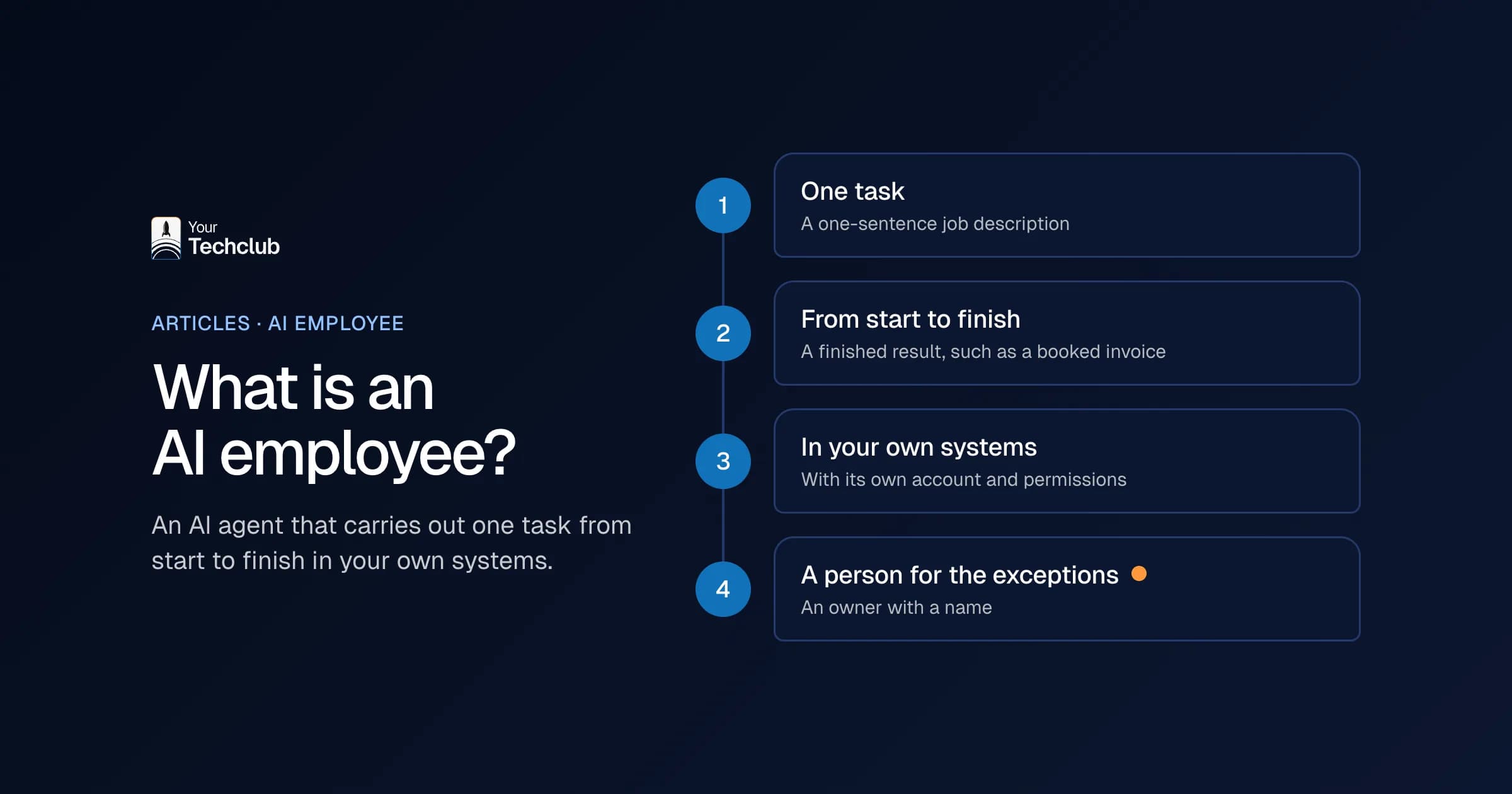
If you're not after a build project but something that takes over one fixed task, such as checking invoices or following up leads, take a look at AI employees. An AI employee works in your own systems, and for each task you can see what it does and who decides.
We can connect any system, even when there's no standard connector. What's possible with your Microsoft data is described under the Microsoft 365 integration.
How do you start?
- Pick one task with a clear outcome, ideally answering questions from knowledge that's already in SharePoint.
- Build a first version in Agent Builder or Copilot Studio and test it with real questions from recent months.
- Agree with your admin which agents are allowed, who publishes them and which connectors are switched on.
- Estimate usage in advance and check after a month what it actually costs.
- If you get stuck on integrations, permissions or logging, decide whether to keep building in Copilot Studio or have the agent built.
What an AI agent is and when you need one is in what is an AI agent. How Copilot itself works and what it costs is in Microsoft 365 Copilot for business. When Power Automate is enough, you can read in Power Automate for business, and the comparison with an agent in Power Automate or an AI agent. Want to know which tasks in your organisation are worth an agent, and which aren't? We map that out in the AI Opportunity Audit.
Sources, checked on 18 October 2026: Microsoft: what is Copilot Studio, Microsoft: Copilot Studio licensing, Microsoft: Copilot Studio pricing, Microsoft: Copilot Studio estimator, Microsoft: agents in Copilot Chat, Microsoft: extending Copilot with agents, Microsoft: connecting an MCP server, Microsoft: event triggers, Microsoft: data residency in Copilot Studio, Microsoft: data, privacy and security in Copilot.
Frequently asked questions
What's the difference between Copilot Studio and Copilot agents?
Copilot agents are agents you use in Microsoft Copilot and Copilot Chat, with their own instructions and knowledge. Copilot Studio is the environment where you build agents and workflows, including for other channels such as your website. You can also make a simple agent with Agent Builder, directly in Copilot.
What does Copilot Studio cost?
You pay in Copilot Credits. On 18 October 2026, Microsoft's Dutch pricing page lists €173.30 per pack per month for 25,000 credits; pay-as-you-go is also available. With the Copilot licence, some usage in Copilot Chat, Teams and SharePoint doesn't count. Check Microsoft's pricing page for current prices in your country.
Do you need the paid Copilot licence to use agents?
Not always. With Copilot Chat alone, you can use agents that work with instructions and public websites at no extra cost. Agents that can reach shared organisational data, such as SharePoint, are billed by usage and have to be switched on by an admin.
Can Copilot Studio connect to systems outside Microsoft?
Yes, through ready-made connectors, custom connectors and MCP servers. If there's no connector for your system, someone has to build and maintain one. For integrations with systems outside Microsoft, responsibility for that data flow lies with the agent's maker.
When do you choose a custom agent instead of Copilot Studio?
When the agent has to write to systems outside Microsoft, when you want to record permissions, approval and a log per action, or when the volume is so high that the cost per action starts to matter.