In this article
- What is Power Automate?
- What's included in Microsoft 365, and what costs extra?
- When is Power Automate enough?
- Where does Power Automate stop?
- What does an AI agent do differently?
- Choose per step, not per process
- Copilot Studio, Power Automate or a custom build?
- How do you start?
- Frequently asked questions
Your business runs on Microsoft 365 and someone has already built a few flows in Power Automate. A Teams notification when a new form comes in. Attachments from a mailbox that land in SharePoint on their own. It works, so the next question is obvious: can the rest of the process go in there too, or do you need an AI agent?
The honest answer: for much of the work, Power Automate is enough. You only need an AI agent where the work calls for reading and judgement. And often the answer is a mix. This article covers where the line is, what the licences cost and how to choose step by step. The product information comes from Microsoft's documentation, checked on 18 October 2026.
What is Power Automate?
Power Automate is Microsoft's automation platform. It has two kinds of automation (Microsoft):
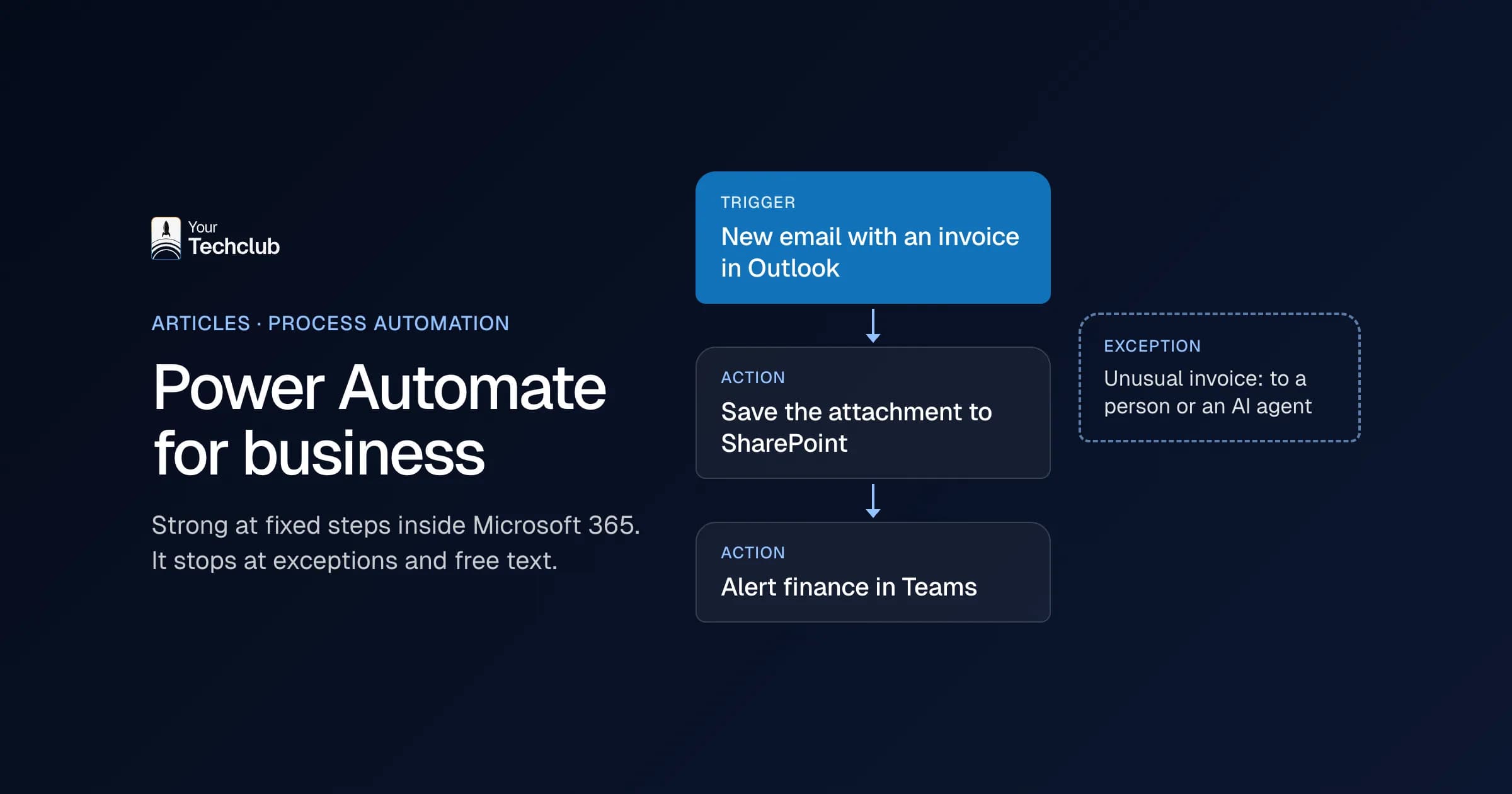
- Cloud flows: a trigger and a series of actions, linked through connectors to services such as Outlook, SharePoint, Teams or Salesforce. A connector is a ready-made integration with a fixed set of triggers and actions.
- Desktop flows: RPA that mimics an employee's mouse and keyboard, for software without a connector or a usable API.
Both follow rules someone has set in advance. If this, then that. That's Power Automate's strength: it does the same thing every time, and afterwards you can see which step did what.
What's included in Microsoft 365, and what costs extra?
Part of Power Automate is already in your Microsoft 365 licence. With it you can build and run cloud flows with standard connectors. Microsoft gives a limit of 6,000 actions per user per day. Premium connectors, custom connectors and RPA aren't included (Microsoft).
For those there are separate licences. On 18 October 2026, Microsoft's Dutch pricing page lists these prices, excluding VAT and billed annually:
- Power Automate Premium: €13.00 per user per month. Includes premium and custom connectors, RPA while the employee is present (attended) and process mining. The limit is 40,000 actions per user per day.
- Power Automate Process: €130.00 per bot per month. For RPA without an employee present (unattended), or to give one flow its own licence so anyone in the organisation can use it with premium connectors. Up to 250,000 actions per day.
- Power Automate Hosted Process: €186.30 per bot per month. The same as Process, with a virtual machine that Microsoft manages for you.
Microsoft notes that the prices on that page may differ from what you pay at checkout. So check the page before you start doing the sums.
And what does AI in a flow cost?
You can also use an AI prompt in a flow, for example to summarise an email or pull details from a document. That uses credits, depending on the amount of text and the model. Licences such as Power Automate Premium came with AI Builder credits. Microsoft stops these on 1 November 2026: existing customers keep them until the end of their contract, and new customers buy Copilot Credits (Microsoft).
When is Power Automate enough?
When the input has a fixed format and the decision can be captured in rules. For example:
- A completed form becomes a row in a list or a task in Planner.
- An attachment from a set mailbox goes to the right folder in SharePoint.
- A document goes to two people for approval before it can move on.
- Every Monday a summary from a list is posted to a Teams channel.
If everything sits within Microsoft 365 and someone on your team can read and change the flow, this is often the cheapest and fastest route. An AI agent adds nothing here, except cost and unpredictability.
Where does Power Automate stop?
The limit is usually not the technology but the kind of work. Five signs:
- The input is free text: a customer asks three questions in one email, or a supplier changes the layout of their invoice. Rules break on variation, and you keep adding exceptions.
- Something needs judging: which team should get this question, is this complaint urgent, does this request suit us? That's reading and choosing, not if-then.
- The system has no connector: then you build a custom connector on that system's API, and that requires Premium. If there's no API, RPA is all that's left, and it stops working as soon as a screen changes.
- The flow has become unreadable: dozens of conditions and branches that one colleague understands. When they leave, nobody dares touch it.
- You need to explain what happened: when something goes wrong, you want to see per case what the input was, what was decided and who approved it.
If you see one or two of these signs, you don't need to throw Power Automate out. Often the best solution is a mix.
What does an AI agent do differently?
An AI agent gets a task, instructions and tools, and decides for itself which step to take. It reads an email, works out what's being asked, looks up information in your systems and prepares a proposal. Where Power Automate follows a rule, an agent makes a judgement.
That's also the risk. An agent doesn't do the same thing every time, and it can get things wrong. So with an agent you always set out what it may do, what goes past a person and what gets logged. The difference between fixed rules and AI is covered in AI agent or regular automation.
Choose per step, not per process
Most processes are mixed. Take a shared mailbox for orders:
- Email arrives: Power Automate picks it up. Fixed rule.
- What is the customer asking, and about which order: that takes language understanding. This is where an AI step or an agent fits.
- Fetch the order status: fixed integration with your ERP.
- Draft the reply: AI prepares a draft, an employee sends it.
- Unusual cases: fixed rule, passed on to a colleague.
That way the part that has to be exact stays exact, and you only use AI where the variation is. What such an email flow looks like in Outlook is covered in automating email processing in Outlook.
Copilot Studio, Power Automate or a custom build?
Within Microsoft, Copilot Studio is the next step. That's where you build agents, and you can also use AI prompts there in agent flows (Microsoft). What you can do with it yourself, and where it stops, is in building your own AI agent. Licensing, Copilot Credits and the limits of Copilot Studio are covered in Copilot Studio and Copilot agents.
A custom agent makes sense when:
- the agent has to work in systems outside Microsoft, such as your ERP, an industry package or your own database;
- you want permissions, a log and approval set per action;
- the volume is so high that credits per action outweigh a fixed solution;
- the process matters too much to depend on what one colleague knows.
A custom build doesn't mean Power Automate has to go. An agent can run alongside your existing flows, and the flows that work well stay as they are. We can integrate any system, even when there's no standard connector. How that works is covered under integrations and in connecting an AI agent to your existing systems.
An example: for a retail organisation we built AI agents with an oversight layer in the client's own Azure tenant. The agents are connected to the existing ERP, CRM, webshop and ticketing systems, and every action goes into an append-only audit log.
How do you start?
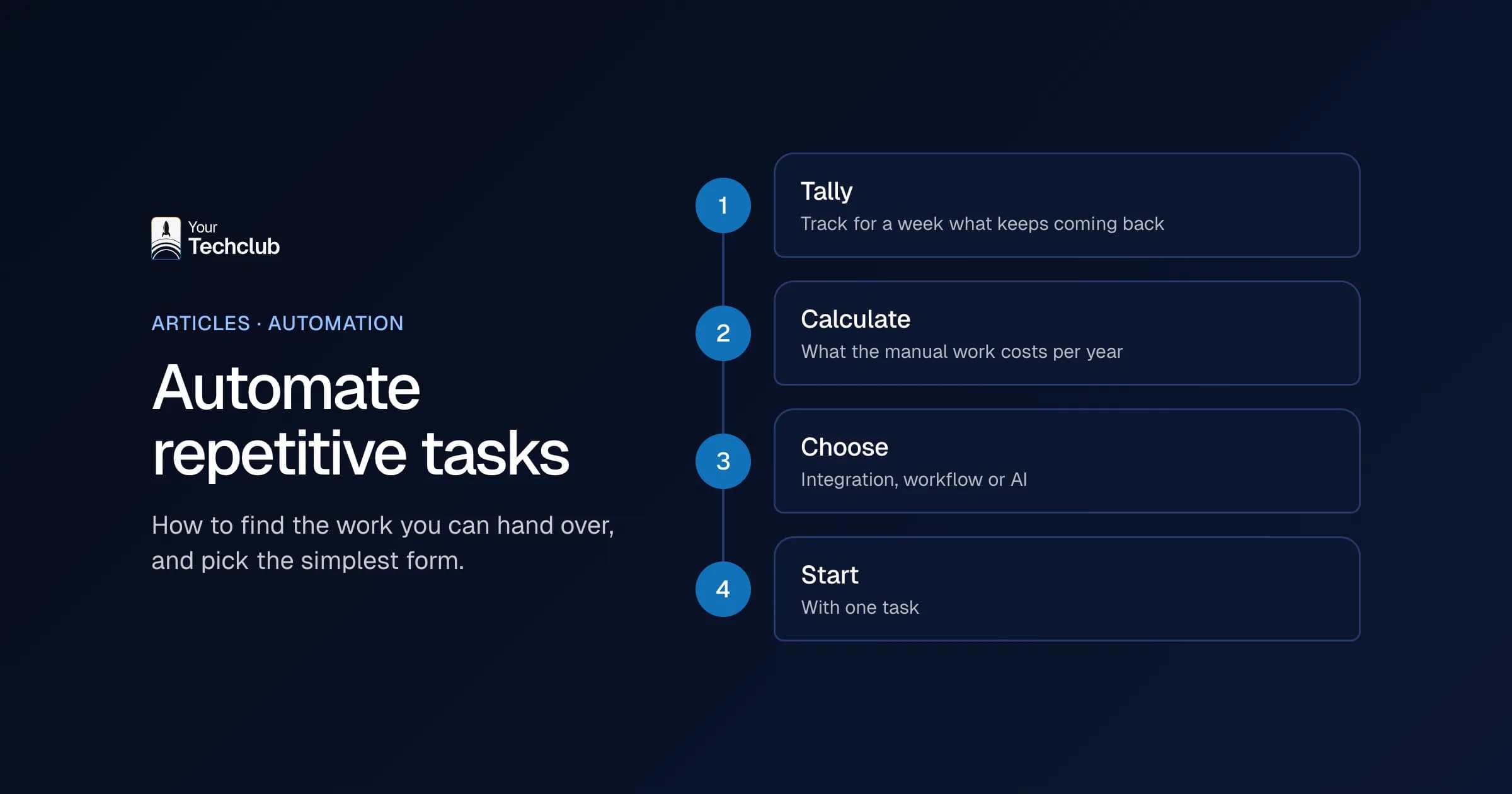
- Write the process out as a series of steps and mark each step: rule or judgement.
- Automate the rules first, in Power Automate if you already have it.
- Take a hundred real cases and count how often the judgement steps deviate.
- Only use AI where the deviations are, with a person checking until you know how well it works.
Want to know which steps in your process are worth an agent and which aren't? We map that out in the AI Opportunity Audit. If you already know what you want, read how we build an AI agent or see which tasks AI employees take over. An overview of our AI work is under AI and automation.
Sources, checked on 18 October 2026: Microsoft: types of Power Automate licences, Microsoft: licences in detail, including Microsoft 365, Microsoft: Power Automate pricing, Microsoft: AI Builder credits and Copilot Credits.
Frequently asked questions
Is Power Automate included in Microsoft 365?
Partly. With a Microsoft 365 licence you can build and run cloud flows with standard connectors, with a limit of 6,000 actions per user per day. Premium connectors, custom connectors and RPA need a separate licence, such as Power Automate Premium.
What does Power Automate Premium cost?
On 18 October 2026, Microsoft's Dutch pricing page lists €13.00 per user per month, excluding VAT and billed annually. For RPA without an employee present there's Power Automate Process at €130.00 per bot per month. Check Microsoft's pricing page for current prices in your country.
Can Power Automate use AI?
Yes. You can use AI prompts and AI Builder models in a flow, for example to summarise text or extract details from documents. That uses credits per run. The flow itself remains a fixed series of steps: the AI fills in one step and doesn't decide what happens next.
What's the difference between Power Automate and an AI agent?
Power Automate follows rules someone has set in advance and does the same thing every time. An AI agent gets a task and tools and decides for itself which step to take. That lets it handle free text and variation, but it doesn't do the same thing every time. So it needs limits, a log and checks.
Do I need to replace Power Automate if I have an AI agent built?
No. Flows that work well can stay. An agent takes over the steps that need judgement and can work alongside your existing flows.