In this article
- What is Power Automate?
- What can you do with Power Automate for business?
- What does Microsoft 365 include and what do you pay extra for?
- When is Power Automate for business enough?
- When do you hit the limits of Power Automate?
- Power Automate or an AI agent?
- How do you start with Power Automate for business?
- What does it cost to automate with Power Automate for business?
- Frequently asked questions
Power Automate is Microsoft's automation tool. Many companies already have it, because part of it comes with Microsoft 365. So it is often the first tool someone reaches for when something needs automating. That is fine, as long as you know what Power Automate for business does well and where it stops.
In this article you read what Power Automate is, what you can do with it, what is included and what you pay for separately, and when you are better off choosing another route. I will also say so when it is enough.
What is Power Automate?
Power Automate is a low-code platform from Microsoft for building workflows that carry out steps between apps and systems automatically. A flow starts with a trigger, such as a new email or a new file. Then it runs fixed actions, such as saving a file, sending a message in Teams or adding a row in Excel.
There are three kinds of flows, and that distinction also decides what it costs. Cloud flows work with online services through connectors. Desktop flows take over actions on your computer, such as clicking and retyping in an old program; this is also called RPA. And with AI Builder you add an AI step, for example to read an invoice. What RPA means exactly is explained in RPA vs AI.
What can you do with Power Automate for business?
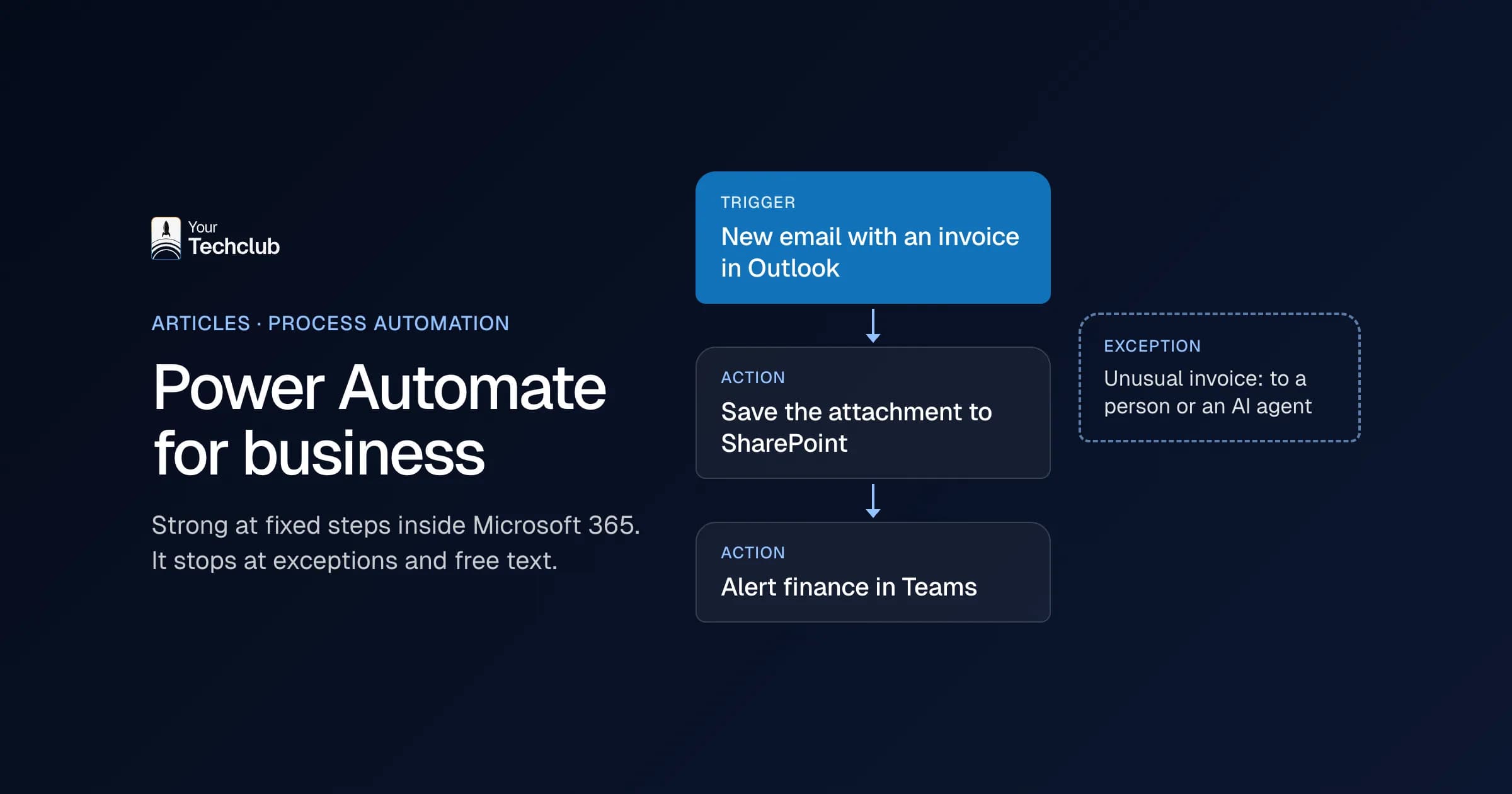
Mainly automate work that stays inside Microsoft 365 and follows fixed steps. Think of saving Outlook attachments to SharePoint, asking for approval in Teams, putting a Microsoft Forms response in a list or sending an alert when a document changes. For that kind of work a flow is quick to set up and easy to manage.
A few examples almost every company has:
- Saving invoices from a shared mailbox to the right folder and sending the finance team an alert.
- Sending a leave request from Forms to the line manager for approval in Teams.
- Adding a new customer from a form to a SharePoint list and sending a welcome email.
- Sending a weekly reminder for open tasks.
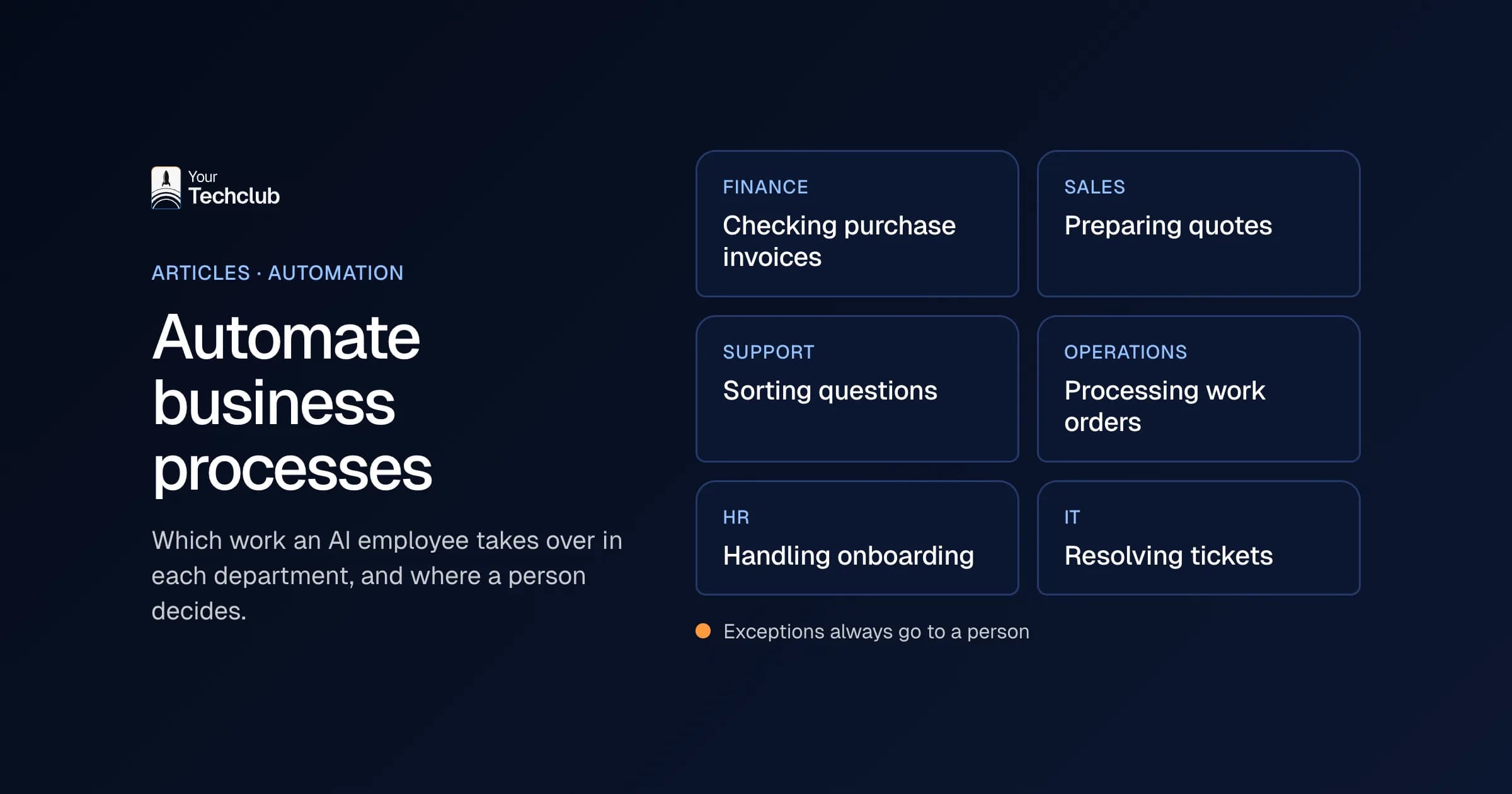
How to handle this kind of work in Outlook is covered in automate email processing in Outlook. A broader overview by department is in automate business processes.
What does Microsoft 365 include and what do you pay extra for?
Many Microsoft 365 plans include a limited part of Power Automate, enough for cloud flows with the standard connectors. For premium connectors, custom connectors, desktop flows and AI Builder you need a paid licence, such as Power Automate Premium. Unattended RPA, where a flow runs on a computer without a person present, needs a separate licence on top of that, such as Power Automate Process.
That is how Microsoft's licensing guide describes it (Microsoft Learn, updated 22 September 2026). Microsoft changes its licences regularly, so check there before you buy. Pay particular attention to the connectors. If you want to connect to a system outside Microsoft, such as your accounting software or CRM, that is usually a premium connector. Then you pay per user, and that adds up when several people use the flow.
My advice: check which connectors you need before you build. That way you know the cost of Power Automate for business up front.
When is Power Automate for business enough?
When your process stays inside Microsoft 365, follows fixed steps and has few exceptions. In that case it is usually the fastest and cheapest route. You often have the licence already, your IT team knows it, and the flows run in the same environment as your email and documents.
The platform is also enough if you want a first experience with automation. A colleague with a knack for it can learn to work with it in a few days. However, make sure someone owns it, because flows that nobody manages break without anyone noticing.
When do you hit the limits of Power Automate?
In five situations. When your process has many exceptions, when input arrives as free text or varying documents, when you connect many systems outside Microsoft, when volumes are high, or when you have strict requirements for logging and access rights. Then flows become big, slow and hard to manage.
A few signs you have reached that point:
- Your flow has dozens of conditions to catch exceptions.
- Someone adjusts the flow every week because a supplier sends something different.
- You pay for lots of premium licences because everyone needs to run the flow.
- Nobody knows exactly what the flow does when it fails.
If you see those signs, it is time to look at another route. That could be a different tool, a custom integration or an AI agent. Which tool fits is covered in n8n, Make or Zapier. How to have an integration built is explained under integrations.
Power Automate or an AI agent?
Power Automate follows fixed steps that you draw up in advance. An AI agent chooses the steps itself, based on what it reads. If the steps are fixed, a flow is cheaper and easier to check. However, if the work arrives as an email in free text or differs from case to case, an agent fits better.
You can also combine them. The flow does the fixed part, such as fetching the email and saving the result, and an AI step or agent does the part that needs reading and deciding. The full comparison is in Power Automate or AI agent. What an agent is, you read in what is an AI agent. Microsoft also offers Copilot Studio for this; see Copilot Studio and Copilot agents.
How do you start with Power Automate for business?
Pick one process inside Microsoft 365 that happens often and has fixed steps. First measure how long it takes now. Then build a simple flow, test it with real examples and agree who owns it. Only when that flow has run stably for a few weeks do you build the next one.
Three agreements I always make:
- Owner: who manages the flow, and who gets the call when it fails?
- Documentation: what does the flow do, which connectors does it use and which rights does it have?
- Alerts: who gets a message when a run fails?
Without those agreements you end up, a year from now, with a collection of flows that nobody knows. That is exactly how shadow IT starts.
What does it cost to automate with Power Automate for business?
The licence is only part of the cost. Also count the time for building, testing and maintenance, plus premium licences if you connect outside Microsoft. Then set that against what the work costs today. If a process is small, even a simple flow sometimes does not earn back its cost.
Frequently asked questions
Is Power Automate free?
A limited part comes with many Microsoft 365 plans, with the standard connectors. For premium connectors, desktop flows and AI Builder you need a paid licence, such as Power Automate Premium.
What is the difference between Power Automate and Power Automate Desktop?
Power Automate creates cloud flows that connect online services. Power Automate Desktop creates desktop flows that copy actions on a computer, such as clicking and retyping in a program without an integration.
Can Power Automate work with AI?
Yes, through AI Builder or by calling a language model. For work where the steps differ per case, an AI agent is usually a better fit than a flow with lots of conditions.
When should you not choose Power Automate?
When you connect many systems outside Microsoft, the input varies a lot, volumes are high or you have strict requirements for logging and access rights. In those cases a custom integration or an AI agent is usually easier to manage.
Sources
- Types of Power Automate licenses (updated 22 September 2026), Microsoft Learn