


RUMAG blog: an editorial team that publishes itself, even at peak times
The RUMAG blog crashed under heavy traffic and editors waited on a developer. One cause, one fix: a headless CMS on Strapi. Read how we rebuilt the blog.
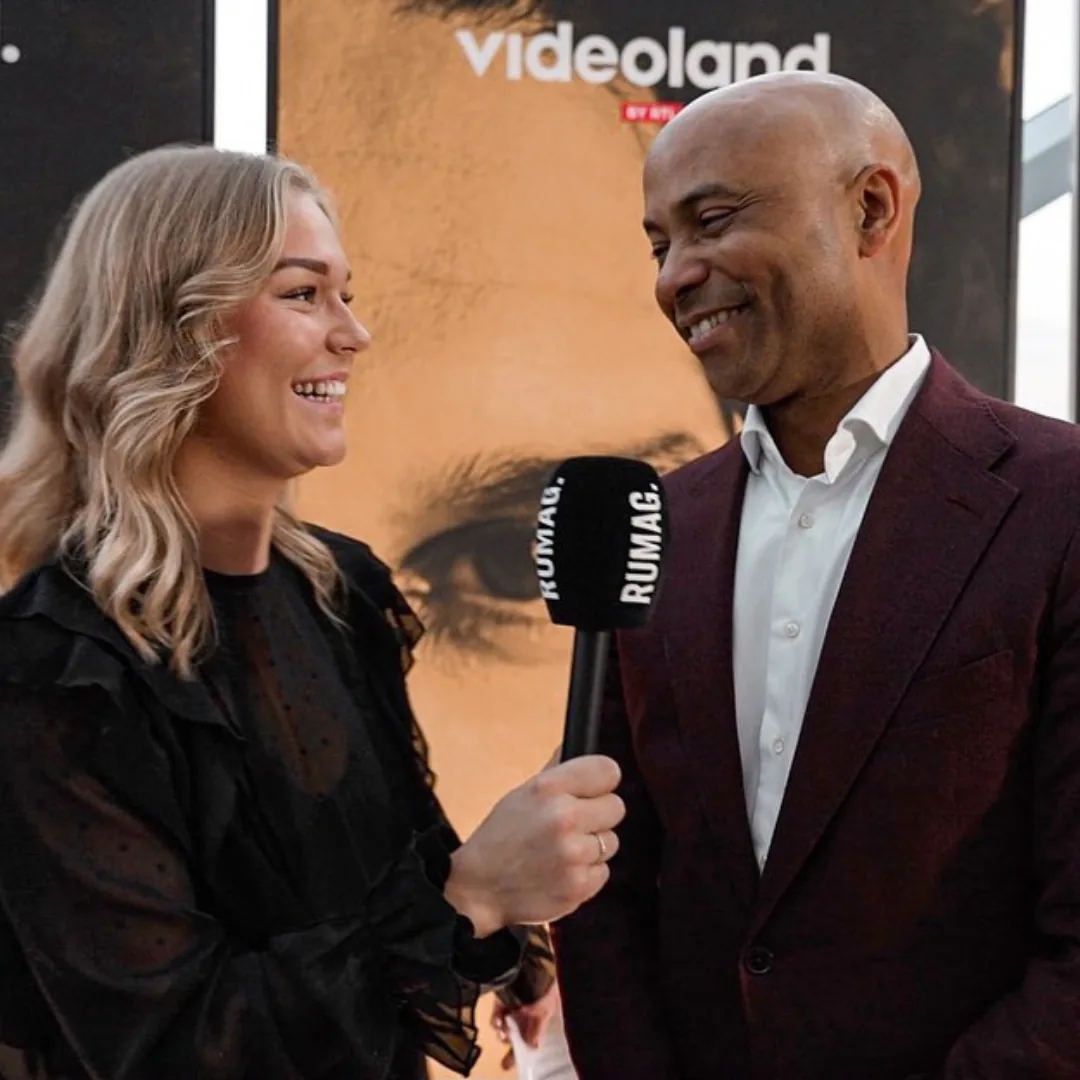
RUMAG publishes every day. Yet the editorial team had to knock on a developer's door for too many changes, and the old setup crashed as soon as lots of visitors arrived at once. We rebuilt the RUMAG blog from the ground up, on a headless CMS.
On this page you can read why two problems that seem unrelated actually had the same cause. And how to solve that without making the editors learn a new trade.
The project in brief
- Client
- RUMAG
- Sector
- media and online publishing
- What we did
- UI/UX design, web development, hosting
- Technology
- Strapi (headless CMS), Figma
What was the challenge with the RUMAG blog?
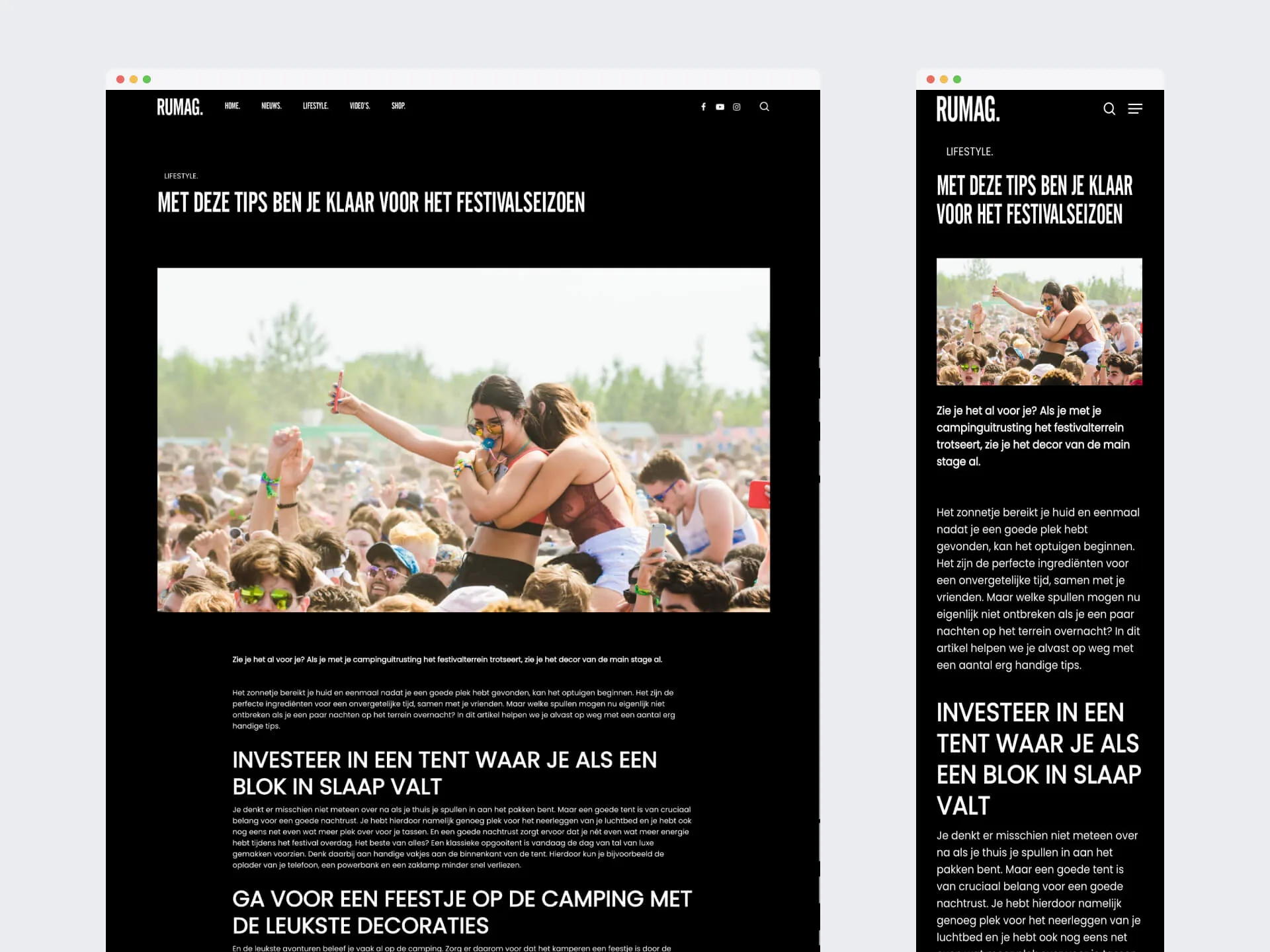
Two things were going on at once. The setup crashed under high visitor numbers. On top of that, the content team depended on a developer for changes. For an editorial team that publishes daily, that slows everything down: what is news today, you want online today, not when the developer has time.
For a media brand with well over a million followers on Instagram, heavy traffic isn't a problem, it's the goal. An article that takes off draws a lot of people in a short time. That is exactly when the site must not fall over. Yet that is precisely what happened.
The second problem was less visible, but just as annoying. An editor who wants to change a section or add a page wants to be able to do it themselves. If a developer has to step in every time, the speed goes out of it. And for an editorial team, speed is half the job.
Why did we choose a headless CMS?
Because both problems had the same cause: content and presentation were tied together. By separating them, the editorial team publishes in the CMS without a technical step in between. At the same time, we can set up the presentation separately for busy moments. A headless CMS only manages the content and delivers it to the site through an API.
That insight was my favourite part of this project. You can build two separate fixes: a heavier server for the traffic and easier management for the editors. But then you pay twice, and the underlying problem stays. By tackling the cause, you solve both in one go.
A headless CMS isn't a miracle cure, by the way. For a small site with three pages it is often overkill. But for an editorial team that publishes every day and has to absorb peaks, it fits well. You can read when headless does and doesn't make sense in our article headless: when it makes sense.
How did we build the RUMAG blog?
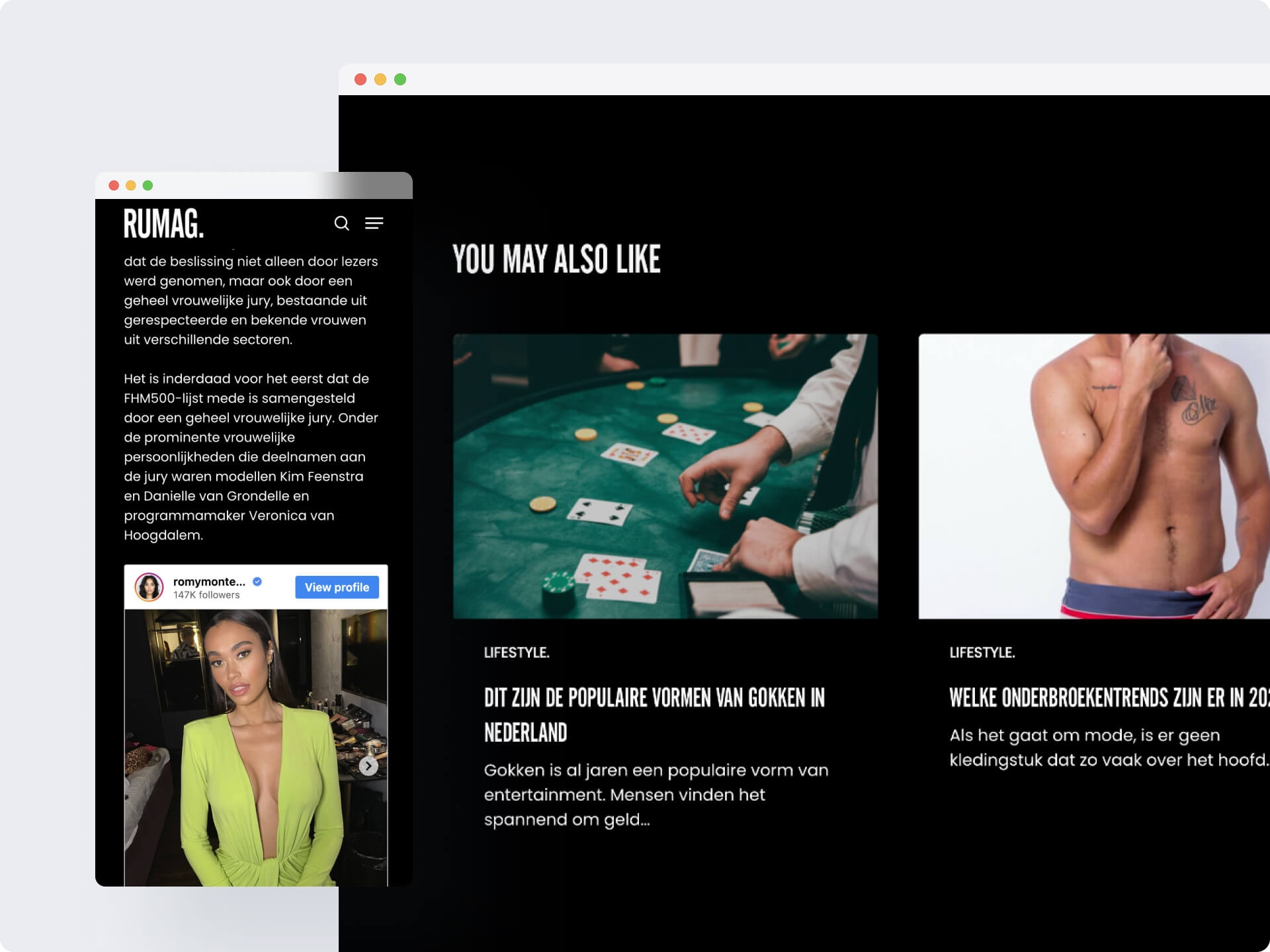
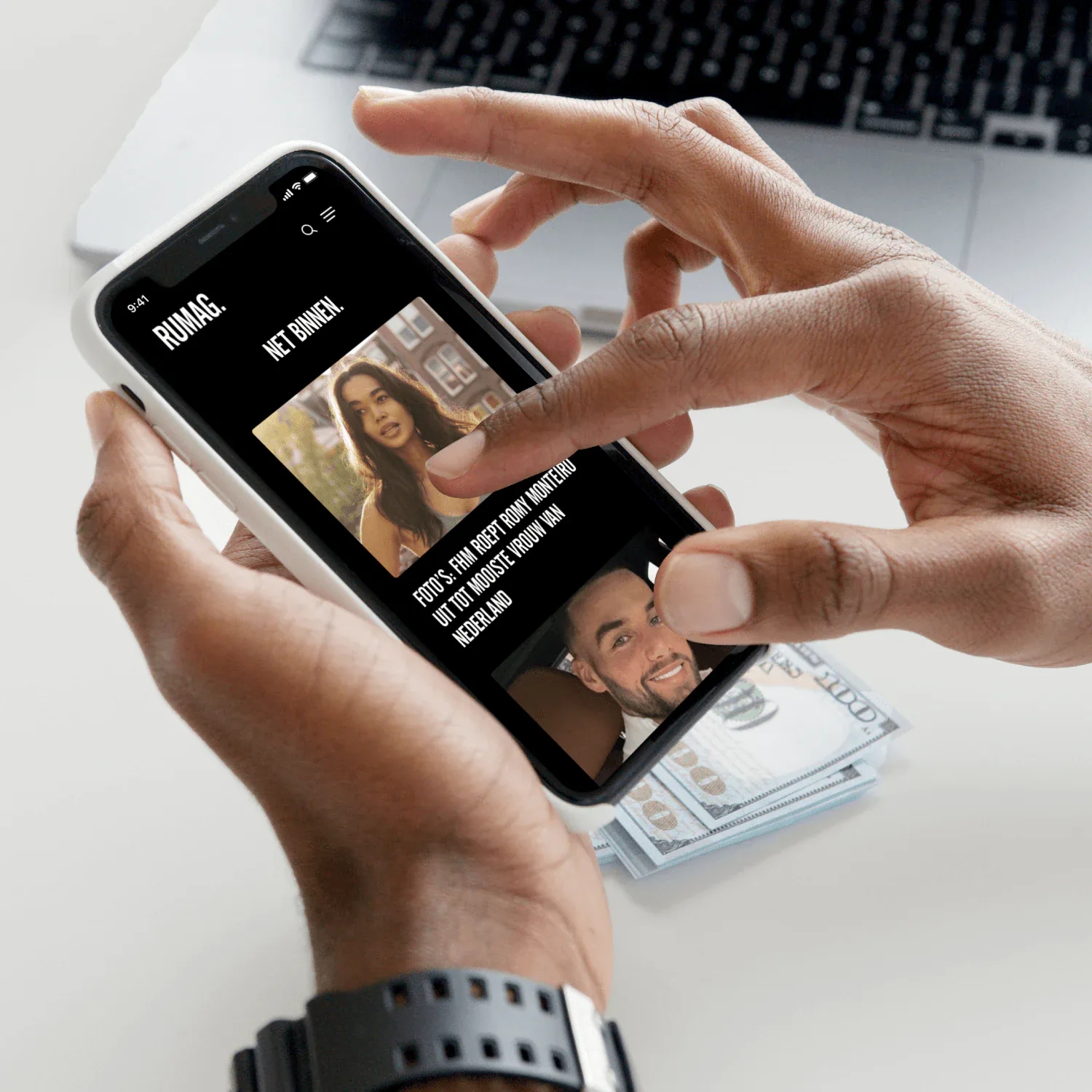
We built a blog environment on Strapi, a headless CMS, where the content is separate from the presentation. The editorial team publishes there themselves, without a technical step in between. The setup around it is geared to busy moments with caching and hosting optimisation. We worked out the design in Figma first.
What does caching do here?
Caching means a page isn't rebuilt on every visit. The site keeps a ready-made version and serves it to the next visitor. So if a thousand people land on the same article at once, the server doesn't have to build that article a thousand times. We also cut back heavy database queries on the busiest pages.
The difference often isn't in the CMS itself, but in how the setup around it is built. I tell that to every client who thinks a different CMS will solve all their problems.
Which integrations are included?
The RUMAG blog includes advertising tools that tie in with the content, plus analytics that measure clicks and interactions. That data then feeds the content strategy. So the editorial team knows not only what is online, but also what is being read.
Want your team to publish without waiting on a developer? We build content platforms on Strapi that your editors manage themselves.
See our Strapi development
What does the design look like?
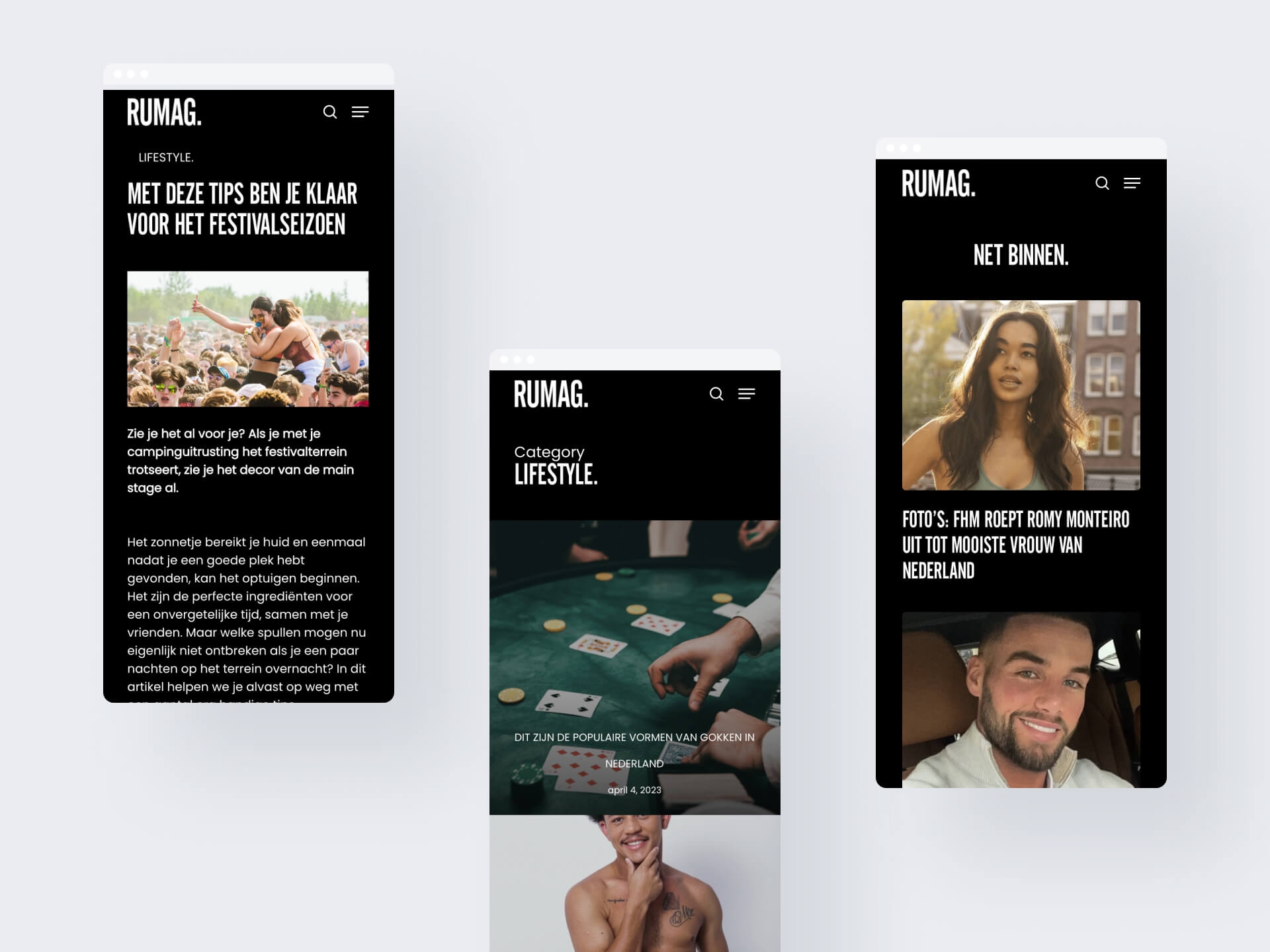
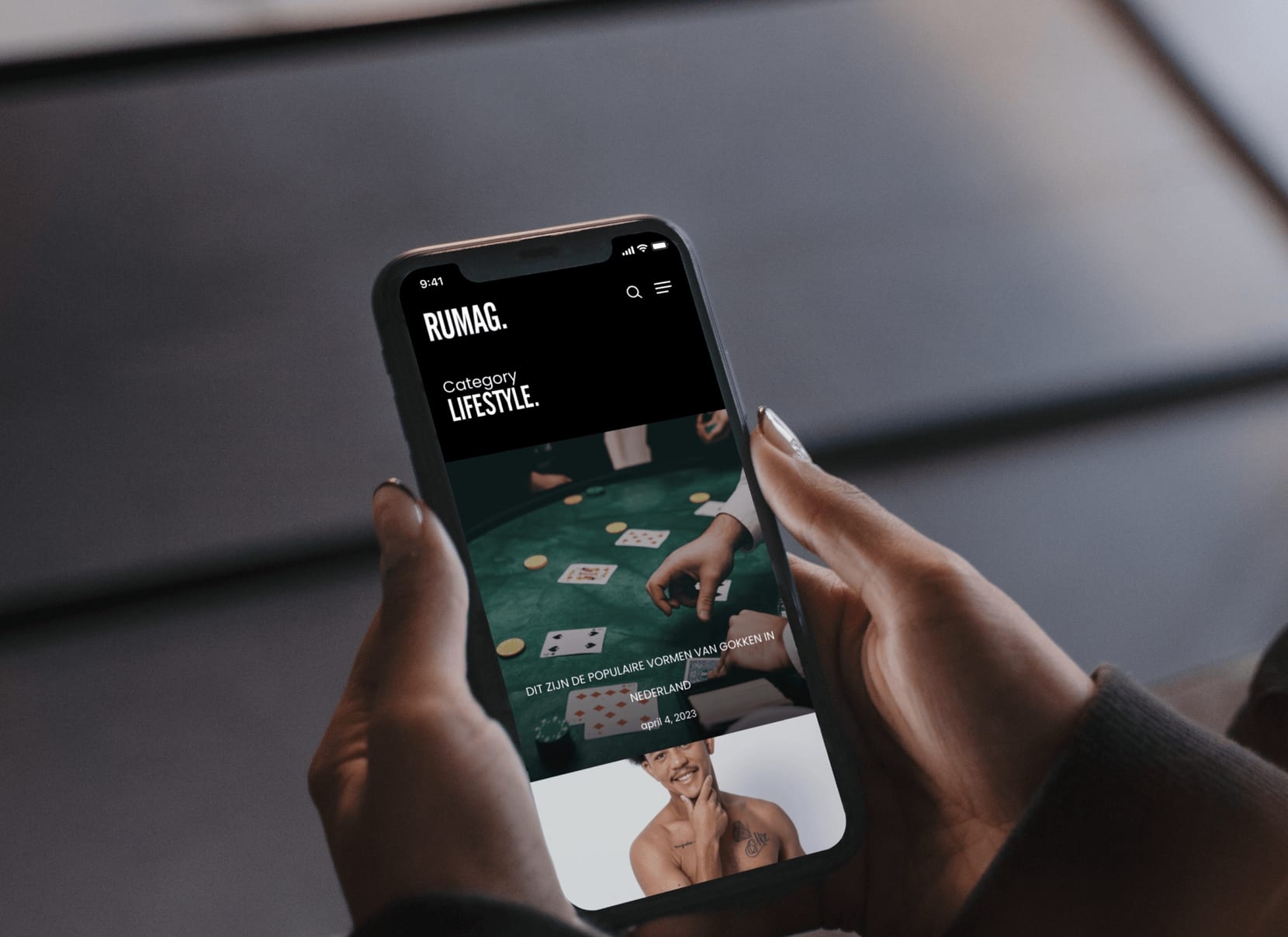
We worked out the design in Figma, with the editorial team as the first user. Articles, sections and pages each have a fixed place, so an editor doesn't have to think about how something looks. They fill in the content and the design does the rest.
I think a CMS for editors should feel like a word processor, not like an aeroplane cockpit. The fewer buttons, the less can go wrong. That is also the idea behind those fixed places: the less an editor has to choose, the faster a piece goes online.
What did the RUMAG blog deliver?
Articles, sections and pages now go live when the editorial team has them ready. There is no longer a developer in between. Because the content structure is separate from the presentation, the same articles can later appear on another channel too, without entering them again.
We later rebuilt RUMAG's online store as well. You can read that story in the case on RUMAG ecommerce. For another example of a team that manages its own content, see Sprints & Sneakers.
Does your site crash at the moments that matter? Show me what happens and we'll look at where it gets stuck.
Book an intro callUpdated
Get in touch with us directly. We'll get back to you as soon as we can


 Your message goes straight to our team in Amsterdam.
Who built RUMAG's blog platform?
Your Tech Club. We did the UI/UX design, built the blog environment on a headless CMS and provided the hosting that handles busy publishing days.
What technology does the RUMAG blog run on?
Strapi as the headless CMS, with the design worked out in Figma. The content is separate from the presentation, so the same articles can also be used on another channel.
What is a headless CMS?
A CMS that only manages content and makes it available through an API, without building the page itself. The editorial team works in the CMS, the visitor sees a separate front end.
How do you stop a blog crashing at peak times?
With caching, hosting optimisation and cutting back heavy database queries on the busiest pages. The difference often isn't in the CMS, but in how the setup around it is built.
Can the editorial team change pages themselves?
Yes, that was the starting point. The content team publishes and makes changes without a developer stepping in.