In this article
Retyping invoices, hunting for receipts, going through the bank statement and linking every entry to a document. That's where most of the hours in bookkeeping go. Can AI take it over? Much of it, yes. But not all of it, and never the responsibility.
AI is strong at reading and capturing data. It's weak at judging, calculating and being accountable. Use AI as the preparer, with a person who approves, and you save time. Expect AI to do your bookkeeping, and you'll be disappointed.
What AI does well in bookkeeping
Reading documents and capturing data
Every supplier has a different invoice layout. Traditional scanning tools work with a template per supplier and break with every change. AI reads the document the way a person does and needs no template. In practice, that's the biggest gain.
Suggesting entries
Suggesting a general ledger account and VAT code based on supplier, description and history. Not posting, suggesting. A person approves. The longer it runs, the more often the suggestion is right first time.
Flagging anomalies
An invoice much higher than usual for that supplier, a duplicate invoice, an amount that doesn't match the purchase order, a VAT rate that doesn't fit the service. AI is good at "this deviates from the pattern". That's exactly where manual checks often fall short. A worked-out version is the Invoice Checker.
Handling messy input
A photo of a receipt, a confirmation in an email, a PDF from a leasing company. Anything someone currently retypes. For expense claims there's the Expense Claims Processor.
Answering questions about your own figures
"What did we spend on transport last year?" Let the model search your exported data, not answer from memory.
What AI can't do, and why that won't change
Calculating exactly
A language model predicts text. It doesn't calculate reliably. VAT, totals, depreciation and ratios belong in fixed rules or in your accounting software, not in the model. That's the most important design rule in this article. Why is explained in preventing AI hallucinations.
Judging what is a business expense
Whether an expense is for business depends on context that isn't on the document. A dinner can be client entertainment or private. Only you know which.
Making tax choices
Investment allowances, cost allocation, valuation principles. These are judgements with consequences. A model can list the options, but it can't choose for you.
Taking responsibility
In a tax assessment or audit, you are the one responsible for the records. "The AI did it" is no defence, and no supplier takes on that liability.
Who does what?
- Capturing invoice data from a PDF: AI.
- Checking the amount matches the purchase order: fixed rules.
- Suggesting a ledger account: AI suggests, a person approves.
- Calculating VAT: fixed rules, never AI.
- Flagging duplicate or unusual invoices: AI.
- Judging whether an expense is for business: a person.
- Matching bank statements with invoices: fixed rules, AI for the doubtful cases.
- Preparing the tax return: AI supports, a person decides.
- Filing the tax return: a person.
AI for interpretation, rules for certainty, a person for judgement. You see the same split in automating invoice processing.
Where do you start?
1. Look in your own software first
Most accounting packages now have a feature for reading in invoices and receipts. It's already in your environment, falls under your existing agreements with the supplier and needs no build project. First check whether you use it, and how well it works on your invoices.
2. Measure where you are now
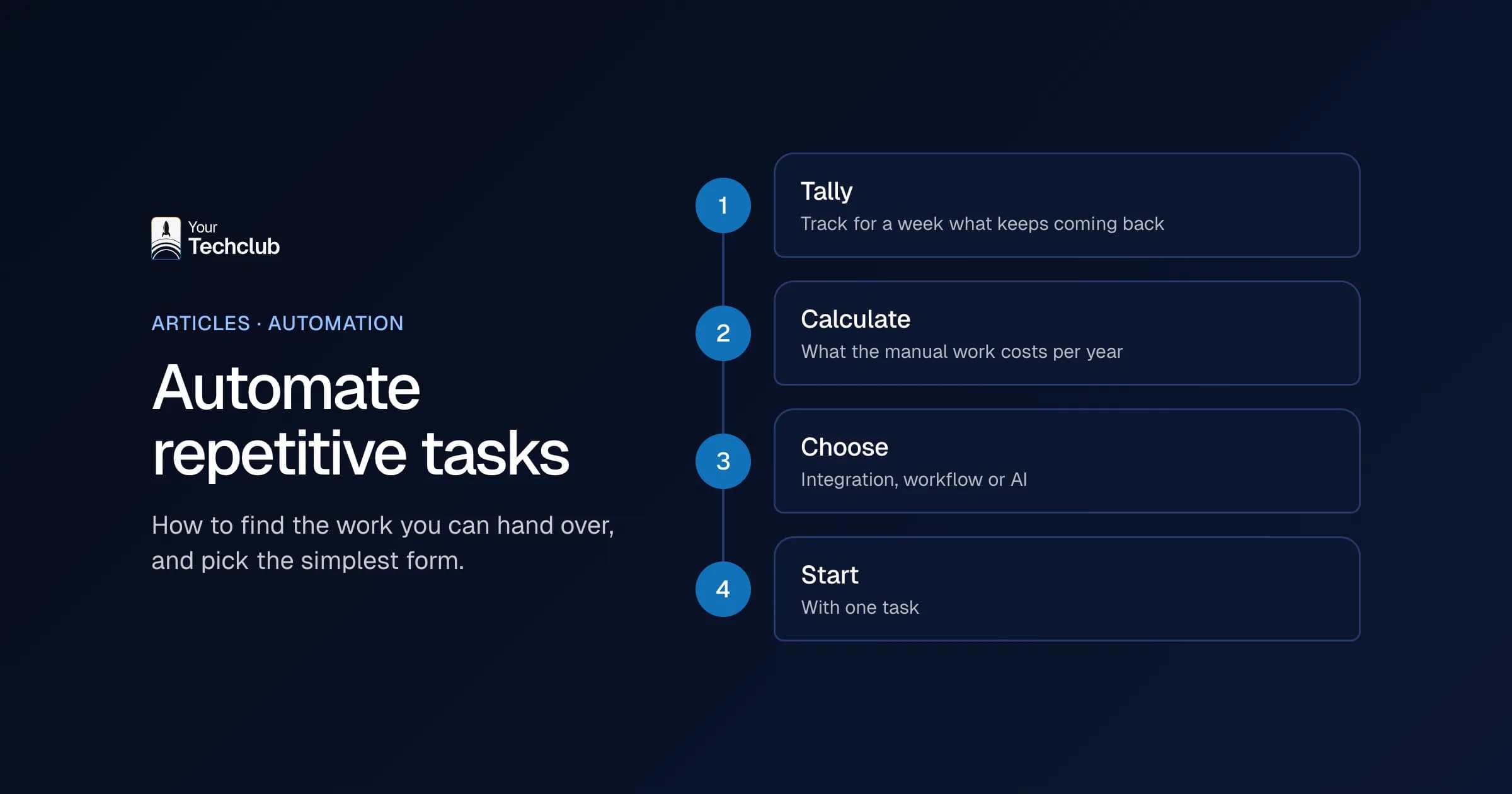
How many invoices a month, how many minutes per invoice, how many errors and corrections? Without that number you can't say later whether it paid off. See what manual work costs and calculating the business case for AI.
3. Only then consider custom work
Your own workflow is justified with high volumes, document flows your software can't handle or systems that don't talk to each other. With a few dozen invoices a month, you rarely earn that back. What's possible per package is on Exact Online, Twinfield and Moneybird, three widely used Dutch accounting packages.
The preconditions
- Retention. The Dutch tax retention period of seven years also applies to documents that went through an AI workflow. Keep the original document and make sure it can be found, not just the captured data. See the Dutch Tax Administration on keeping records.
- Auditability. For every automated entry, you must be able to trace where the data came from and who approved it. Log that from the start. Reconstructing it afterwards doesn't work.
- Access rights. A workflow that can post entries has rights in your financial system. Keep them to a minimum and separate suggestions from final posting.
- Fraud. Automated invoice processing is a known target, for example a forged invoice with a changed bank account number. Have every change to an existing supplier's account number go past a person. More in AI security for SMEs.
- Your accountant. They need to be able to audit your records and want to know how the data is produced. Involve them early.
What will change in the coming years?
Under the EU's ViDA rules, e-invoicing for cross-border B2B transactions becomes mandatory from 1 July 2030, with digital reporting. Whether the Netherlands will also introduce it for domestic B2B invoices is still a policy choice (source: EY on e-invoicing and digital reporting in the Netherlands, in Dutch).
An e-invoice is structured data, not a PDF. There's nothing left to read. As more invoices arrive that way, part of the problem AI solves today disappears. That's a reason not to invest too heavily in your own document recognition now.
What it saves your accountant
Records that arrive cleaner and more complete mean less digging for your accountant. That's worth a conversation at the next annual accounts. At the same time, their work shifts towards review and advice: exactly the part AI doesn't take over.
So the useful question isn't whether AI can do your bookkeeping, but which part of your process consists of retyping and sorting. That part can largely go. Want to know whether your administrative flows have enough volume for your own workflow? Read automating administrative processes with AI or have it assessed in the AI Opportunity Audit.
This article is general information, not tax advice. Discuss tax choices with your accountant or tax adviser.
Frequently asked questions
Can AI take over my bookkeeping completely?
No. AI can do most of the preparation: reading documents, capturing data, suggesting entries and flagging anomalies. Responsibility for correct records stays with you and your accountant. Judging, correcting and filing tax returns remain human work.
Can AI do my tax return?
AI can help prepare the return and check it for inconsistencies. Filing remains a human decision. Tax judgements require context and choices a model can't oversee, and a mistake leads to an additional assessment for you, not the supplier.
What AI tools are there for bookkeeping?
Broadly two kinds: features already built into your accounting software, and separate tools that read in and link documents. For most SMEs, the feature in their own software is the fastest route. Look there first.
How much time does AI save in bookkeeping?
Most of the gain is in processing invoices and receipts: retyping largely disappears. How much that saves depends on your volume and the number of suppliers with unusual layouts. With hundreds of invoices a month the gain is bigger than with a few dozen.
Can you put bookkeeping data into an AI tool?
With a business subscription and a data processing agreement, that's fine for much administrative data. The seven-year tax retention period still applies, and data under confidentiality needs its own assessment. Never use personal accounts.