In this article
- Where does the time go at an installation company?
- Why doesn't an app solve it on its own?
- Step 1: complete the job sheet on site
- Step 2: let the job sheet turn itself into invoice lines
- Step 3: put materials and hours in the same flow
- Step 4: schedule around what is actually happening
- Step 5: make the handover file a by-product
- What should you watch for with your engineers?
- When shouldn't you start on this?
- Frequently asked questions
At an installation company, the money is in your engineers' hours. The delays are in the admin afterwards. The job sheet comes back half filled in, the back office chases it up, and the invoice goes out two weeks later. None of that takes skill. It just takes time.
Where does the time go at an installation company?
In five places, and they are all connected.
- The job sheet: incomplete, so someone has to ask what was actually done.
- Materials: taken from the van but not recorded, so they are neither charged nor reordered.
- Hours: on paper, in an app and in the schedule, and not always the same.
- Scheduling: every breakdown call turns into a round of phone calls because nobody can see who is where.
- The handover file: photos, certificates and test reports gathered together after the fact.
What this means for each process is set out on our page for installation companies.
Why doesn't an app solve it on its own?
Plenty of companies buy an app for their engineers and see hardly any change in lead time. The reason is that the app moves the data entry but leaves the admin afterwards untouched. The job sheet is now digital, and still incomplete.
The difference lies in what happens after the engineer hits save. As long as a person has to read the job sheet, fill in the gaps and turn it into invoice lines, that step remains the bottleneck, however nice the input screen looks.
The second reason is that the app sits apart from everything else. It doesn't know which contract belongs to the customer, which rate applies or what stock is in the van. So it can't suggest anything either.
Step 1: complete the job sheet on site
Let the form adapt to the type of job. A breakdown needs different questions from routine maintenance, and fields should only be mandatory where they are really needed. Don't ask the engineer for a story. Ask for the ten details the admin team is waiting for.
Make sure it works without signal and syncs later. A basement or a meter cupboard is exactly where there is no connection, and a job sheet lost there costs you twice.
Let the form do the thinking where it can. The address, contract, installation and previous job are already in your system, so nobody needs to type them in again. What's left is what happened today.
Step 2: let the job sheet turn itself into invoice lines
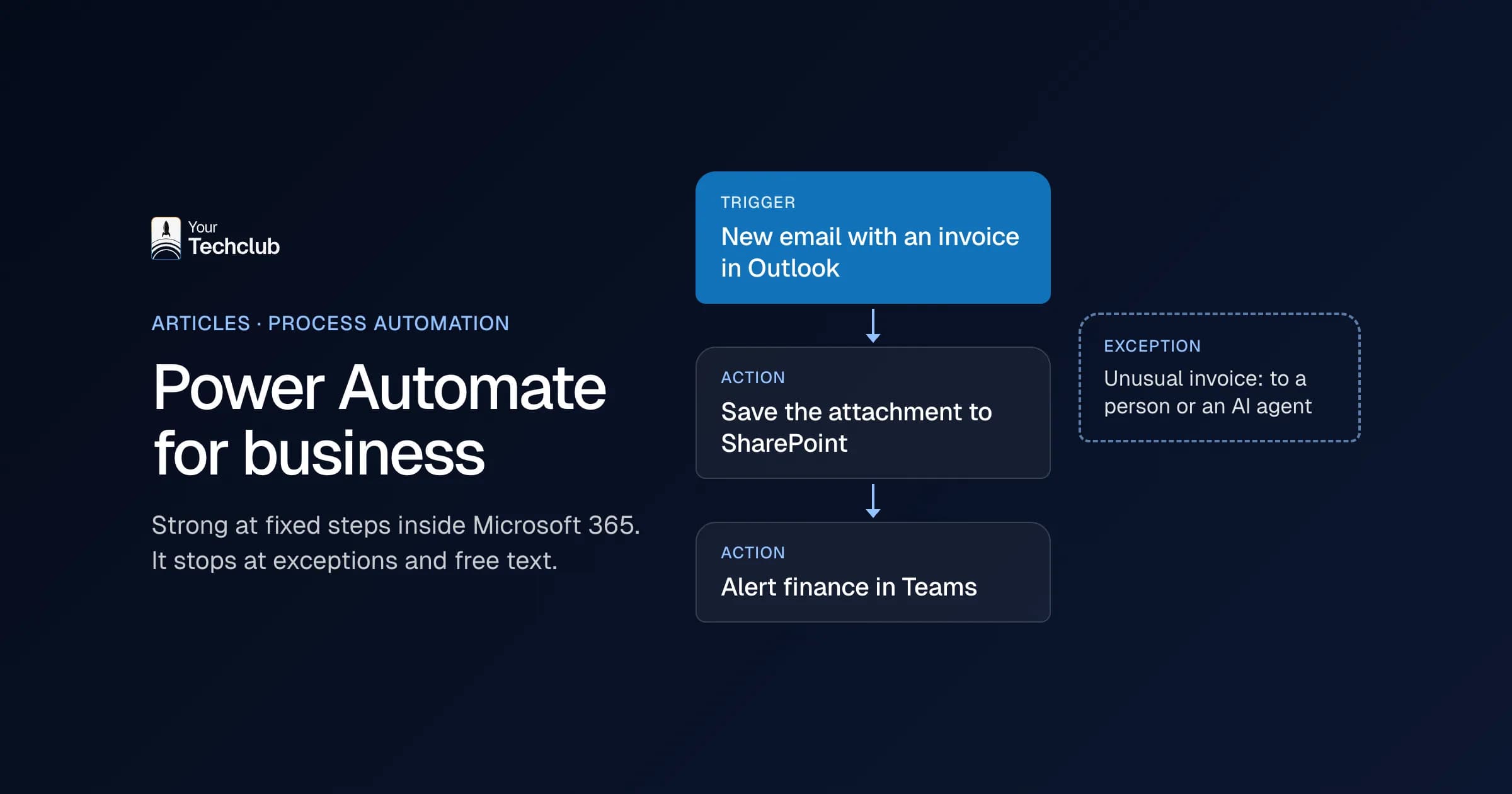
This is the step with the biggest gain. A system reads the job sheet, recognises the hours, materials and type of job, and proposes invoice lines based on your own rates and contract terms. A person reviews them and approves.
What matters is that the doubtful cases come to the surface instead of getting buried. A missing part number or an hour outside the contract should come back as a question. How that works is described under processing job sheets automatically.
Step 3: put materials and hours in the same flow
Materials that aren't on the job sheet are neither charged nor reordered. Let the engineer scan items or pick them from the stock in their van, and have that change feed straight into your stock levels and the invoice lines.
Then pass those lines on to your accounting system. Which fields that involves and how to handle errors is covered in what an integration costs and on our integrations page.
Step 4: schedule around what is actually happening
A schedule that is only right first thing in the morning isn't a schedule. Let breakdown reports come in automatically, sort them by urgency and contract, and suggest who is closest and holds the right qualifications.
The planner still decides. They just get a proposal instead of an empty calendar and a phone. What such a flow does is described under assigning breakdown reports, and the confirmation to the customer can go out via appointment confirmation.
Step 5: make the handover file a by-product
Photos, readings and certificates belong with the job, not in a folder put together later. Let the system track which documents are required for each job code and which are still missing, and show that before the engineer leaves.
That saves more than searching. It also saves arguments over warranty claims and inspections, because the file is complete at the moment it is created.
Agree what complete means for each job code. Two photos and a reading for one type, a certificate and a signature for another. That list is the only thing you need to maintain afterwards.
What should you watch for with your engineers?
Resistance that is justified. Every extra action in the van feels like more work, so something has to go as well. Show them which questions disappear and which phone calls stop once the job sheet is complete.
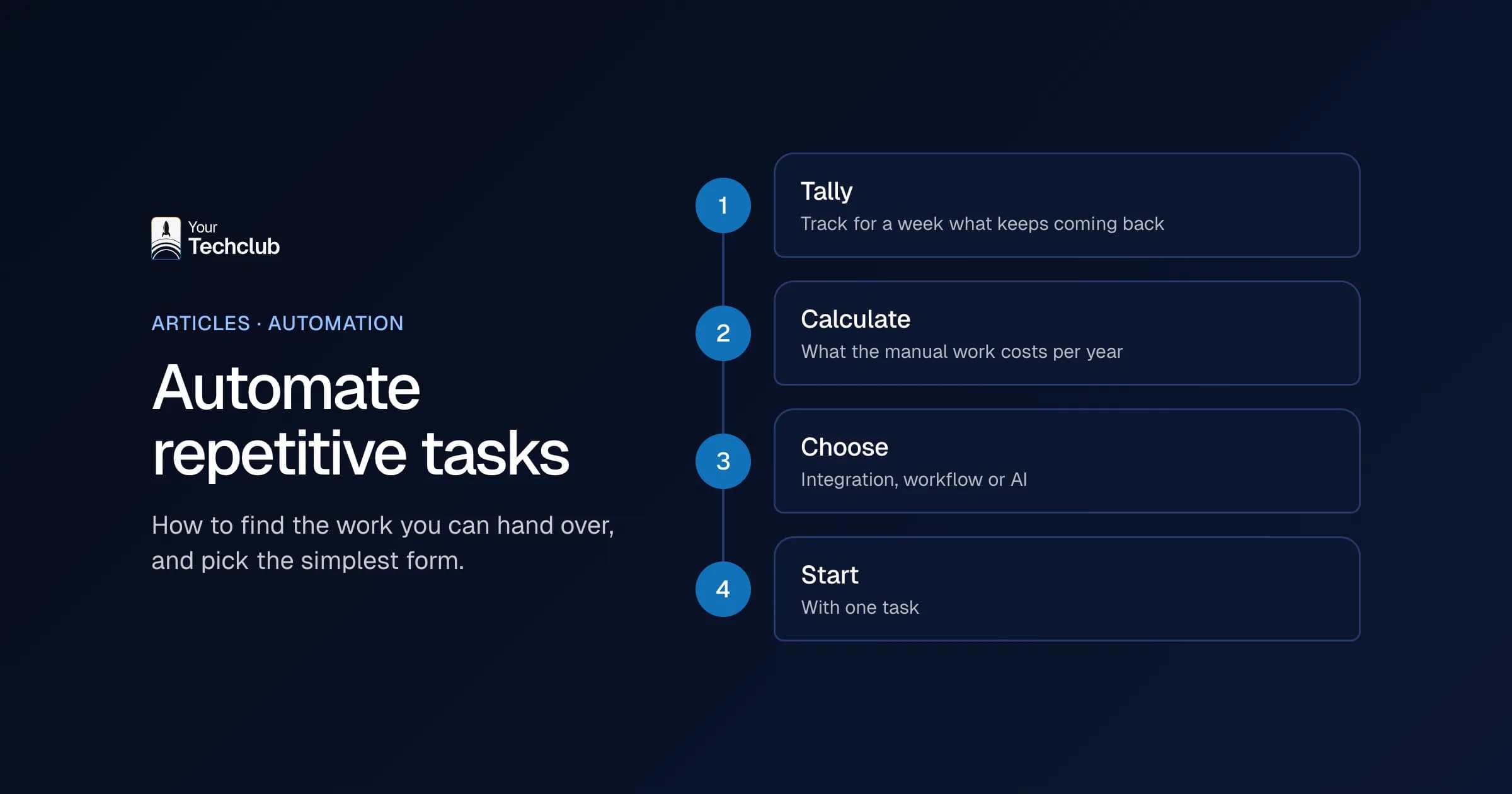
Start with one crew and one type of job. Run it for two weeks, check the job sheets by hand and adjust the questions. Only then roll it out to the rest.
When shouldn't you start on this?
When your rates and contract terms aren't written down anywhere. Then you are automating an argument, not a process. First settle what an hour costs under which contract, and only then the rest.
The same goes for low volumes: a few job sheets a day are quicker to process by hand. You can work out what the current manual work costs with the cost of manual work. How the invoice side works is covered in automating invoice processing, and the AI Opportunity Audit finds out where most work is piling up in your business.
Frequently asked questions
What do you gain from automating job sheets?
Mainly a shorter path from job to invoice. The gain isn't in filling in the form but in the admin afterwards: fewer questions to engineers, less material that goes uncharged and fewer days between completion and invoice. Work it out with your own numbers.
Isn't an app for engineers enough?
An app moves the data entry but leaves the admin afterwards in place. As long as someone has to read the job sheet, fill in the gaps and turn it into invoice lines, that step remains the bottleneck. The gain is in what happens after saving.
Does this work without signal on site?
It should be a requirement. Basements and meter cupboards are exactly the places without a connection. Let the job sheet save locally and sync later, and make sure the engineer can see that it worked.
How do you prevent invoicing errors?
By making doubtful cases visible instead of resolving them silently. A missing part number or an hour outside the contract should come back to a person as a question. They review it and approve.
Where is the best place to start?
With one crew and one type of job. Run it for two weeks, compare the result with a manual check and adjust the questions. Only when that is stable do you roll it out to the other crews.
What do you do with materials taken from the van?
Let the engineer scan them or pick them from the stock in their own van, and have that change feed straight into the invoice lines and the reorder proposal. Material that doesn't make it onto the job sheet is neither charged nor reordered.