In this article
- What is an AI agent in an SME?
- 12 AI agent use cases for SMEs
- Which three are easiest to start with?
- How do you choose your first use case?
- What data does an agent need?
- What does a simple agent look like?
- From test to daily use
- Stay in control from the first agent
- When not to build an agent yet
- An agent as a colleague, not a replacement
- Frequently asked questions
Almost every business with ten to 150 employees has work that happens the same way every day. Picking up a lead and qualifying it. Reading an email and passing it on. Matching an invoice against a purchase order. That work is predictable, but just too messy for a fixed rule. That is exactly where an AI agent fits.
This article lists twelve applications, shows which are easiest to start with and what you need before you build. And when you are better off waiting.
What is an AI agent in an SME?
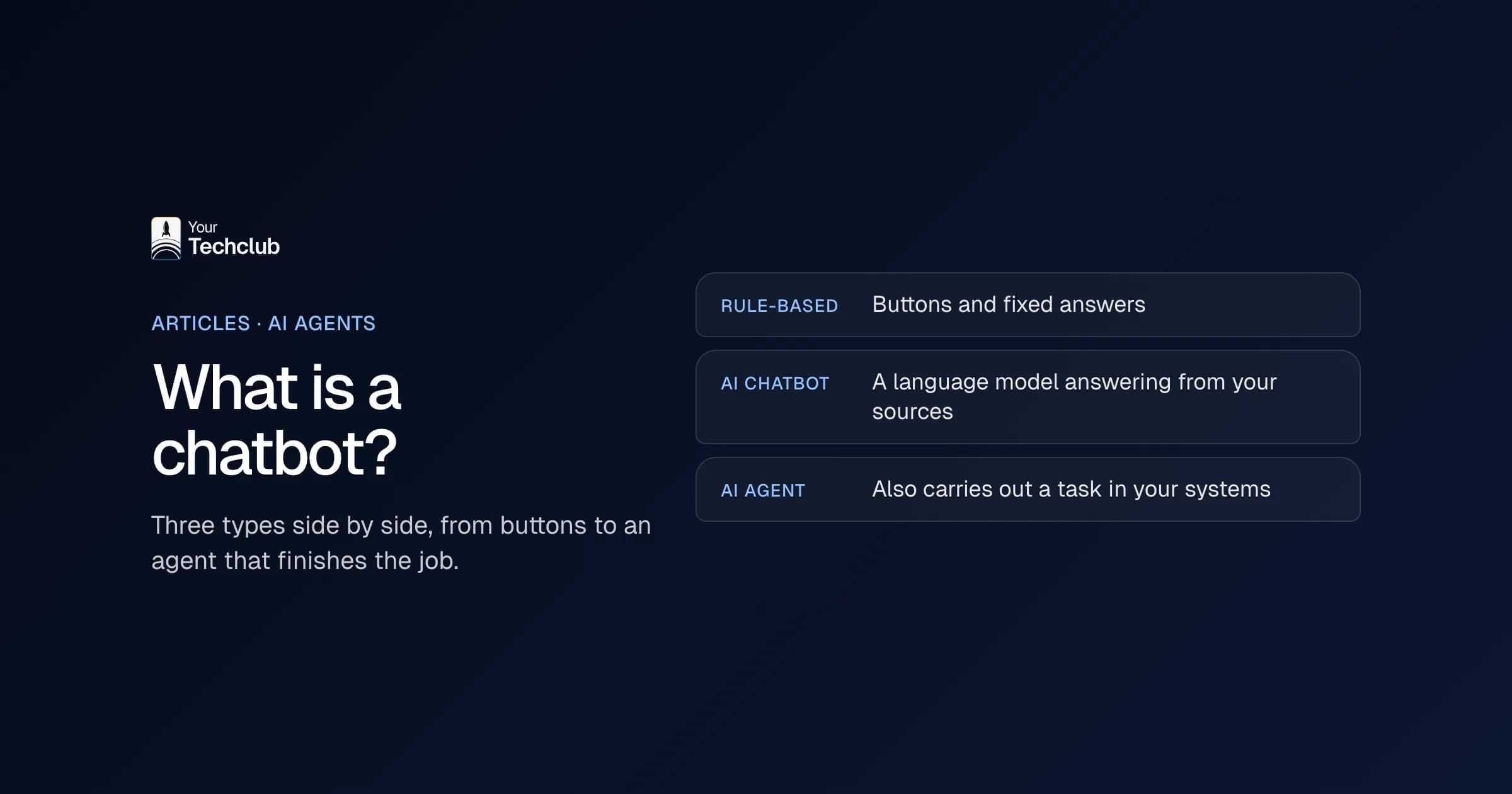
An AI agent is software that handles a task based on a goal, context and business rules. The difference with a chatbot: a chatbot answers, an agent works inside your process. It reads data from your systems, decides what needs to happen and writes the result back.
Don't think of one agent that does everything. Think of small agents, each with one clear task per process. Those you can test, check and switch off if they don't work.
12 AI agent use cases for SMEs
Sales
- Lead qualification: reads new enquiries, adds what you already know, judges how well the lead fits and puts a follow-up suggestion in the CRM.
- Quote preparation: summarises the request, flags what is missing and drafts a quote from your own text blocks.
- Meeting follow-up: turns notes into a summary, action points and a draft email.
Operations
- Inbox triage: sorts incoming email by topic and routes it to the right team or queue.
- Project status: gathers progress from your systems and writes it up as a status update.
- Contract summaries: pulls terms, notice dates and unusual agreements out of a contract.
Support
- Ticket classification: gives every ticket a category and a priority.
- Suggested replies: drafts an answer from your own knowledge base, with the source attached.
Finance
- Invoice checks: lines up invoice, purchase order and delivery note and only flags the differences.
- Collections follow-up: prepares reminders based on open items and earlier agreements.
HR and marketing
- Application intake: compares CVs with criteria set in advance, so a recruiter can assess faster.
- Content repurposing: turns one article or webinar into versions for other channels.
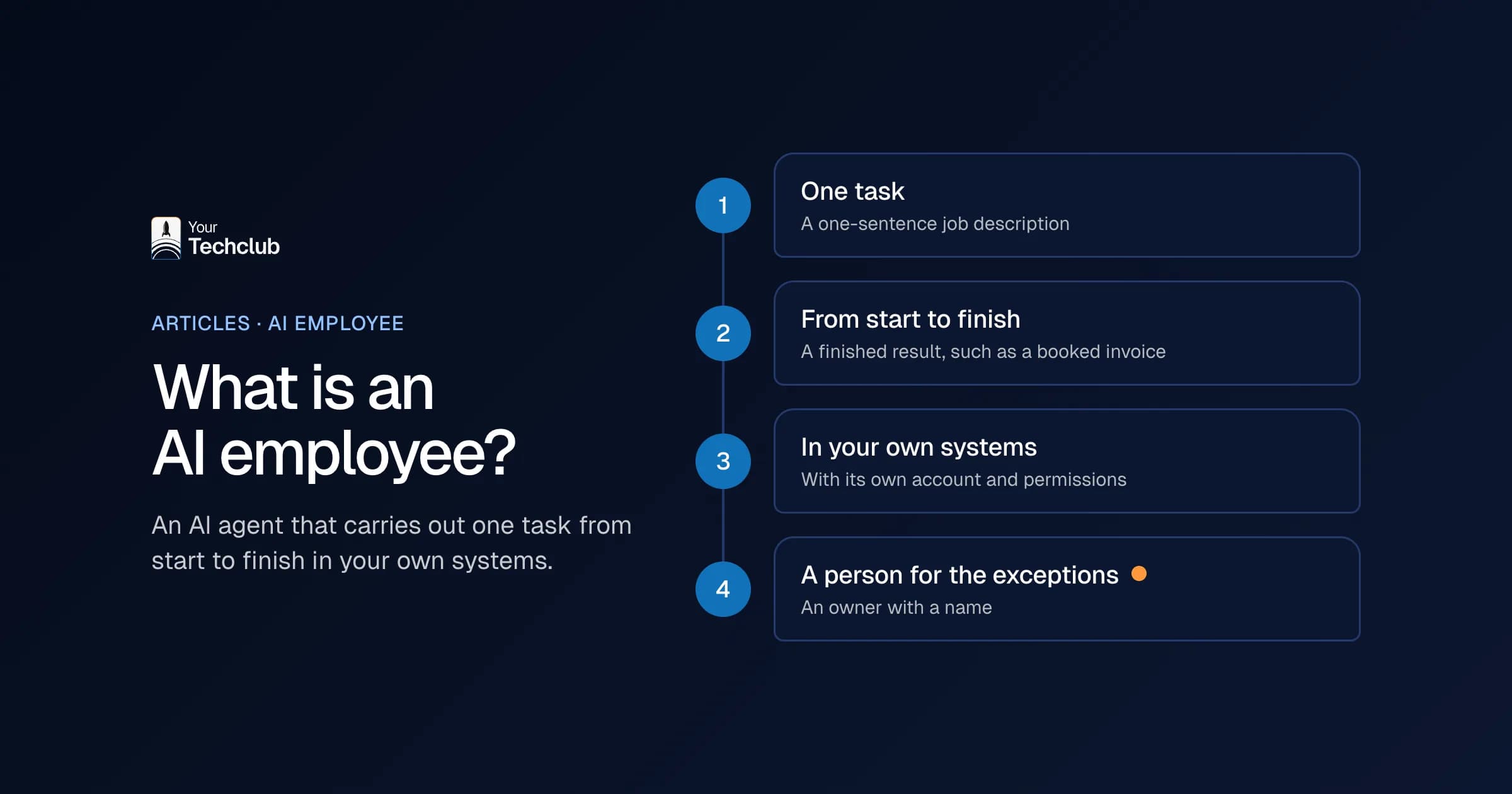
Several of these tasks are worked out as an AI employee, such as the Lead Responder, Inbox Triage and the Invoice Checker.
Which three are easiest to start with?
1. Lead qualification
New enquiries arrive through a form or by email. The agent reads them, looks up what you already know about the company and puts an assessment and follow-up suggestion in the CRM. A salesperson decides. The gain is speed: the enquiry doesn't sit in a pile for a day.
2. Inbox triage
The agent gives every message in a shared mailbox a category, such as support, sales, planning or billing, and routes it. The more email you receive per day, the more it saves. How to set that up in Outlook is covered in automating email processing in Outlook.
3. Invoice checks
The agent checks incoming invoices for fields, amounts and the match with the purchase order. A person approves. The digging gets smaller, the decision stays where it belongs. The full approach is in automating invoice processing.
How do you choose your first use case?
Put your candidates side by side and test them on five points.
- Volume: the task happens at least dozens of times a week.
- Few exceptions: the process usually runs the same way.
- Clear output: a ticket, a summary, a score, a draft email or an updated record.
- Measurable: you can compare time, errors or lead time before and after.
- Reachable data: there is an API, a webhook or another structured source.
If a process scores well on all five, you have your first candidate. Then run the numbers with your own figures. How to do that is explained in calculating the business case for AI and what manual work costs.
What data does an agent need?
An agent is rarely better than the context it gets. Data access is often more important than the choice of model. Check for each use case:
- Input source: mailbox, CRM, ERP, ticketing system or a shared folder.
- Past examples: earlier tickets, quotes or invoices to test with.
- Business rules: what is the agent allowed to do, and what not?
- Output location: where does the result end up?
- Escalation: when does a person take over?
How to connect an agent to your own systems is covered in connecting an AI agent to your existing systems.
What does a simple agent look like?
For most SME applications, this structure is enough:
- A trigger: a new email, a new record or a set time.
- Fetching context from the systems that matter.
- A language model step with clear instructions and a fixed output format.
- Checks with fixed rules: is the format right, does the customer number exist, is the amount within the limit?
- Writing the result back and recording what happened.
Start with an integration platform such as n8n or Make if that's enough. How they compare with each other and with Zapier is covered in n8n, Make or Zapier. Only move to your own code when volume, security or complexity call for it. What you can build yourself with Copilot Studio, ChatGPT, Claude or n8n, and where that stops, is in building your own AI agent.
From test to daily use
Work in this order:
- Choose the process, record the current time and error rate, and appoint an owner.
- Arrange access to the data and write down the business rules and output format.
- Build a first version and test it on a set of real past examples.
- Fix the errors you find and improve instructions and routing.
- Let the agent run alongside your team, with a person approving every outcome.
- Assess against your measures and decide: scale up, improve or stop.
Measure at least five things: lead time per task, the share of outcomes that were right without correction, how many tasks actually go through the agent, how often a person has to take over and what it delivers in hours or errors.
Stay in control from the first agent
Even a small agent needs agreements. Give it access only to the data it needs. Record the input, output and decisions. Check every outcome at the start. And agree when the agent stops and hands over to a colleague. More on the risks in AI security for SMEs.
Don't build five agents at once either. Prompt versions, exceptions and ownership get mixed up. One agent live, make it stable, then the next. Ideally a process with the same logic, and only after that something with more exceptions or more sensitive data.
When not to build an agent yet
Sometimes not building is the best choice.
- The process changes every week and has no fixed steps.
- There are too few cases to measure quality or return.
- The information is spread across inboxes, loose documents and people's heads.
- Nobody on the team can give feedback or handle exceptions.
Clean up the process first. Automate after that. Sometimes a fixed rule without a language model is simply better; see AI agent or regular automation.
An agent as a colleague, not a replacement
In an SME, an agent works best as help within the team. It takes away the repetitive work, so people have more time for customers, quality and follow-up. That usually doesn't mean less work, but different work.
Want to know which agent would deliver most in your business? In the AI Opportunity Audit we put your processes side by side and choose the first one. What building one costs is on AI agent costs.
Frequently asked questions
Which AI agents deliver results fastest in an SME?
Usually agents for lead qualification, quote preparation, inbox triage, invoice checks and meeting follow-up. These processes have a lot of repetition and a clear outcome, so you quickly see whether it works.
Do you always need custom software for an AI agent?
No. Many applications can start with an integration platform such as n8n or Make plus a language model. With higher volumes, stricter security requirements or several systems, your own code is often the better choice. See AI agent development.
Which department is the best starting point?
Sales, operations, support and finance. That's where you find a lot of repetitive work with clear input and an outcome you can measure. Avoid starting in processes with many legal exceptions or long approval chains.
What data does an AI agent need at minimum?
Access to the source where the work arrives, such as the mailbox, CRM or ticketing system. Plus past examples, clear business rules, a place to write the result back and agreements on when a person takes over.
When is it too early for an AI agent?
When the process is still messy, volume is low, data is hard to reach or nobody wants to own it. Clean up the process first. An AI Opportunity Audit helps you decide where to start.