

In this article
- Why do companies look for WordPress alternatives?
- Which WordPress alternatives are there for businesses?
- When is a website builder enough?
- When do you choose Shopify as an alternative to WordPress?
- When do you choose a headless CMS with a custom site?
- When are you better off staying on WordPress?
- What does switching to one of the WordPress alternatives cost?
- What should you ask an agency that recommends an alternative?
- How do you switch without losing your place in Google?
- Frequently asked questions
Anyone looking for WordPress alternatives is usually not angry with WordPress. They are tired. Tired of plugins that want an update every week, of a page builder in which nobody dares to move anything any more, or of forms that end up in a mailbox. In this article I put five routes side by side, including the one hardly anyone mentions: simply staying, but with things properly organised.
I'm Yassine Seghrouchni, founder of Your Tech Club in Amsterdam. We don't build new WordPress sites any more, but we do maintain them. And we help companies that switch. So I have an opinion, and I'll be upfront about it.
Why do companies look for WordPress alternatives?
Usually for three reasons: plugin maintenance costs too much time or money, the editors get stuck in the page builder, or the site has to do more than WordPress handles easily, such as putting leads straight into a CRM. The reason is rarely that WordPress is "outdated". Because it isn't. And if your site is mainly slow, first see what you can do yourself about a slow WordPress site.
First, some context. According to W3Techs, WordPress runs on 39.5% of all websites, and on 58.2% of the websites whose CMS is known (W3Techs, Usage statistics of WordPress, data 1 November 2026). So it is not a dying system, and new major versions still come out regularly.
The problem lies mainly in what hangs around it. In 2025, according to Patchstack, 11,334 new vulnerabilities appeared in the WordPress ecosystem, 91% of them in plugins and only 6 in WordPress itself (Patchstack, State of WordPress Security in 2026, updated February 2026). So the more plugins your site needs, the more maintenance you are buying.
What you often hear is not a technical reason but a feeling: the team no longer dares to change anything, because something will break. That usually points to too many plugins and too little maintenance, not to WordPress itself.
Which WordPress alternatives are there for businesses?
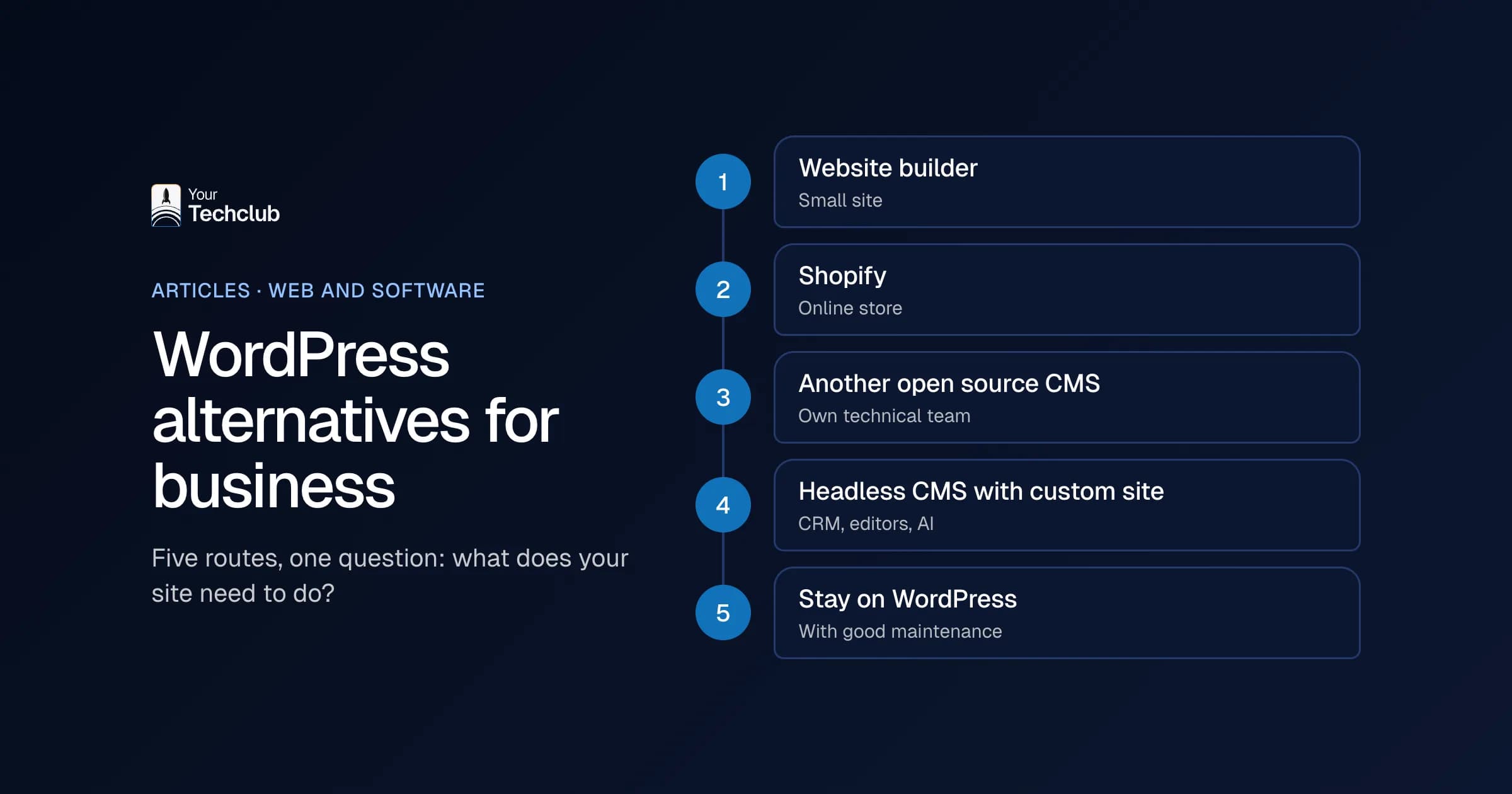
Roughly five routes: a website builder such as Wix, Squarespace or Webflow, Shopify for an online store, another open source CMS, a headless CMS with a custom site, or staying on WordPress with better maintenance. Which of these WordPress alternatives fits depends on what your site has to do. Not on what sounds most modern.
| Route | Suits | Watch out |
|---|---|---|
| Website builder (Wix, Squarespace, Webflow) | Small site, few integrations, team without a developer | You are tied to the platform; moving later is hard |
| Shopify | Online store that wants to grow without its own servers | For a site without a shop, it is the wrong toolbox |
| Another open source CMS (such as Drupal or Joomla) | Organisations with their own technical know-how | There, too, you have extensions and updates; you swap one ecosystem for another |
| Headless CMS with a custom site (such as Strapi with Next.js) | Site tied to your CRM and processes, editors who publish often | Higher build costs, you need a developer for new blocks |
| Staying on WordPress, with better maintenance | Site that works and mainly shows information | You keep plugin maintenance, so organise it well |
I'll go through them briefly below. On purpose, I write little about the details of each product: prices and features change more often than this article.
When is a website builder enough?
A website builder is enough when your site is small, mainly shows information and hardly needs to talk to other systems. Think of a freelancer, a small practice or a start-up that wants to test the water first. The platform takes care of hosting and updates, so you can focus on the content.
The flip side is dependence. Your content, your design and often your forms sit in one supplier's system. If you want to leave later, you usually rebuild. Integrations with your CRM or accounting are also often limited to what the platform offers.
What I would not do: move a company site with dozens of pages, a blog and integrations to a website builder just to get rid of the maintenance. You then trade a maintenance problem for a growth problem.
When do you choose Shopify as an alternative to WordPress?
Choose Shopify when your site is mainly an online store, or needs to become one. Shopify takes care of hosting, payments and scaling during peaks, so you don't have to prepare servers for your busiest day. For a WooCommerce store that is hitting its limits, it is often the logical step among the WordPress alternatives.
You can see that in our case studies. In the case study from WooCommerce to Shopify, the old shop got stuck during campaign peaks. After the switch, such a day no longer needs any extra server work. For a second example, see the case study on a Shopify Plus store after a migration. If you want a Shopify store yourself, take a look at Shopify store development.
For a site without a shop, however, Shopify is not a good WordPress alternative. It can handle blogs and pages, but it was made to sell. Torn between Shopify and WooCommerce? Then read Shopify or WooCommerce.
When do you choose a headless CMS with a custom site?
Choose a headless CMS with a custom site when your website is more than a shop window. For example, when forms have to land straight in your CRM, when your editors publish every week or when you want AI to work with your leads and content. Then a custom site gives you freedom without the WordPress plugin pile.
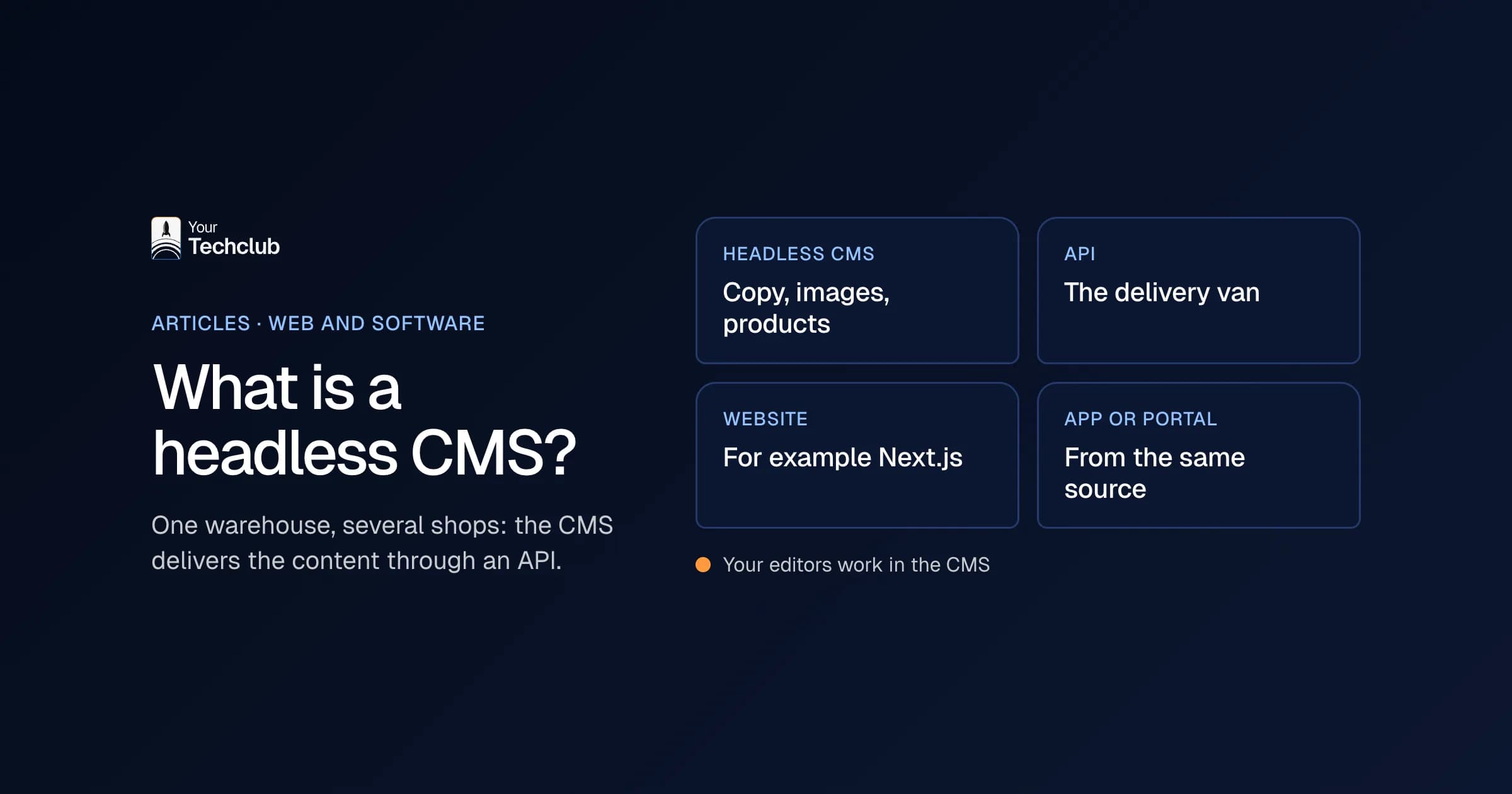
With a headless CMS, managing your content is separate from the website itself. Your editors work in the CMS, and the site fetches the content through an API. I explain exactly what that means in what a headless CMS is.
This is the route we build. For now, we call it the WordPress switch: a custom site with Next.js and Strapi in which your editors work themselves, redirects for all your old URLs, forms that land straight in your CRM and a first AI employee. That AI employee, for example, qualifies leads, prepares quotes or answers customer questions. After that, we look after the site with a website agent and an SLA. You can read how that works under redesigning your WordPress website.
To be fair, this is the most expensive route to build. It pays off when your site really does work for you. For a site that changes twice a year, I would not choose it.
My signal to recommend this route: leads from the site are typed into the CRM by hand, or the editors need a developer for every new page. Then the site is doing work a custom site does better.
When are you better off staying on WordPress?
Stay on WordPress when your site works, mainly shows information and your team gets on fine with it. In that case it is smarter to organise the maintenance properly than to replace everything. A switch costs money and time, so it has to deliver something you are missing now.
That route often gets forgotten, because nobody earns anything by recommending it. Still, for many companies it is the best answer. Clear out unused plugins, run updates through a staging site and agree who watches for vulnerabilities. That is what we do, for example, with our WordPress maintenance.
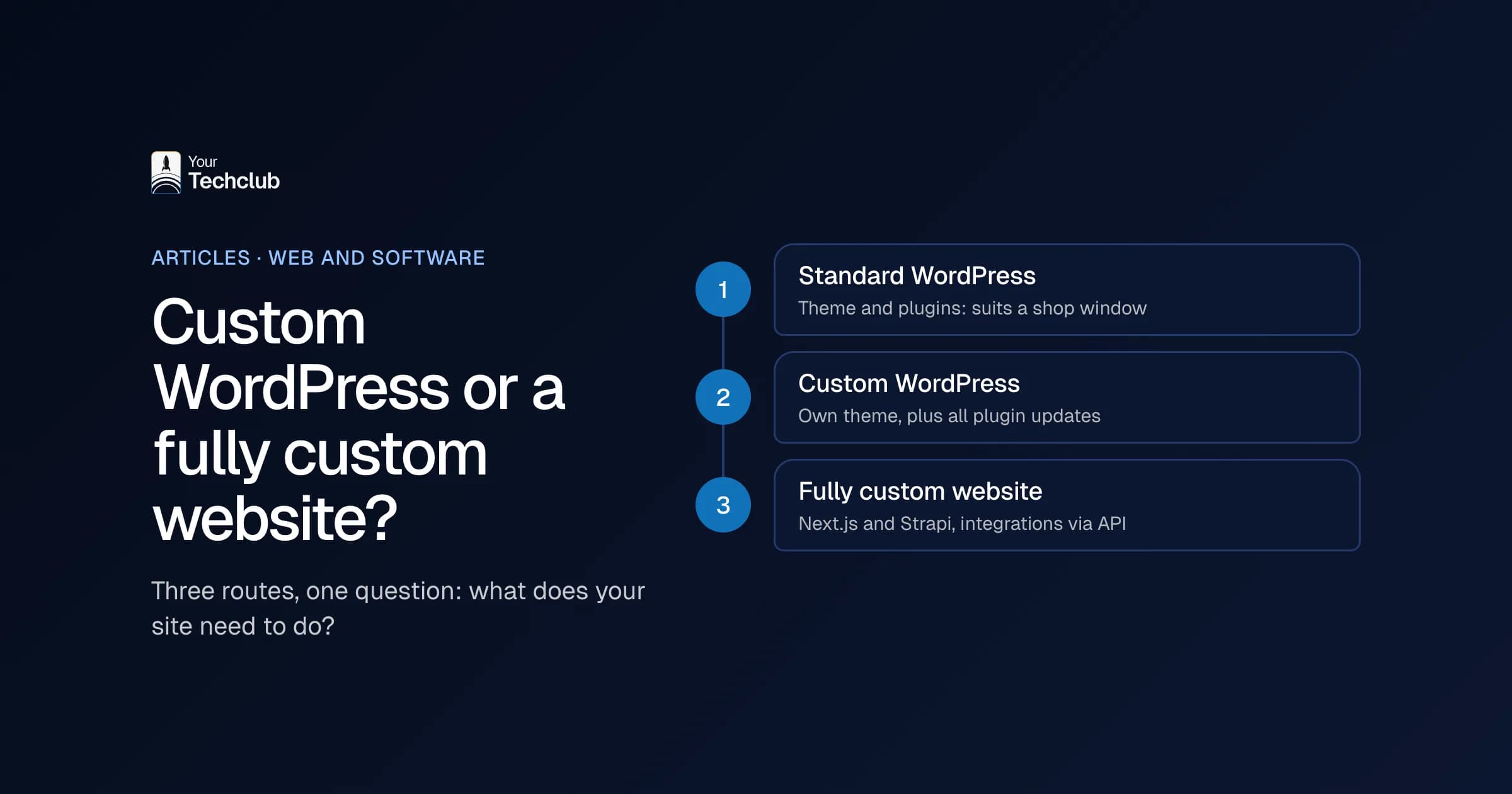
Still torn between staying and switching? Then read custom WordPress website or fully custom. It has a short decision guide with five questions.
What does switching to one of the WordPress alternatives cost?
That depends mainly on the route. A website builder costs little to set up, but you pay a subscription for as long as you stay. A custom site with a headless CMS costs more to build. So never compare only the build price, but the total costs over three years, including the move and maintenance.
At least put these items side by side:
- Building or setting up the new site.
- The move itself: transferring content and a redirect for every old URL.
- Subscriptions or licences per month or per year.
- Maintenance: who does the updates, and how many hours does that take?
- Training your editors in the new system.
Moreover, don't forget the cost of staying. Hours for plugin updates, repairs after an outage and changes your editors can't make themselves all count too. Sometimes staying turns out to be more expensive than you thought. Sometimes it doesn't.
What should you ask an agency that recommends an alternative?
Ask mainly about ownership and leaving. Who owns your content, can you export it in one go, and what happens to your old URLs? A good agency has a direct answer to that. An agency that only talks about the new system is mainly selling that system.
My list for a conversation like that:
- Who will own the content, the design and the code?
- How do I get my content out if I want to leave later?
- How do you make sure every old URL gets a redirect?
- Can forms land straight in my CRM?
- Who does the maintenance after launch, and with what response times?
If your company works in English and Dutch, add one more: how does the new system handle two languages, and who keeps both versions in step?
If you get no concrete answer to the maintenance question, you actually know enough already. A new system without maintenance agreements will, two years from now, run into the same problems as your WordPress site today.
How do you switch without losing your place in Google?
By sending every old URL to the best matching new page with a permanent redirect, taking your content with you and keeping an eye on Search Console in the weeks after launch. Whichever of the WordPress alternatives you choose, the move decides whether you keep your visitors.
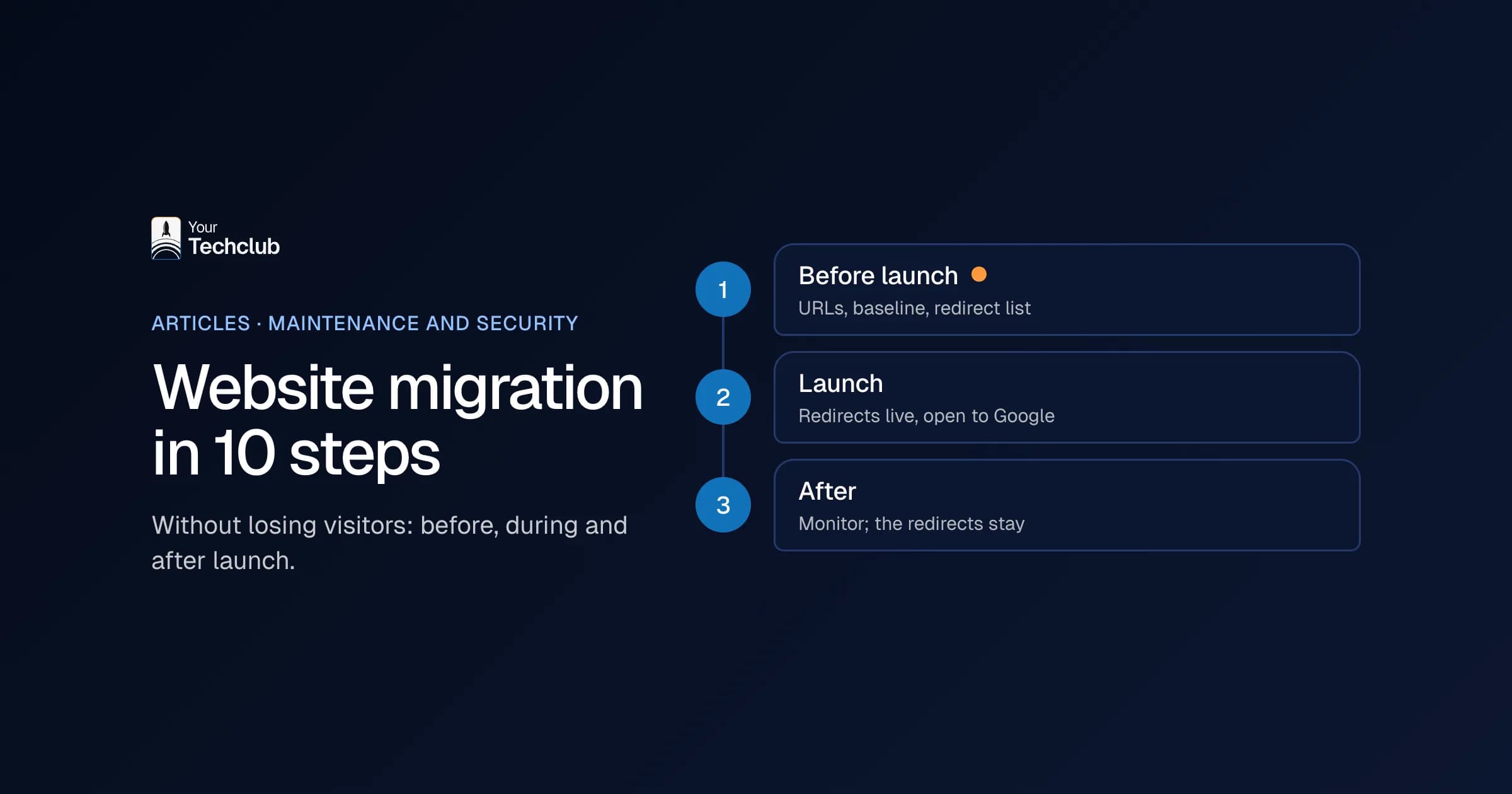
We did it ourselves too. Our own Dutch site, yourtechclub.nl, moved from WordPress to a custom Next.js site in 2026. Of the 168 indexed addresses on the old site, 115 no longer had a page of their own. Each of them got a redirect to the page closest to it in content. The full plan, from URL list to aftercare, is in the website migration checklist in 10 steps.
Frequently asked questions
What are the best WordPress alternatives?
That depends on what your site has to do. For a small site a website builder is often enough, for an online store Shopify, and for a site tied to your CRM and processes a headless CMS with a custom build.
Is WordPress still secure enough for businesses?
WordPress itself has few vulnerabilities. The risk lies mainly in plugins and in updates that fall behind. With good maintenance, few plugins and two-factor authentication, you can keep a WordPress site perfectly secure.
Can I take my WordPress content to another system?
Yes. You can move copy, images and the structure of your pages. Plugins and page builder layouts usually don't carry over one to one; you rebuild those, often more simply.
Is a website builder cheaper than WordPress?
For a small site often yes, because hosting and updates come with the subscription. But if you want to grow or connect systems later, the limitations can turn out more expensive than you thought.