In this article
Most leadership teams have seen the list by now: dozens of AI applications, from chatbots to smart scheduling. What the list rarely tells you is which application fits your work, who still checks the output and what you need to sort out before it pays off.
This overview goes department by department. For each application you get three things: what it does, when it fits and where a person stays in charge. Then a link to the article that covers it in depth.
The goal isn't as much AI as possible. The goal is less manual work where it currently costs time or causes errors, without losing sight of what happens.
Want to know first how to introduce AI? Read the step-by-step plan for implementing AI. Roles worked out per department are at AI employees.
Why a list of AI applications rarely helps
A list starts with the technology. You read what AI can do, then look for somewhere to use it. That's how you get pilots that work in a demo and then stall, because nobody decided which work should shrink or how to measure it. More on that in why AI pilots fail.
We turn it around: opportunity first, technology second. Start with the work that comes back every week, count how often it happens and what it costs, and only then ask whether AI is the right tool. Sometimes a fixed rule or a plain integration does the job better. The difference is explained in AI agent or ordinary automation.
Three kinds of AI application
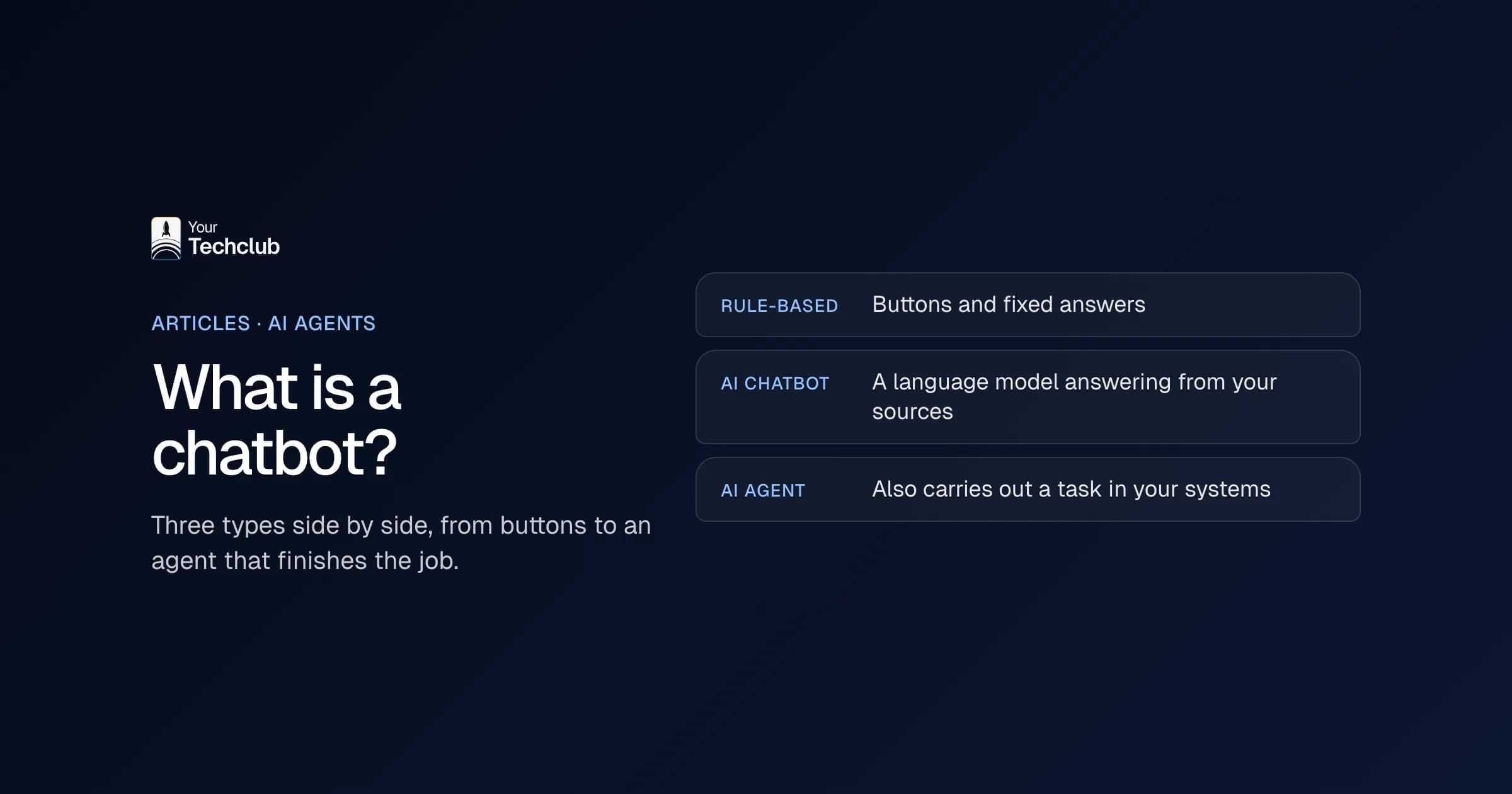
Almost everything below falls into one of three kinds. They differ in cost and in how much oversight they need.
- Assistance: an employee uses a tool like ChatGPT or Copilot alongside their work. Drafts, summaries, translations. No integrations, but you do need house rules.
- Processing: AI reads email, documents or forms and puts the data into a system. This is where most repetitive work sits, and where you need integrations.
- Decision support: AI summarises, compares or flags anomalies so a person can decide faster. The decision stays with that person.
Finance and administration
Reading and checking invoices
- What it does: pulls supplier, amount, VAT and order number from incoming invoices and matches them to the purchase order.
- When it fits: invoices arrive in different layouts and in enough volume to justify the setup.
- Where a person decides: on discrepancies and on approving the payment.
The full approach is in automating invoice processing.
Chasing overdue payments
- What it does: prepares reminders based on open items and previous arrangements with the customer.
- When it fits: you send many invoices with fixed payment terms.
- Where a person decides: for a customer with an open dispute or a payment plan, and at the step to debt collection.
See automating accounts receivable.
Email and documents in the back office
- What it does: sorts incoming email, extracts data from PDFs and checks whether a file is complete.
- When it fits: a large part of the day goes into retyping and forwarding.
- Where a person decides: on contracts, amounts and personal data.
Fifteen applications are covered in automating administrative processes with AI. For bookkeeping itself, see AI in bookkeeping.
Where it goes wrong: a model that misreads an amount sounds just as confident as one that reads it correctly. Always check amounts with a fixed rule. Does the total match the lines, does the supplier exist, is it within the order?
Customer service
Sorting and routing questions
- What it does: gives every message a topic and an urgency and puts it in the right queue.
- When it fits: you have a shared mailbox or ticketing system with many similar questions.
- Where a person decides: on complaints, and on anything that lands in the "unclear" category.
How to set that up in Outlook is in automating email processing in Outlook.
Preparing answers
- What it does: finds the answer in your knowledge base or order system and prepares a draft, with the source attached.
- When it fits: your answers live in one place and are up to date.
- Where a person decides: on goodwill gestures, financial corrections and cancellations. And on every draft until you have measured the quality.
The full approach, from question mix to handover to a person, is in automating customer service with AI.
Where it goes wrong: a bot answering from outdated information, and a customer stuck with no way to reach a person. Always make that route visible, and tell customers they're talking to AI. The EU AI Act sets transparency requirements for systems that interact directly with people.
Sales
Qualifying and following up leads
- What it does: reads new enquiries, enriches them with what you already know and puts a follow-up suggestion in the CRM.
- When it fits: you have a fixed enquiry form or a sales inbox with leads of mixed quality.
- Where a person decides: the salesperson decides whether and how to follow up.
Worked out as an AI employee: the Lead Responder.
Preparing quotes
- What it does: turns an enquiry into scope, quantities and open questions, and drafts a quote from your own text blocks.
- When it fits: your quotes are built from recognisable parts.
- Where a person decides: price, discount and terms.
Call notes and CRM updates
- What it does: turns notes or a transcript into a summary, action points and suggested CRM fields.
- When it fits: salespeople have lots of conversations and the CRM lags behind.
- Where a person decides: the salesperson confirms what goes into the CRM.
See AI meeting minutes.
Where it goes wrong: a CRM full of auto-filled fields nobody checked. After a few months nobody trusts the data. Let the AI suggest and let a salesperson confirm.
HR and recruitment
Pre-sorting applications
- What it does: compares CVs against criteria you set in advance, so a recruiter can assess faster.
- When it fits: you get many applications for the same role.
- Where a person decides: on every rejection and every invitation.
How to do this carefully is in AI CV screening.
Onboarding and HR questions
- What it does: answers questions about leave, expenses and procedures from your own policies, and sets up onboarding tasks.
- When it fits: your policies are written down and the same questions keep coming back.
- Where a person decides: in personal situations such as illness, conflicts or a dismissal.
Worked out as an AI employee: the Onboarding Assistant.
Where it goes wrong: AI that makes decisions about people. Under the EU AI Act, recruitment and selection fall into the high-risk category, with stricter requirements for human oversight. See AI Act and GDPR: what you need to arrange now.
Operations and planning
Processing job sheets and reports
- What it does: turns a job sheet or fault report into structured data: what, where, which materials, how many hours.
- When it fits: you're a technical business where information travels from field staff to the office on paper, photos or chat messages.
- Where a person decides: on deviations that affect the invoice.
See automating job sheets and planning at an installation company.
Orders from email and PDF
- What it does: extracts order lines from emails and attachments, checks product codes and prepares a draft order.
- When it fits: you're a wholesaler or manufacturer whose customers order in their own way.
- Where a person decides: on unknown product codes and unusual quantities.
The worked example is in automating business processes with AI.
Preparing schedules
- What it does: collects availability, appointments and changes and proposes a schedule or a replacement.
- When it fits: the scheduling rules are known but the input arrives in a mess.
- Where a person decides: the planner, who sets the schedule.
Worked out as an AI employee: the Shift Filler.
Where it goes wrong: a proposed schedule nobody trusts. Show why the proposal looks the way it does, or the planner will redo it by hand anyway.
Management and reporting
Putting reports together
- What it does: pulls figures from your systems, puts them in a fixed format and writes a commentary on the deviations.
- When it fits: someone currently spends a day copying and pasting for a weekly or monthly report.
- Where a person decides: on the commentary and the conclusions.
Worked out as an AI employee: the Report Builder.
Asking questions of your own documents
- What it does: searches policies, contracts and minutes and answers with the passage it came from.
- When it fits: knowledge is scattered across folders, mailboxes and the heads of a few colleagues.
- Where a person decides: on interpreting contracts and on legal questions.
Where it goes wrong: figures the model calculates or invents itself. Numbers should always come from the source system; the model only writes the text around them. See preventing AI hallucinations.
Which application should you start with?
Not the one that sounds most impressive, but the task that comes back most often and where a person can quickly see whether the result is right. Four questions help:
- Volume: does the task come up dozens of times a week?
- Repetition: does it usually go the same way?
- Data: does the input already arrive digitally, in a system or a mailbox?
- Checking: can someone tell in a few seconds whether it's right?
The full selection model is in which business processes suit AI. Then run the numbers with the business case for AI and what manual work costs.
Do it yourself or have it built?
Assistance is usually something you arrange yourself: a business account, house rules and a short training. See ChatGPT for business and Microsoft 365 Copilot for business.
For processing with integrations into your own systems, a tool on its own usually won't get you far enough. Where that line sits is covered in building your own AI agent. The agents SMEs most often build first are in AI agent use cases for SMEs.
Next step
Spotted several candidates and not sure which one pays off most? In the AI Opportunity Audit we put your processes side by side, run the numbers and pick the first one. The audit may also conclude that AI isn't worth it in a particular place.
Frequently asked questions
What AI applications are there for businesses?
Broadly three kinds. Assistance: an employee uses a tool like ChatGPT or Copilot. Processing: AI reads email and documents and puts the data into your systems. Decision support: AI summarises and flags anomalies, and a person decides. The examples differ per department, from invoice processing in finance to sorting questions in customer service.
What are the best AI applications for a small or mid-sized business?
The best one is the task that comes back most often in your business, arrives digitally and is quick to check. Common starting points are sorting email, reading invoice data, preparing quotes and processing call notes. Which one pays off most depends on your own volumes.
Which AI applications can you use in the office straight away?
Drafting, summarising documents and meetings, translating and analysing an export. For that you need a business account and house rules, not integrations. See writing an AI policy.
Where should AI not make decisions on its own?
On amounts that leave the business, on decisions about people such as job applicants, on contracts and on complaints. There AI prepares and a person decides. Under the EU AI Act, recruitment and selection are also classed as high risk.
Do you need an IT department for AI applications?
No. You do need someone who owns the process and judges whether the output is right. See AI implementation without an IT department.